
Mobile filmmaking is no longer theoretical.
New year. New gear. New stories.
How we made the Shot on iPhone short film ‘String Theory’.
Written by Kirk Mihelakos | February 3, 2026
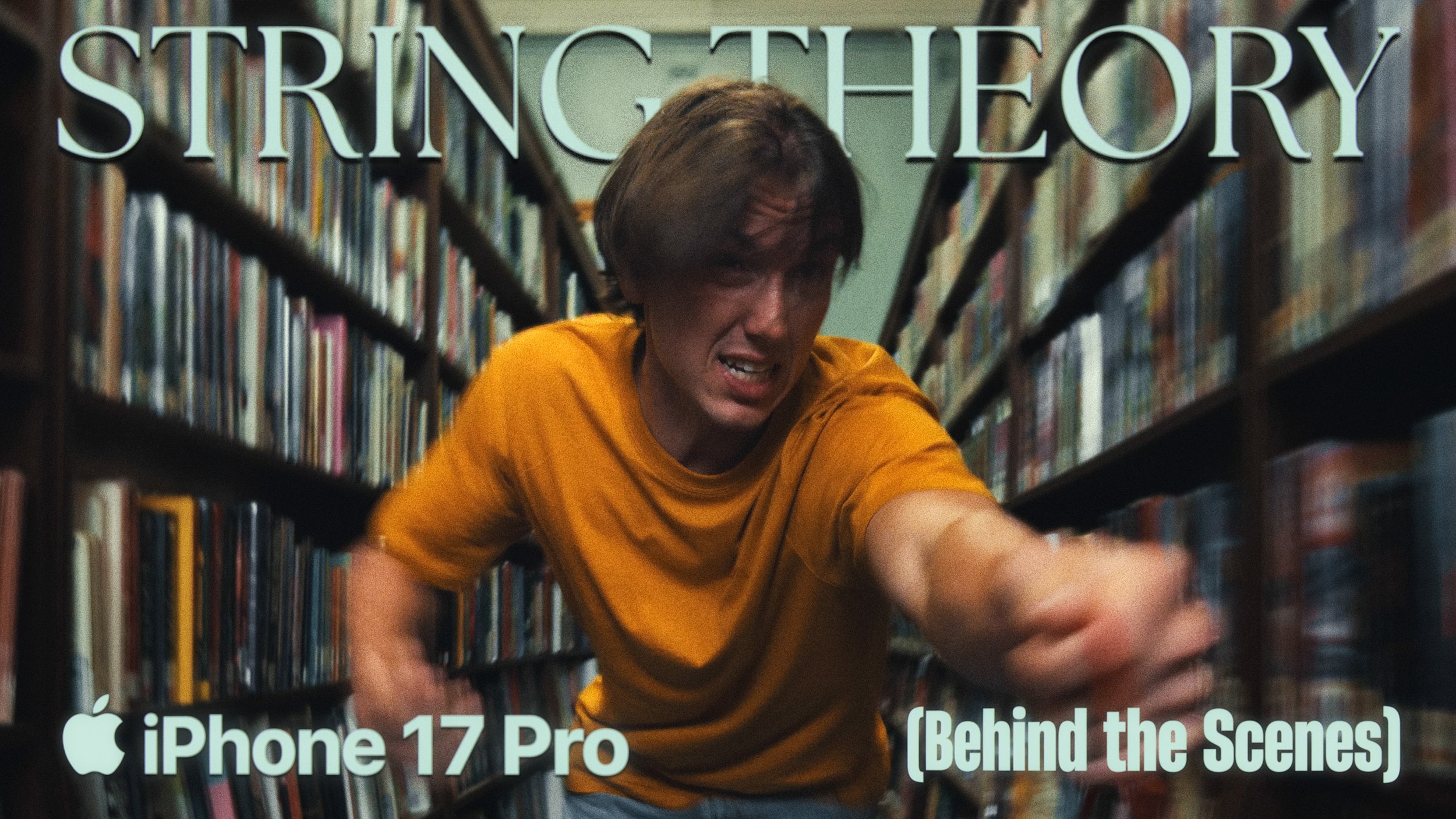
Over 11 locations, minimal gear and a nimble crew, set the stages testing mobile filmmaking to its limits.
Throughout our mobile-filmmaking journey over what has been just under a year, I’ve constantly expressed how much I love shooting short films on the same device I use everyday for hundreds of tasks. The list of benefits are ultimately unparalleled versus capturing our next stories on traditional cinema rigs. But none of those benefits come close to the fact that the best part about shooting on iPhone (and any other smartphones for that matter), is how the size of the device enables limitless flexibility for productions. With that being said, to kick off 2026, we decided to challenge ourselves to shoot a short film with large location and shot selection scope, to really push the limits of how quickly we could move, with a minimal crew and gear, across vast landscapes throughout our state.
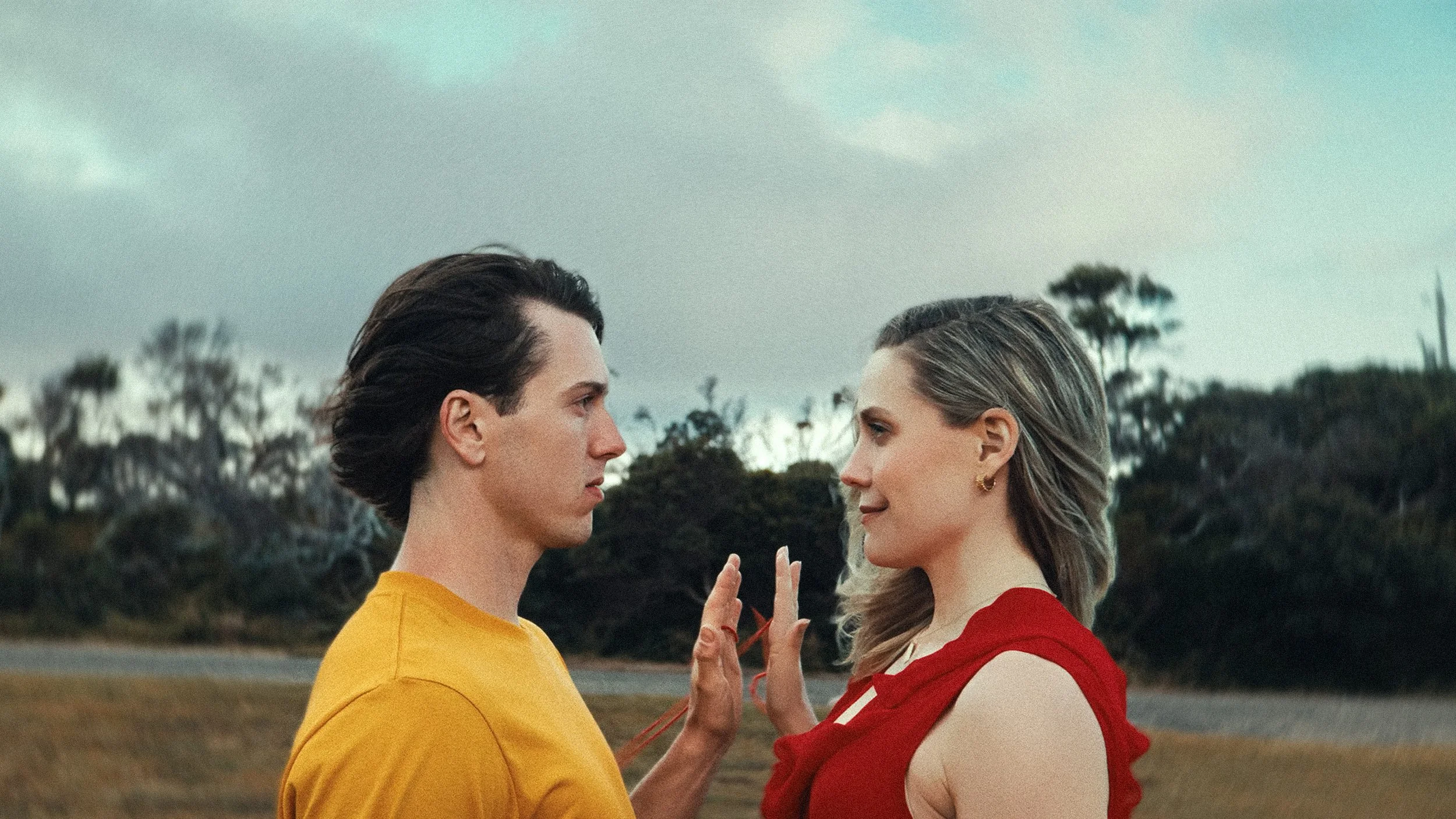
The concept of ‘String Theory’ was born, after watching an episode of the Office where Jim Halpert (John Krasinski) pranks Dwight Schrute (Rainn Wilson) by attaching a red wire to his computer, that leads him off and out of the office. Additionally, we drew narrative inspirations from the East Asian originating belief called ‘red thread of fate’. A Chinese mythology idea that states an invisible red cord connects those destined to meet or be together. That being said, with our goal set and our narrative locked in, this is how we shot String Theory.
Review String Theory on Letterboxd
Support the channel and watch String Theory on YouTube
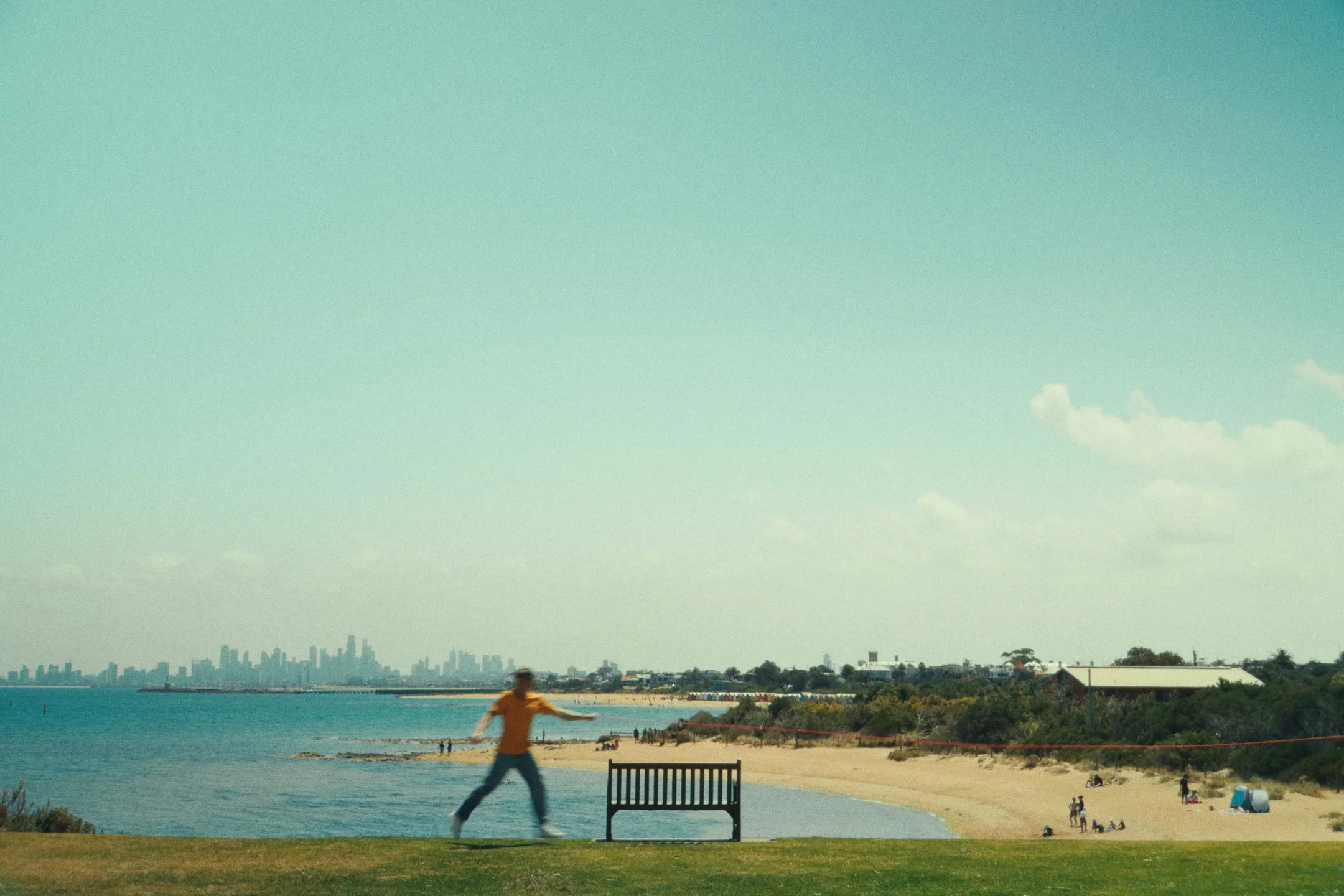
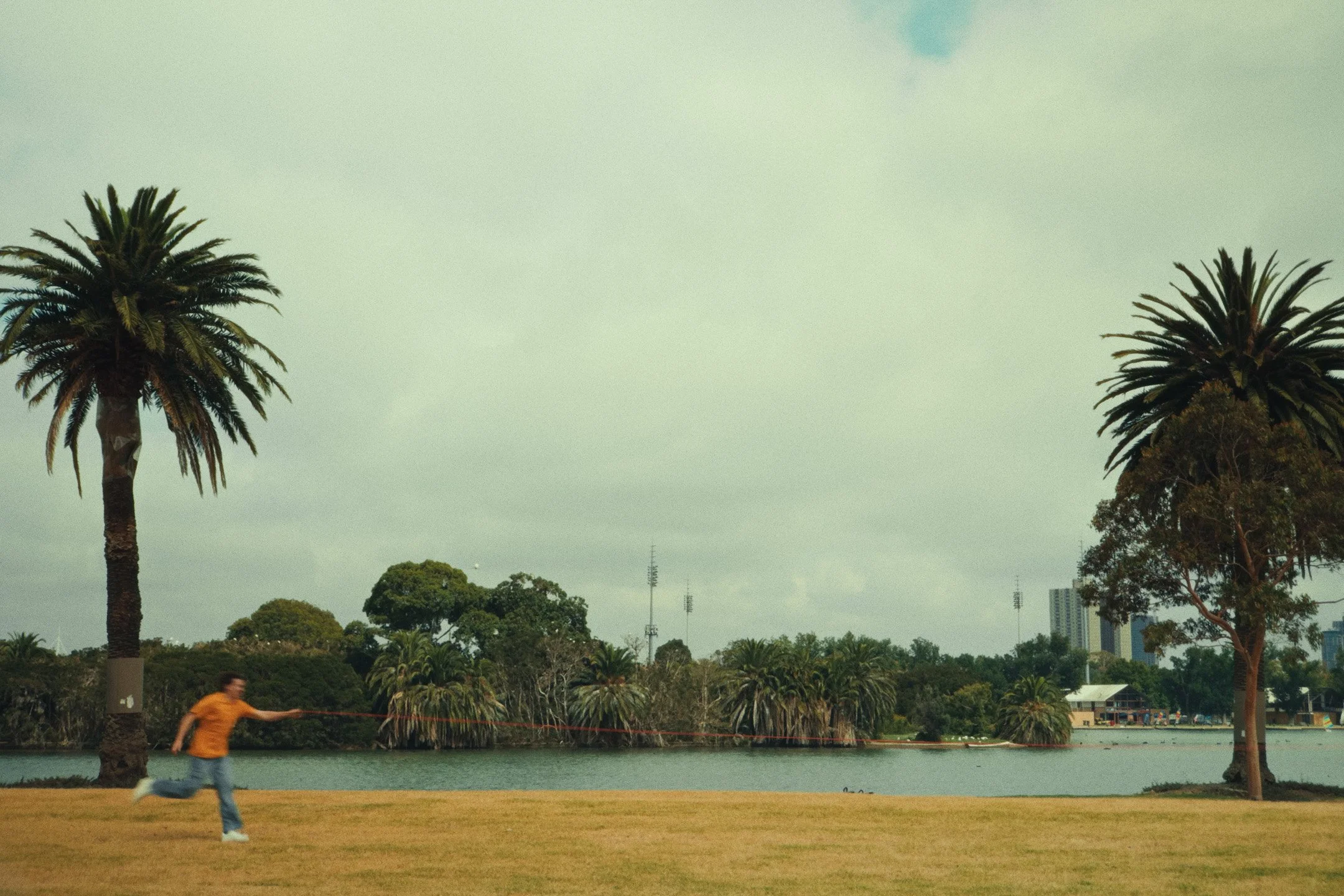
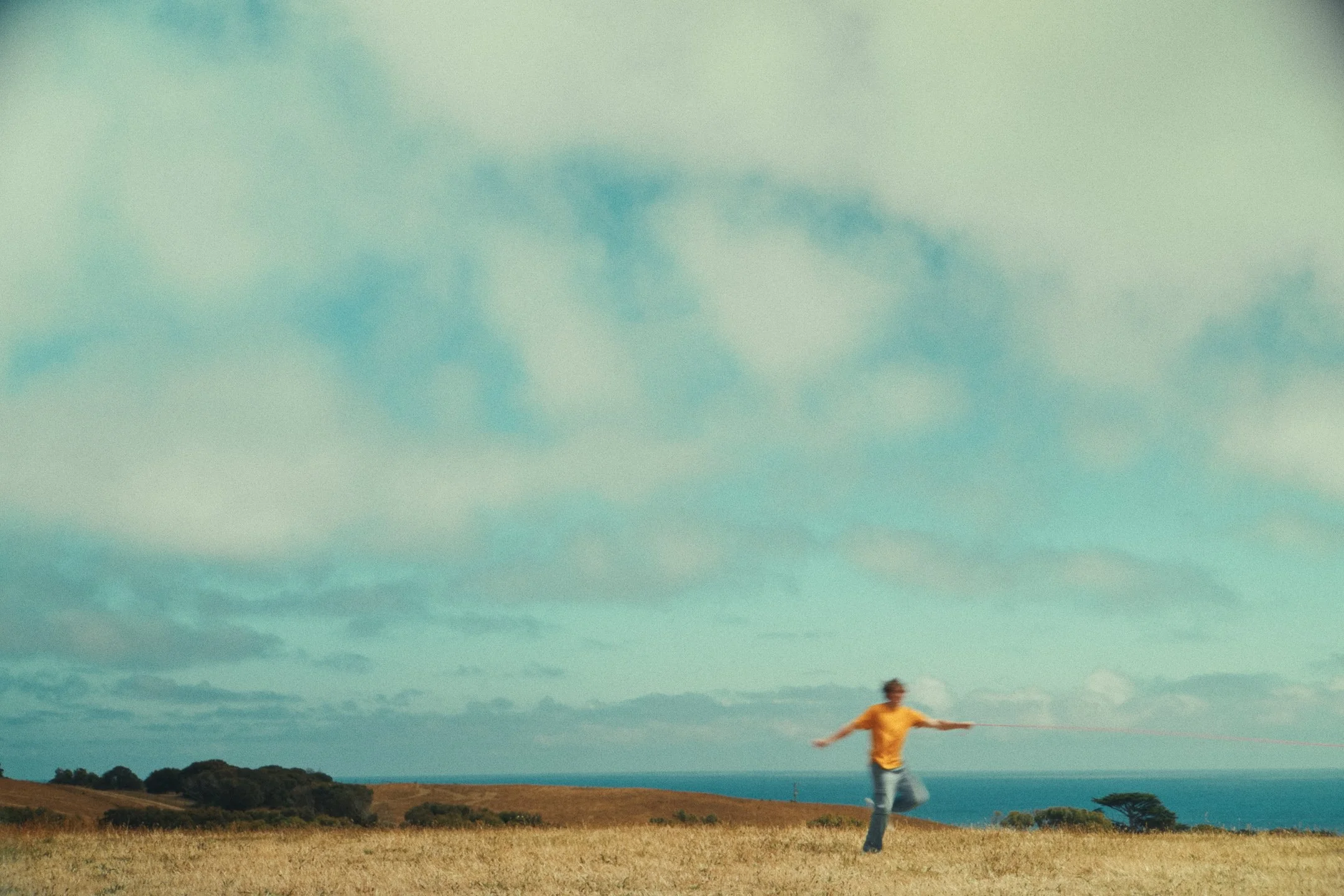
String Theory was shot in 2 days across 11 locations.
Storyboards, Scripting and Planning
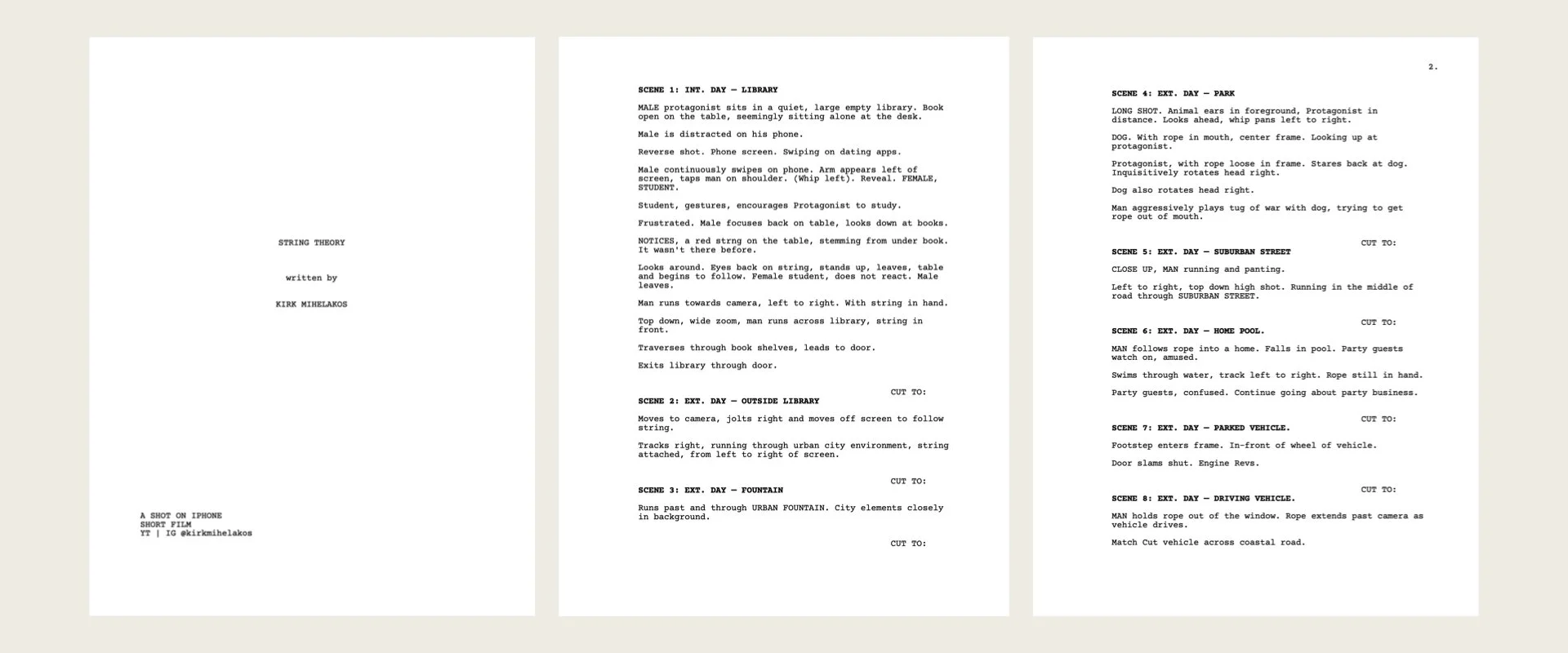
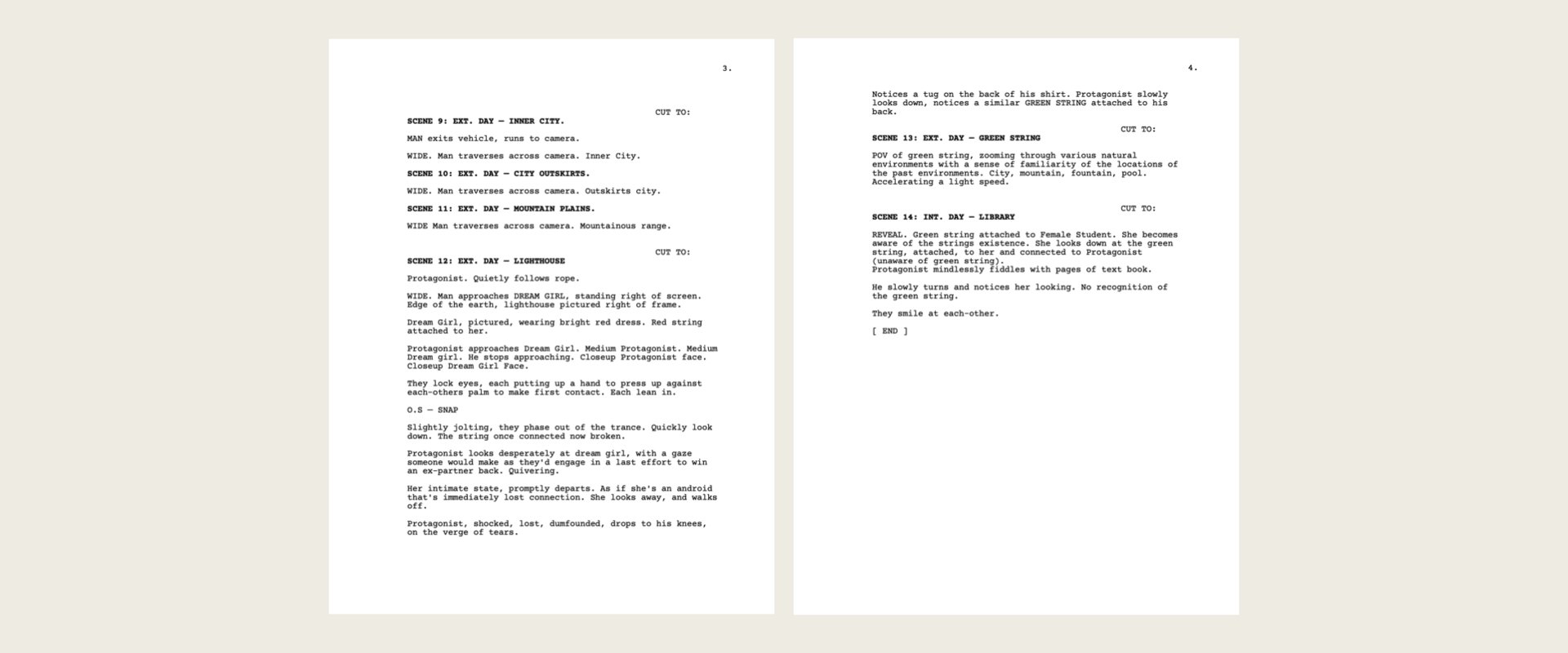
For all of our last short films, I must admit we’ve never really taken the opportunity to storyboard any shots. Usually we map out a rough idea of the ‘story beats’ we’d like to achieve during production, and ensure we get a decent amount of coverage whilst on set (the various angles shot). However for String Theory, this was the first time we had a very specific set of shots we wanted to capture on each location, and throughout each sequence. The narrative compromised of around about 8 main sections, across 14 ‘scenes’, to which I sketched out a rough idea of what shots we wanted to get, including camera movement.
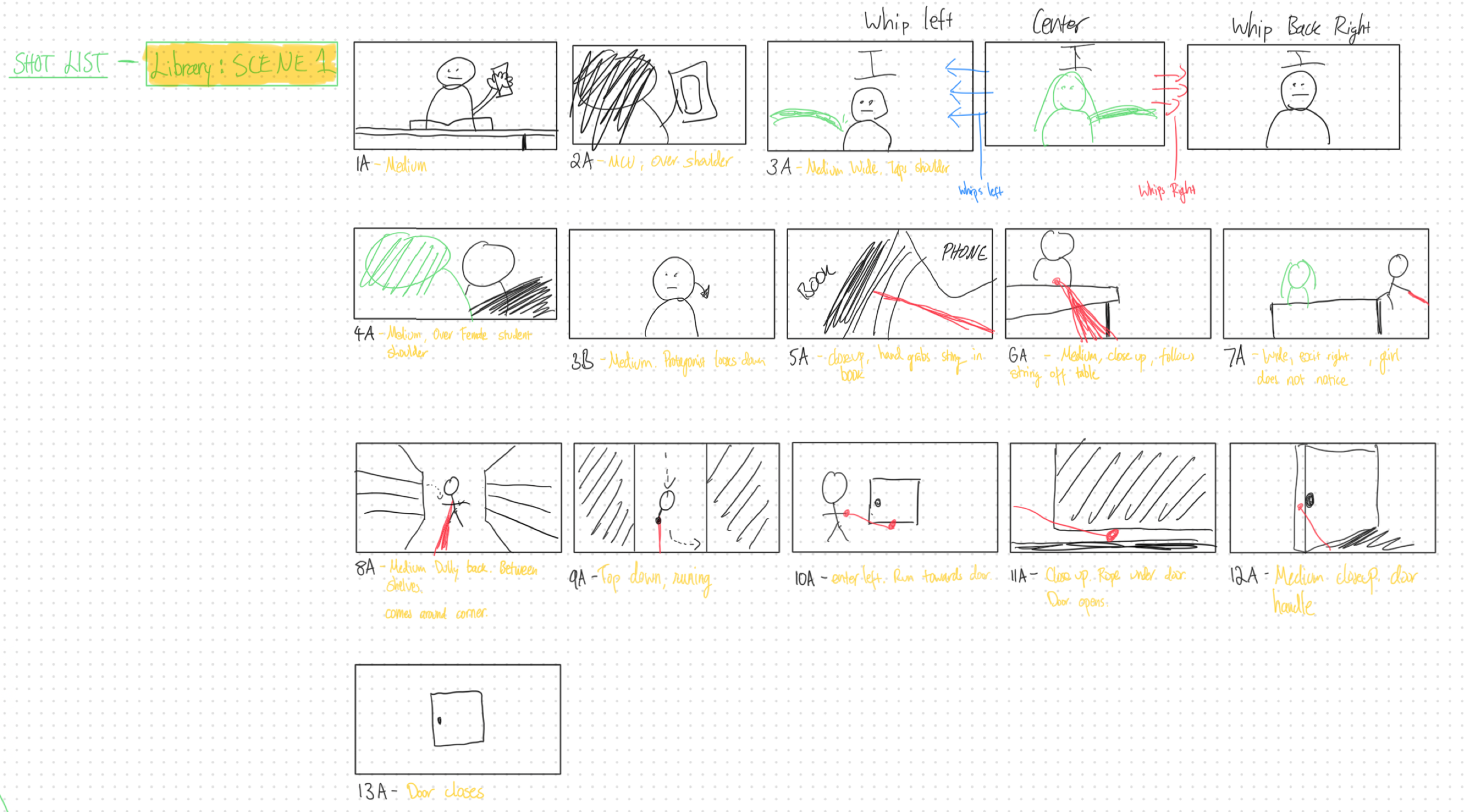
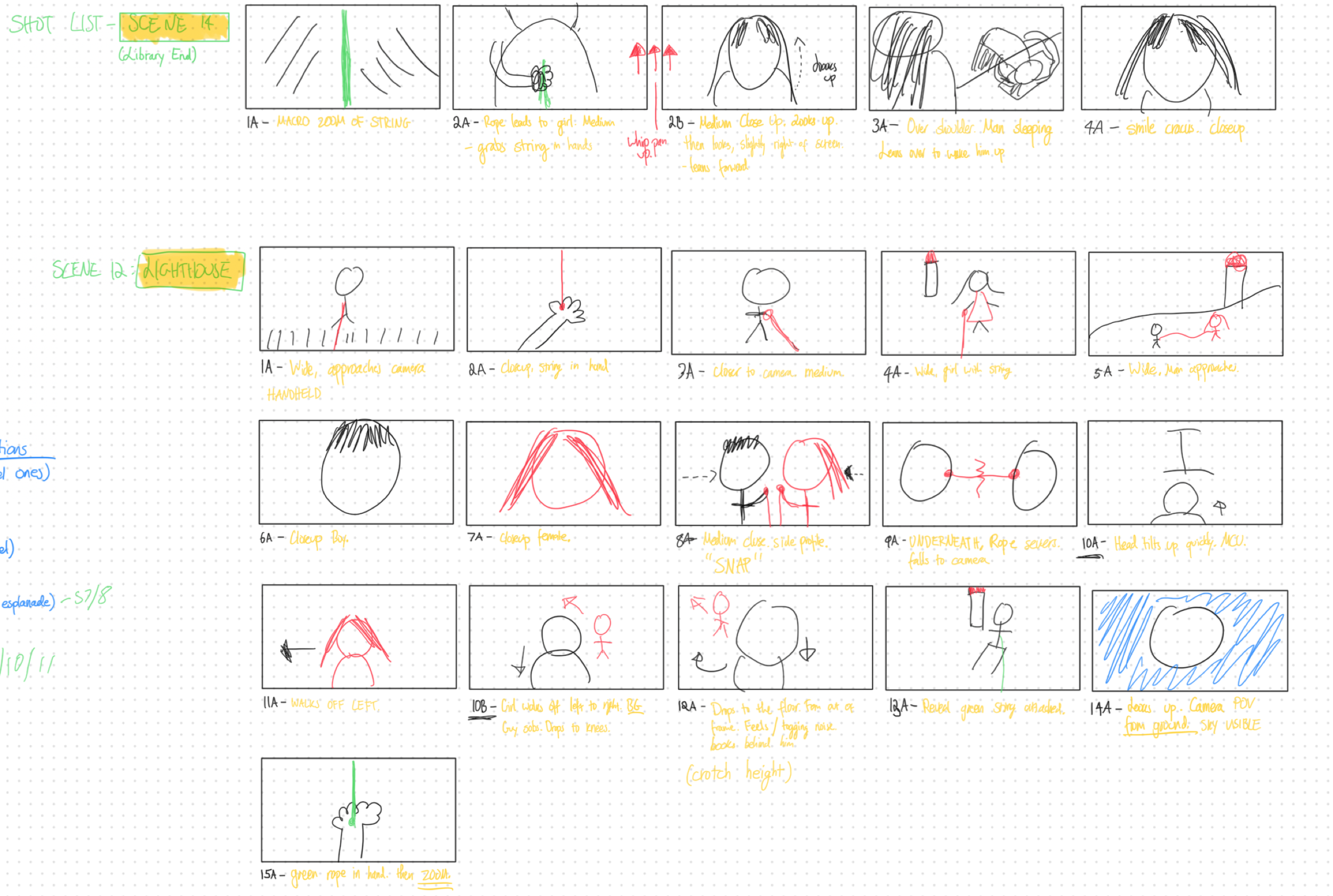
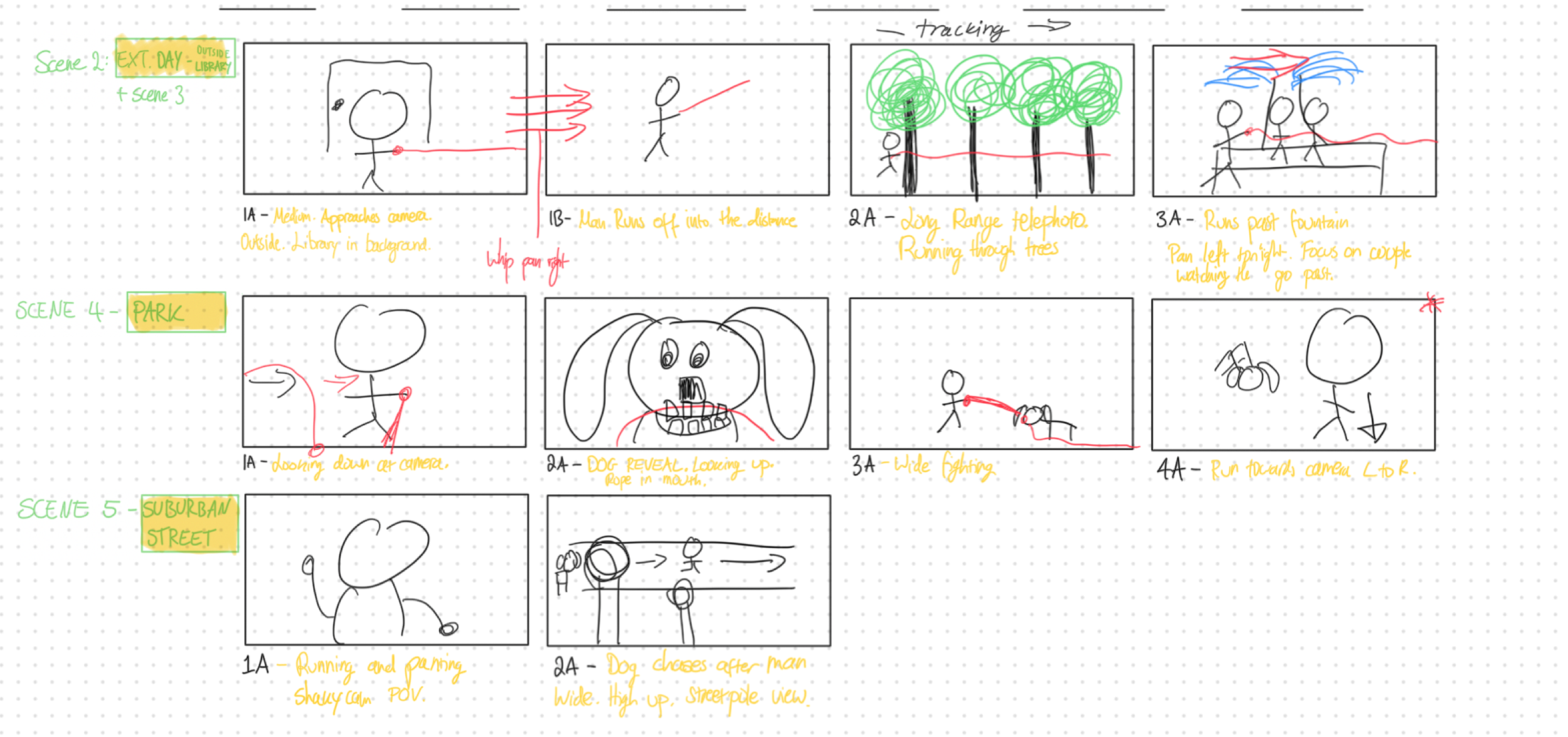
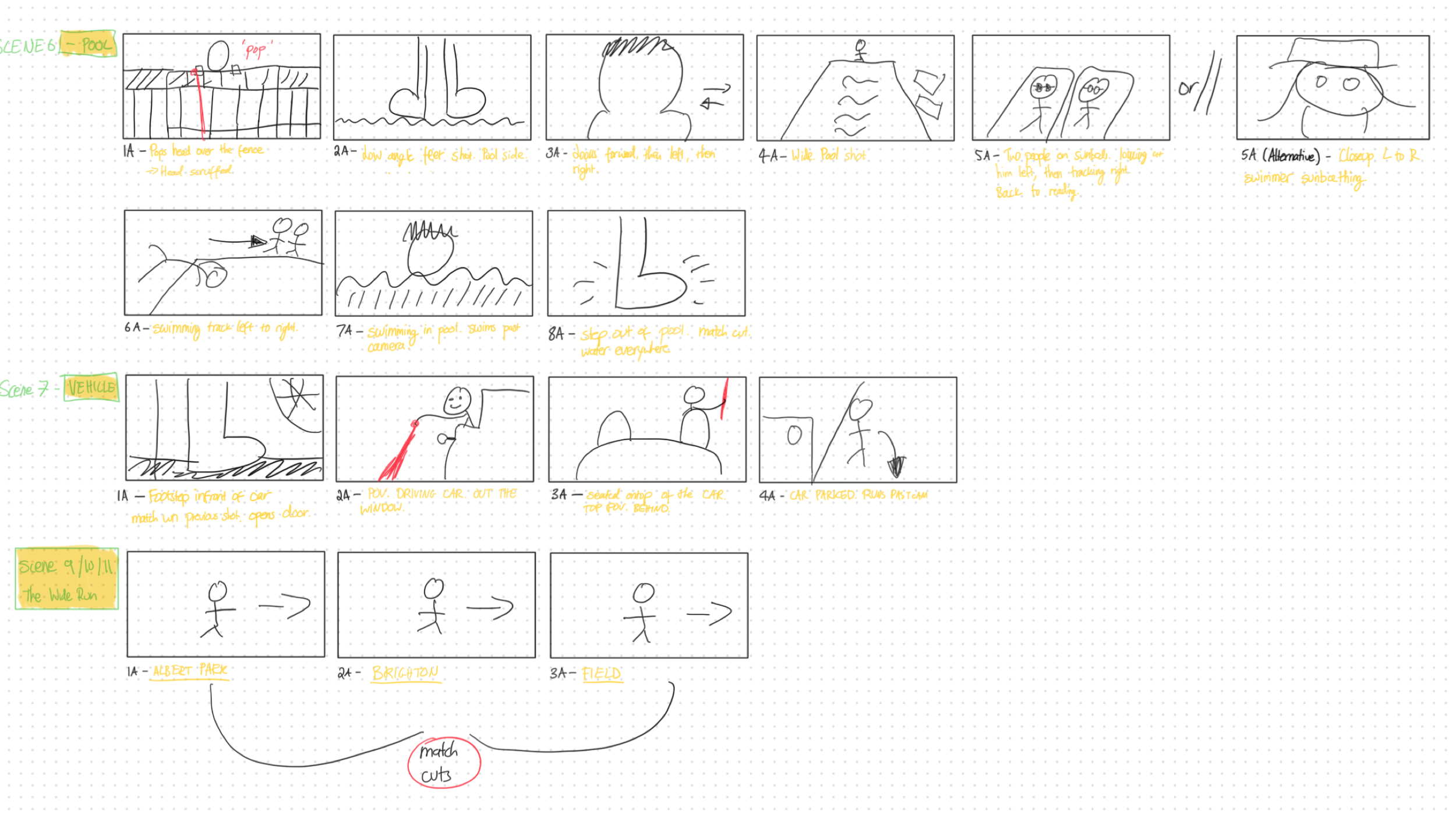
I must say, drawing and sketching most certainly isn’t my strong suit. However, having a rough guide of type of sequences you need to capture available on set, can make the editing process in terms of coverage a whole lot easier. Furthermore, when pitching the film to cast and crew, we made available an ‘action script’. This action script ultimately was structured like a script would be that has dialogue, but given our short film didn’t have any dialogue, only the scene action moments were described. Providing a good indication on how the story would flow, the locations needed and the scenes required.
Slight deviations were made in the end, but overall well worth having and provided a lot of good context for our talent.
The Gear
A lot of our gear setup stayed the same for this short film, with many of the shots captured straight out of the native lenses on the iPhone. (That being the 23mm wide and 100mm telephoto). Probably the highest of any of our shorts to date. The aim of the game for this production, was to have the ability to move locations and setup new shots as quickly as possible. The iPhone, given it’s size and weight already enables that, however it’s the accessories that are around it, that lead to an experience that either hinders or enhances speed.
For this shoot, we brought on a number of new SmallRig filmmaking accessories, that really pushed us forward. Some new accessories included a SmallRig cage that was specifically designed for the iPhone 17 Pro, which features interchangeable back plates. These back plates are swappable, enabling either a magnetic filter attachment (for the 67mm SmallRig ND’s) or a plate with 17mm lens thread mounts (Universal lens thread mount).
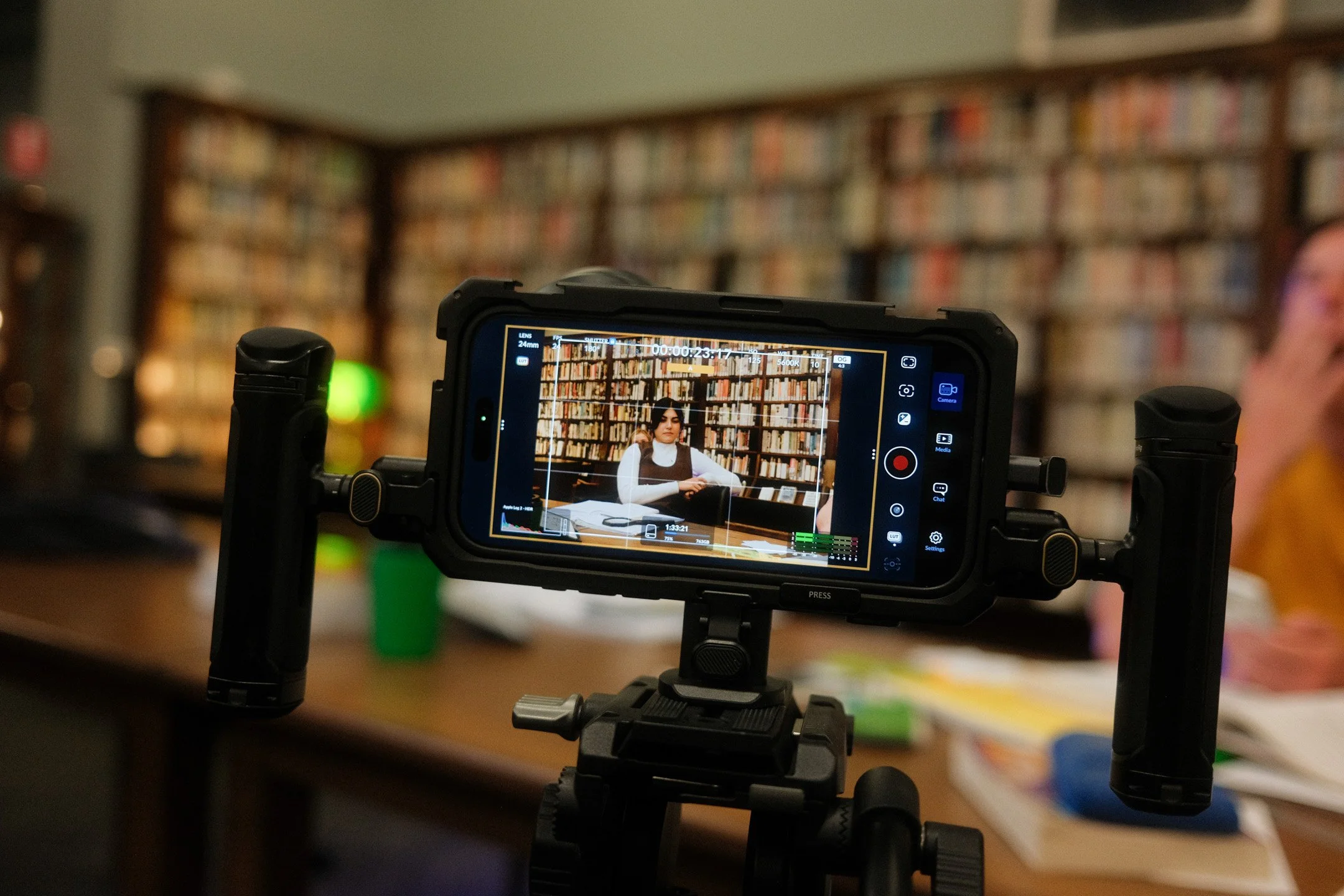
String Theory Main Setup
iPhone 17 Pro Max
Tribex SE Tripod
Universal Smartphone Cage
Quick Release Attachment
What made this setup so great, was that I could easily switch between a handheld setup, to my main tripod and then to a smaller desktop size tripod within the space of 60 seconds. Thanks to the quick-release mounting points on the iPhone 17 Pro Max cage (or Universal Smartphone cage), and the quick-release mount themselves, I could easily switch. This seems to be a propriety mount, specific to this SmallRig cage system. Where you can purchase seperate quick-release adapters that have a 1/4” thread on the bottom, to mount it to tripod plates and other accessories like magic arms (SmallRig 4609). These mounting points are the same points that the handles are used to attach to the iPhone cages.
Tripods were also a huge part of this shoot. As mentioned, I needed to switch from handheld setups to various different tripod heights quickly. For this production we turned to the Smallrig Tribex Tripod, and I have to be honest, this has quickly become my favourite tripod. With one press of the side handle all of the legs extend, and self level, with additional height adjustment on top. Plus, when it’s time to pack-up, you just turn the tripod upside down, squeeze the side handle and it packs away. Incredibly intuitive, quick and easy. Attaching the same H11 Quick Release tripod onto the tabletop tripod too (4630), made switching easy.
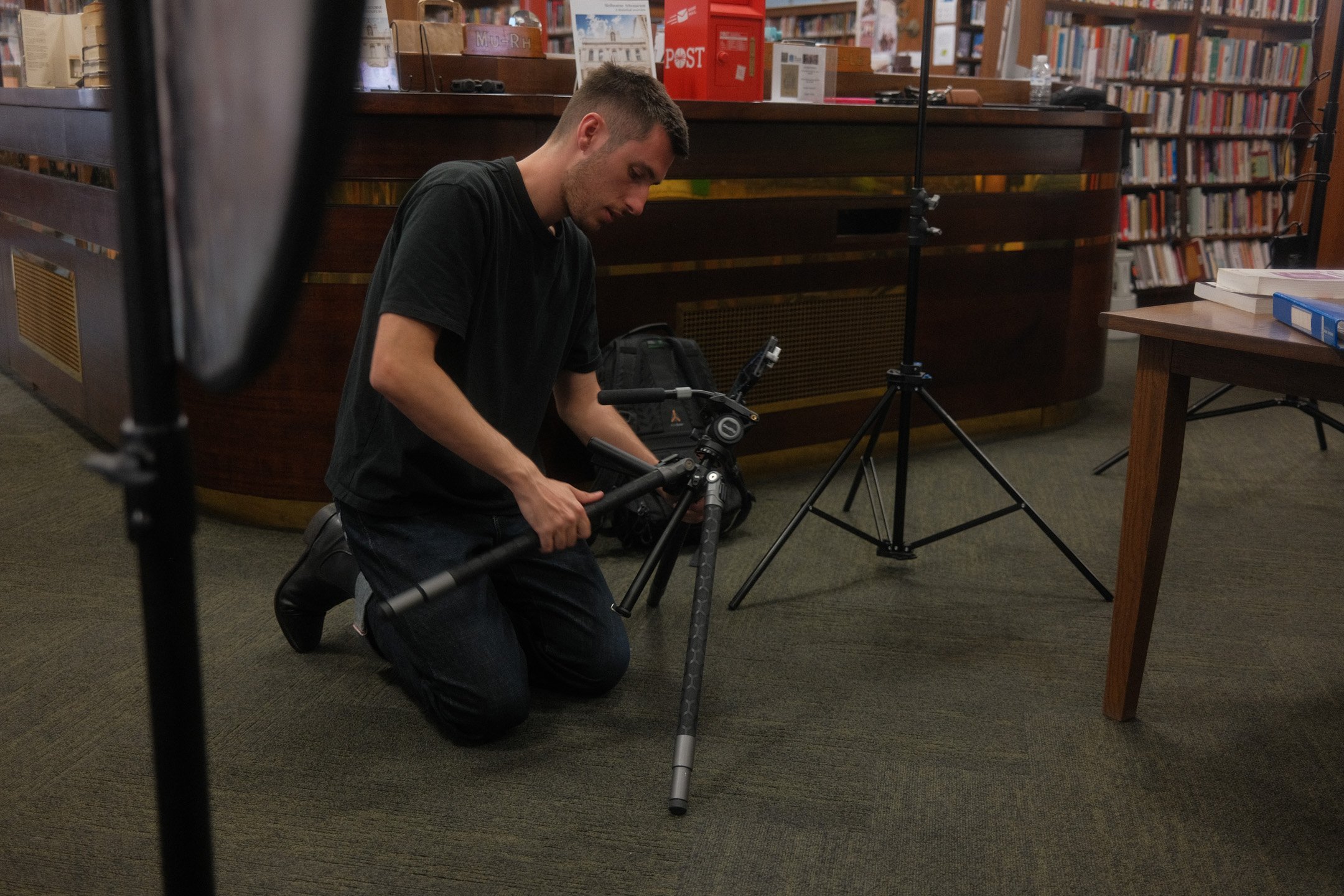
The Tribex Tripod paired with the H11 quick release plates have quickly turned this into my favourite quick-setup kit for mobile filmmaking.
SmallRig Gear List
Cage for iPhone 17 Pro Max with Dual Handle Kit (5540)
Universal Quick Release Smartphone Cage (4299B)
Tribex x Potato Jet SE Tripod (5305)
H11 Quick Release Adapter (4609)
Universal Tripod Dolly (3986)
Magic Arms (4630)
5-in-1 Magnetic Attachable 67mm Lens Filter Kit (4726)
Locations
The main premise of our narrative for String Theory involved our protagonist (Brad McCarthy) to travel across a variety of locations to really give a sense that he’s travelled to all corners of the country, to find his partner. This resulted in us visiting the most amount of locations for a short film we’ve ever visited before. From the suburban streets of Melbourne, to the beach, cliff sides, and countryside, we managed to visit eleven locations in under 2 days, including a major set day in the Melbourne Athenaeum Club Library.
What was incredibly important for us, was tight cast and crew co-ordination, despite a small team having everyone in the right place at the right time is definitely a harder task than you might think. Each shooting day was meticulously planned with call sheets, where we’d take into account how long we’d need in each location. Having extremely lightweight gear as well, made this very possible, with most of the contents being able to fit in my small hatchback.
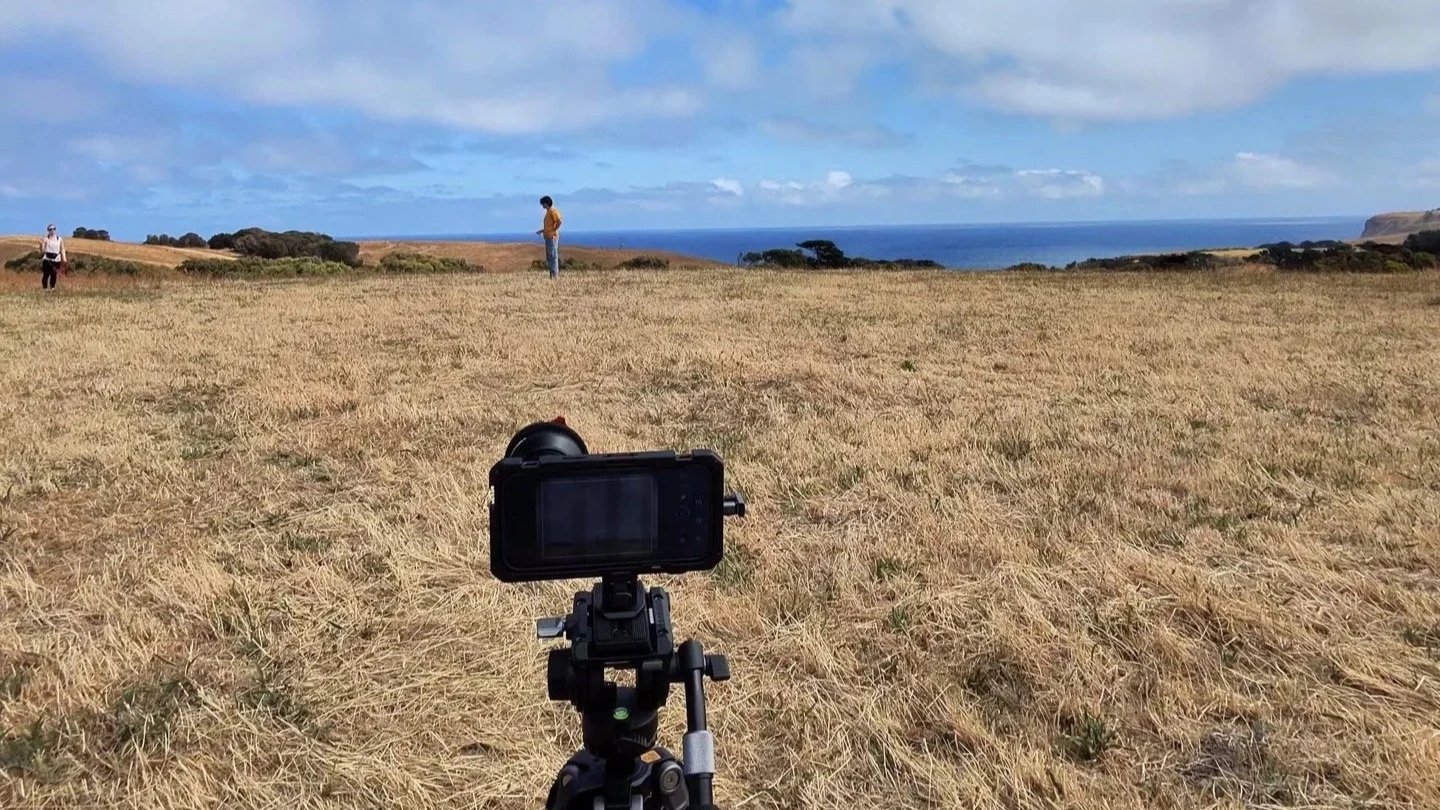
Cape Schanck, Flinders | Australia
Rolling hills and coastal views were perfect pairs for our final locations for String Theory.
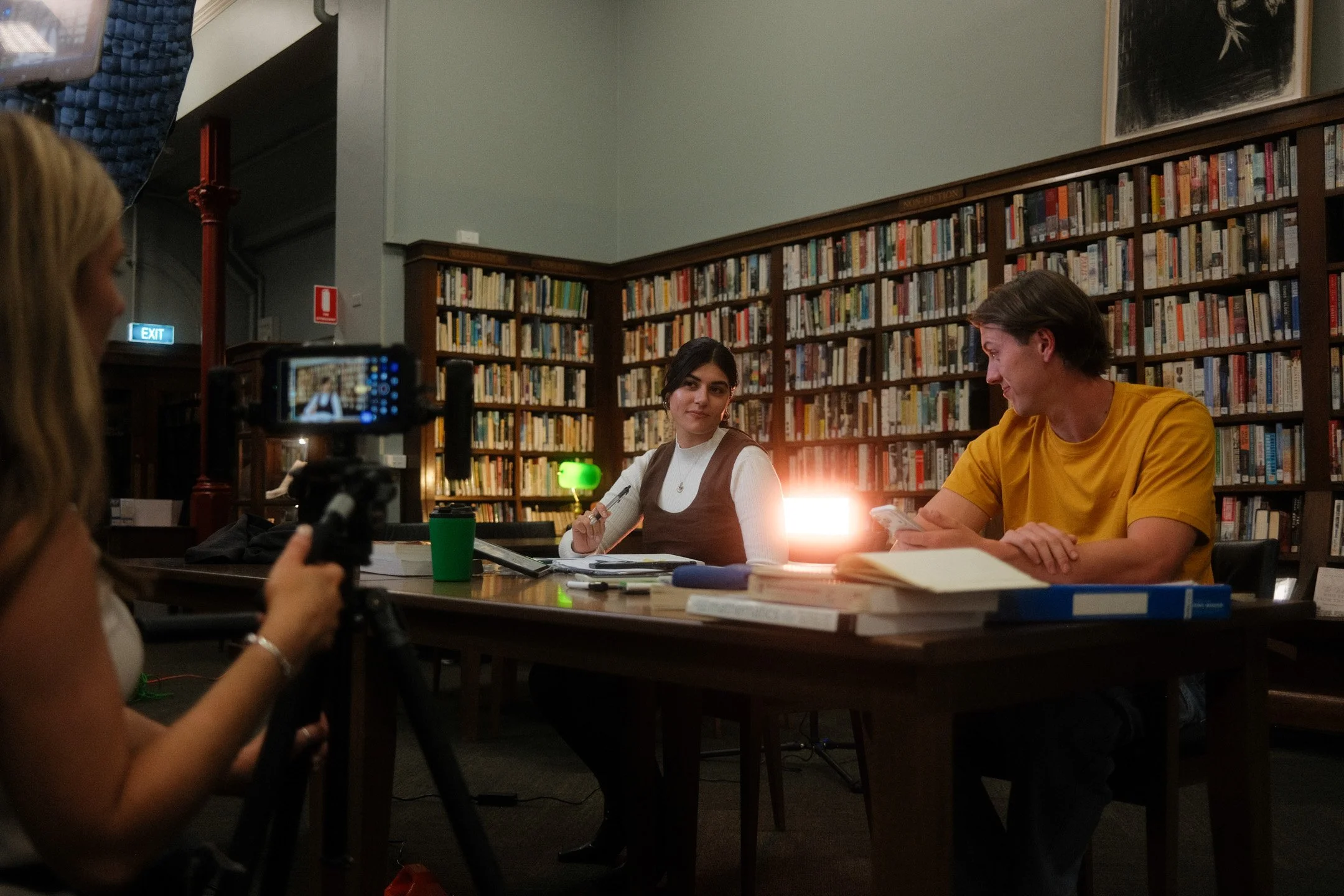
Athenaeum Club Library
A small cosy library located on Collins Street in Melbourne opposite the Regent Theatre.
Post Production
My post-production workflow was very similar as to all my other projects. Not much really changed here. We shot in ProRes Raw HQ Opengate utilising the Blackmagic Camera App on my iPhone 17 Pro. All the footage was graded in Davinci Resolve 20, utilising my Apple Log LUTS and power-grades which you can find here.
ProRes Raw enables changing camera settings in post such as ISO, white balance and other captured material, which is incredibly handy (albeit very taxiing on file sizes) in post. Opengate, enables full sensor readout, providing our look to feel a lot more expansive, capturing images at a large 4224 x 3024.
Giving our frames a bigger format look out of camera, with plenty of optional abilities to crop in post, without losing quality. (Timeline resolution was 3024 x 2160 [1.5:1]). Paul Van Nimwegen, our very talented sound designer, also came in and developed the sound scape for the film and mixed the final short, stemming from some initial cues I provided.
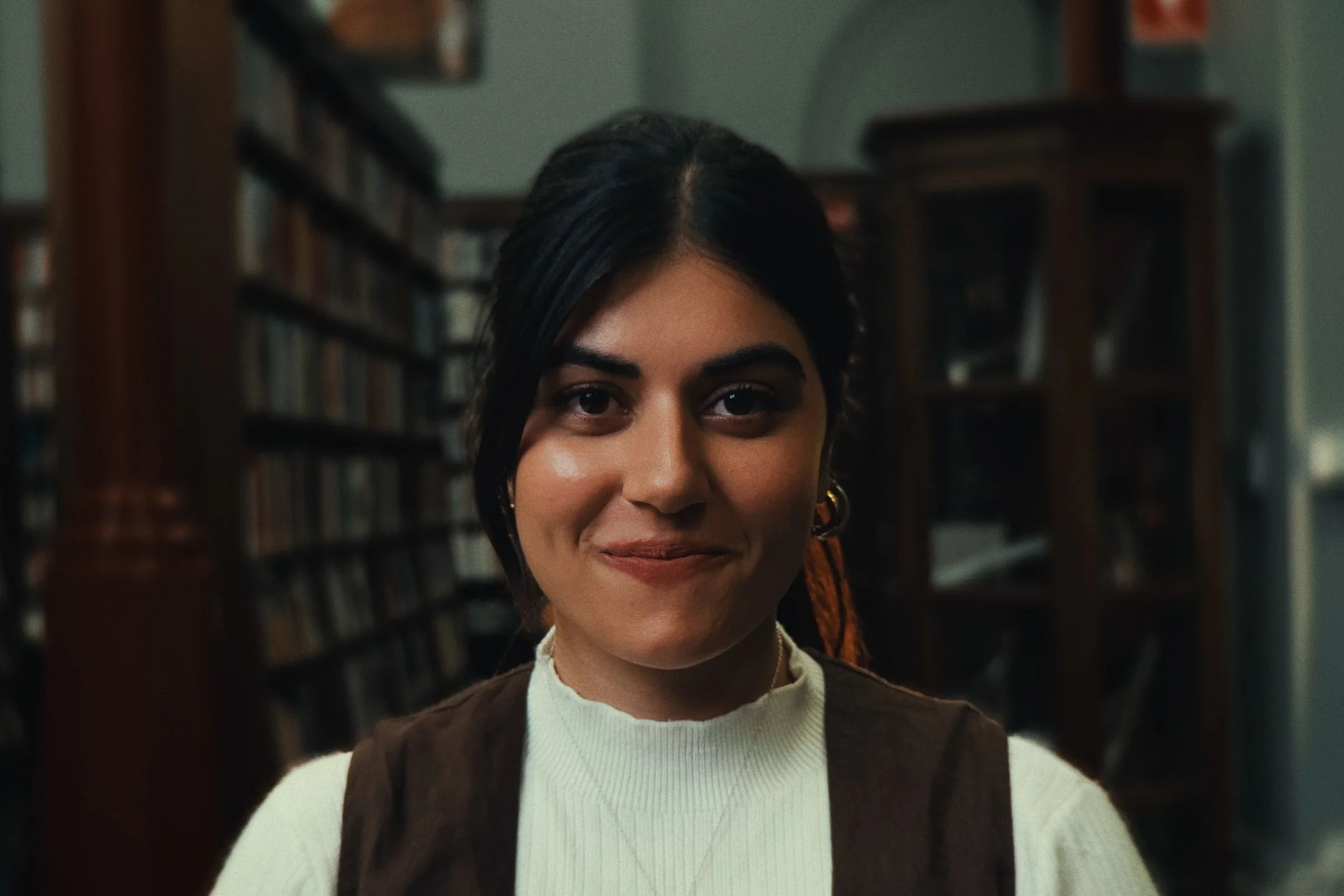
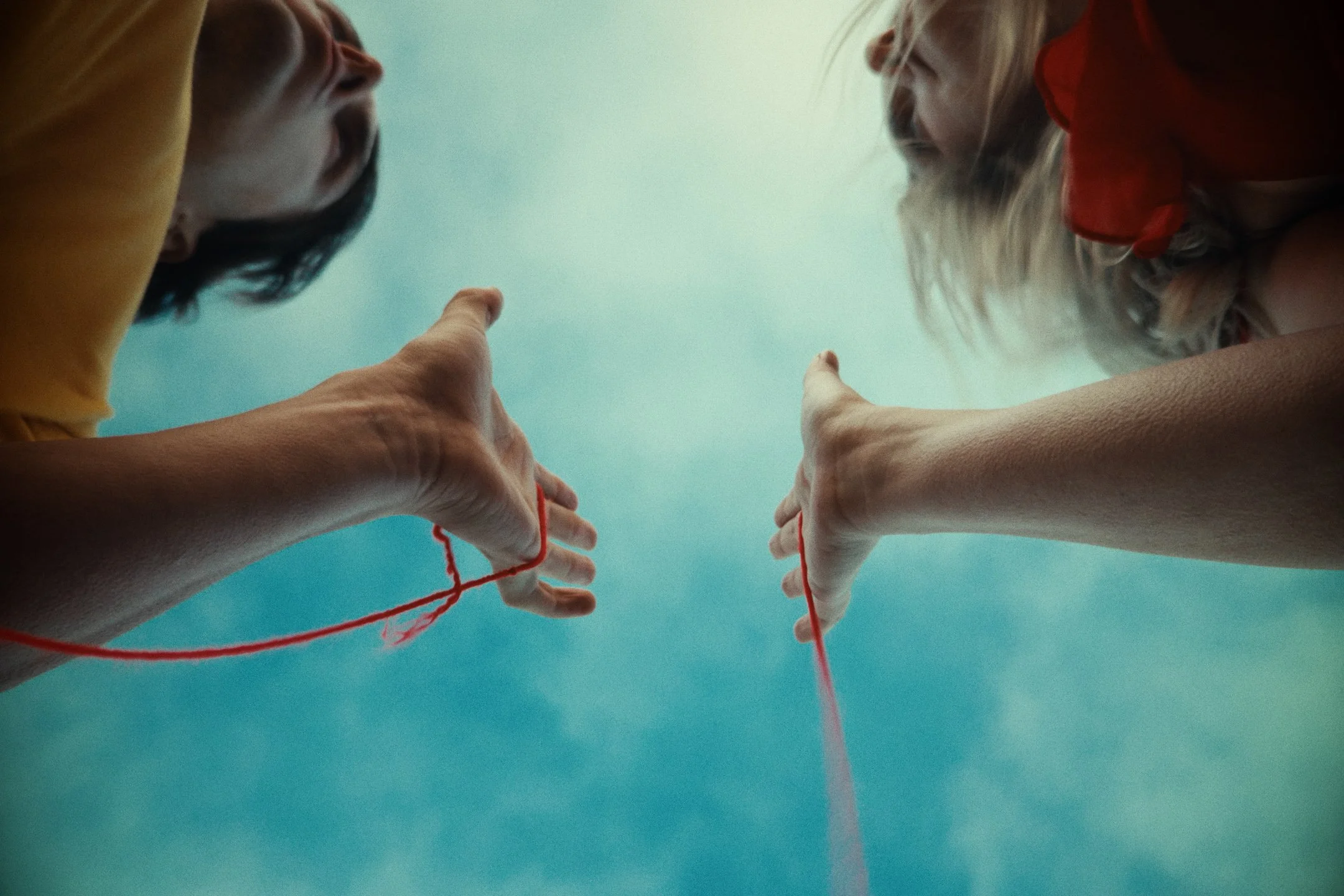
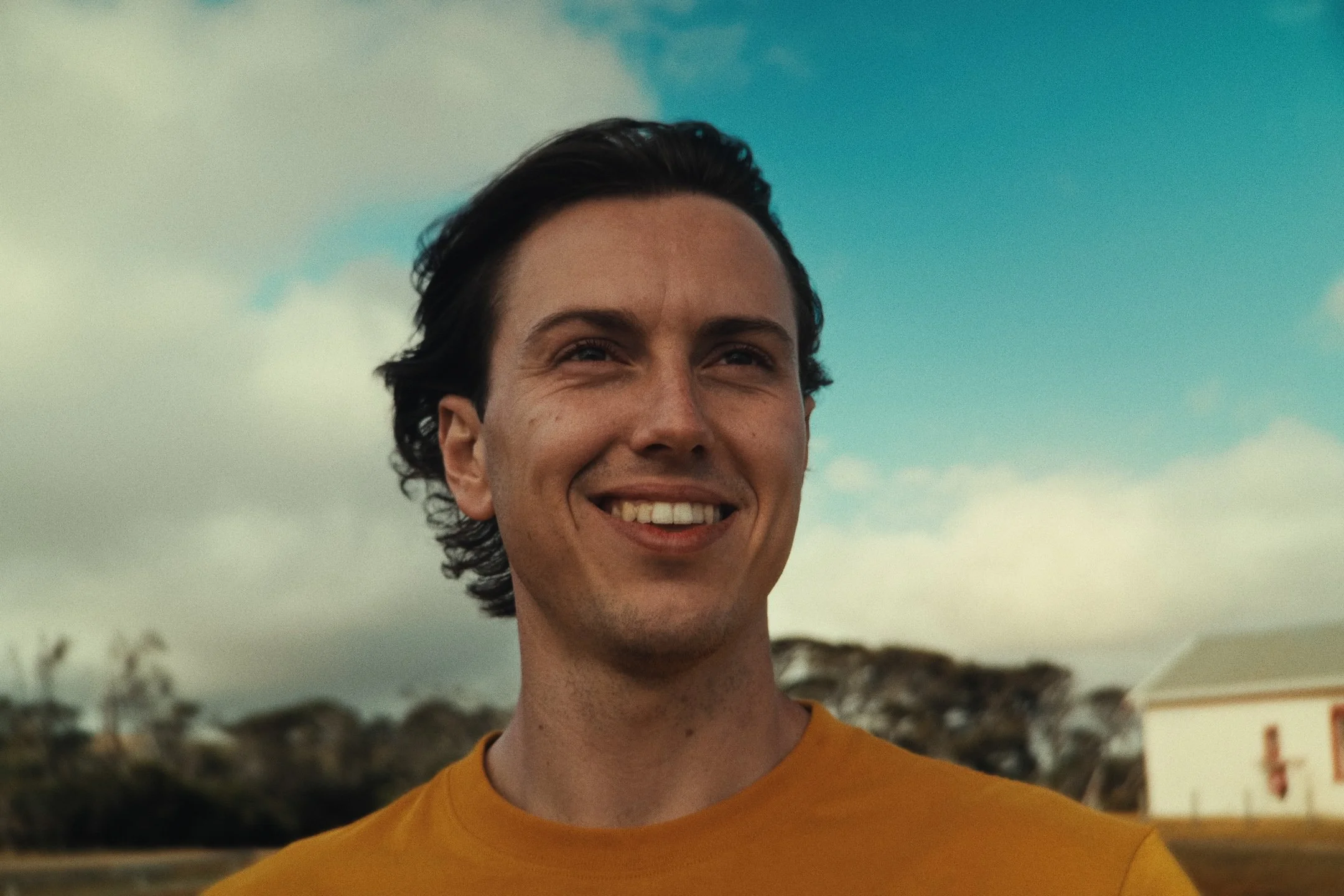
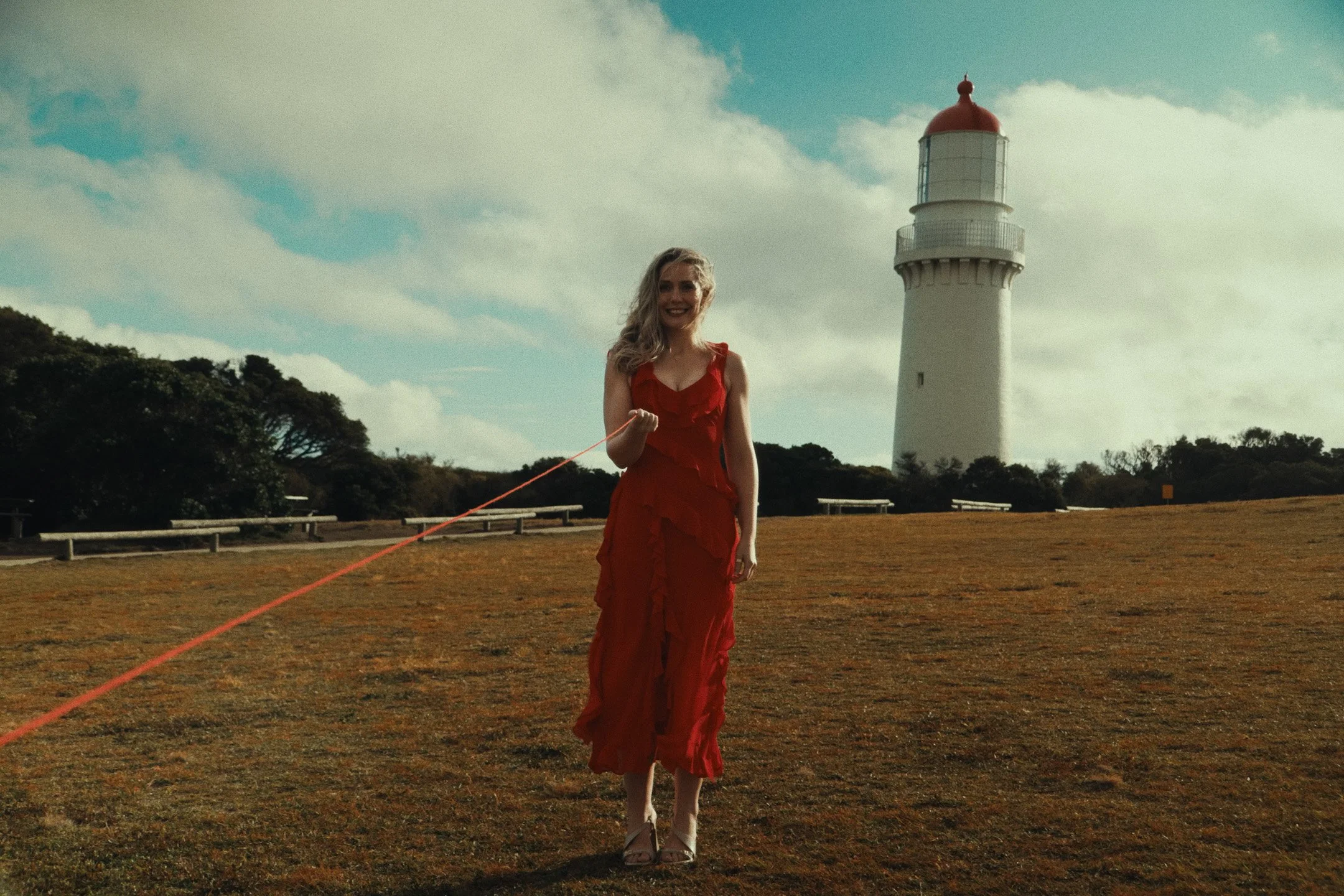
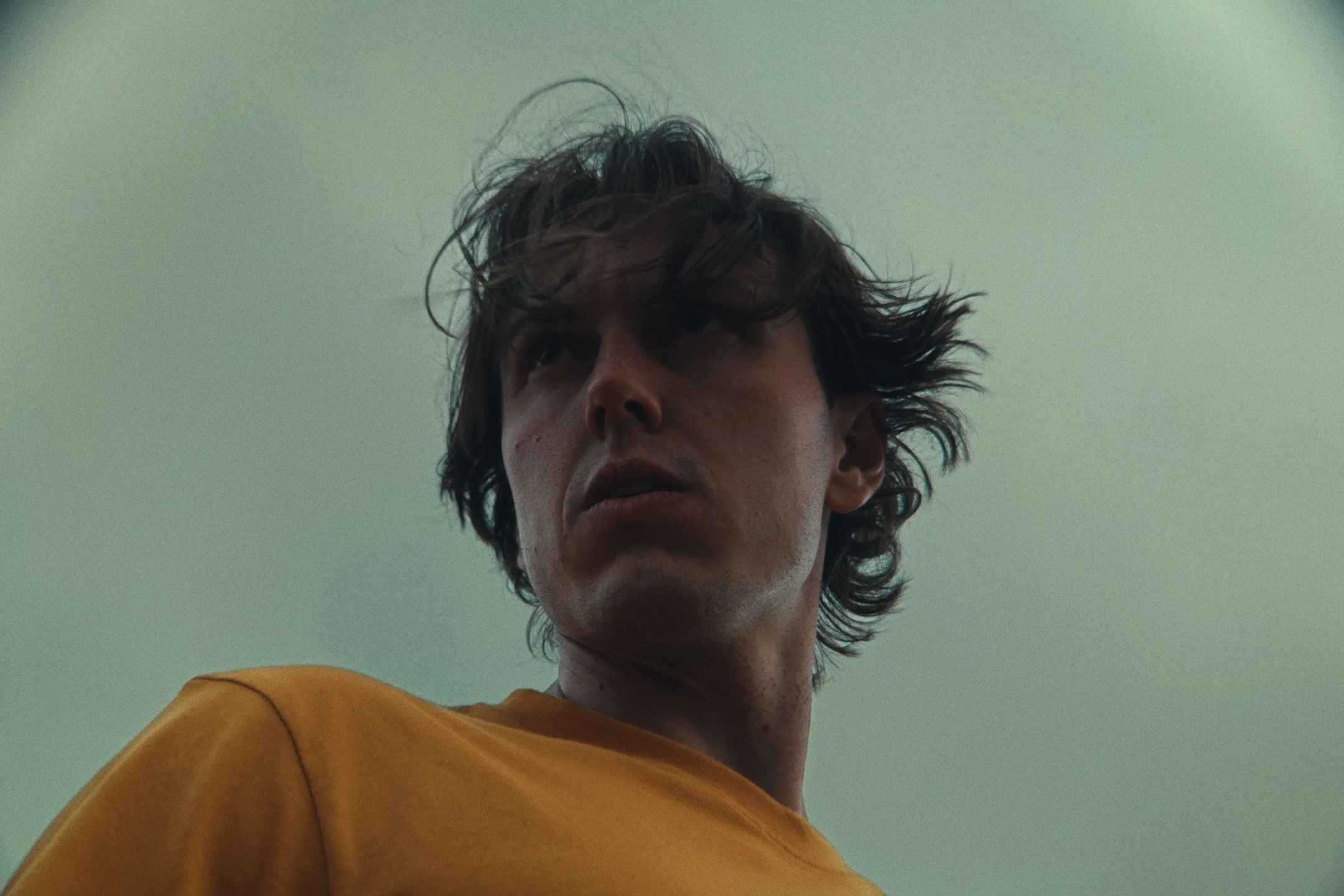
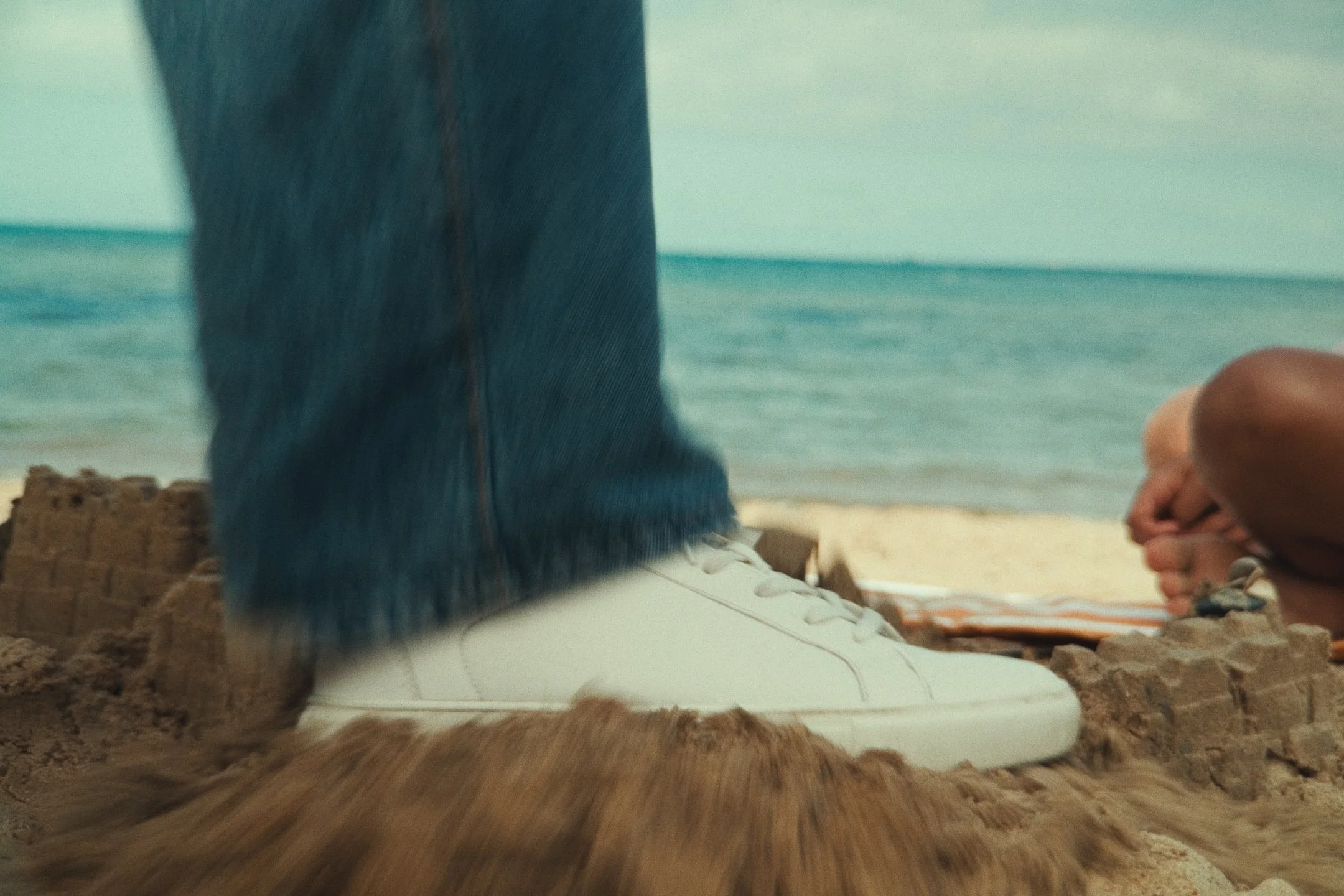
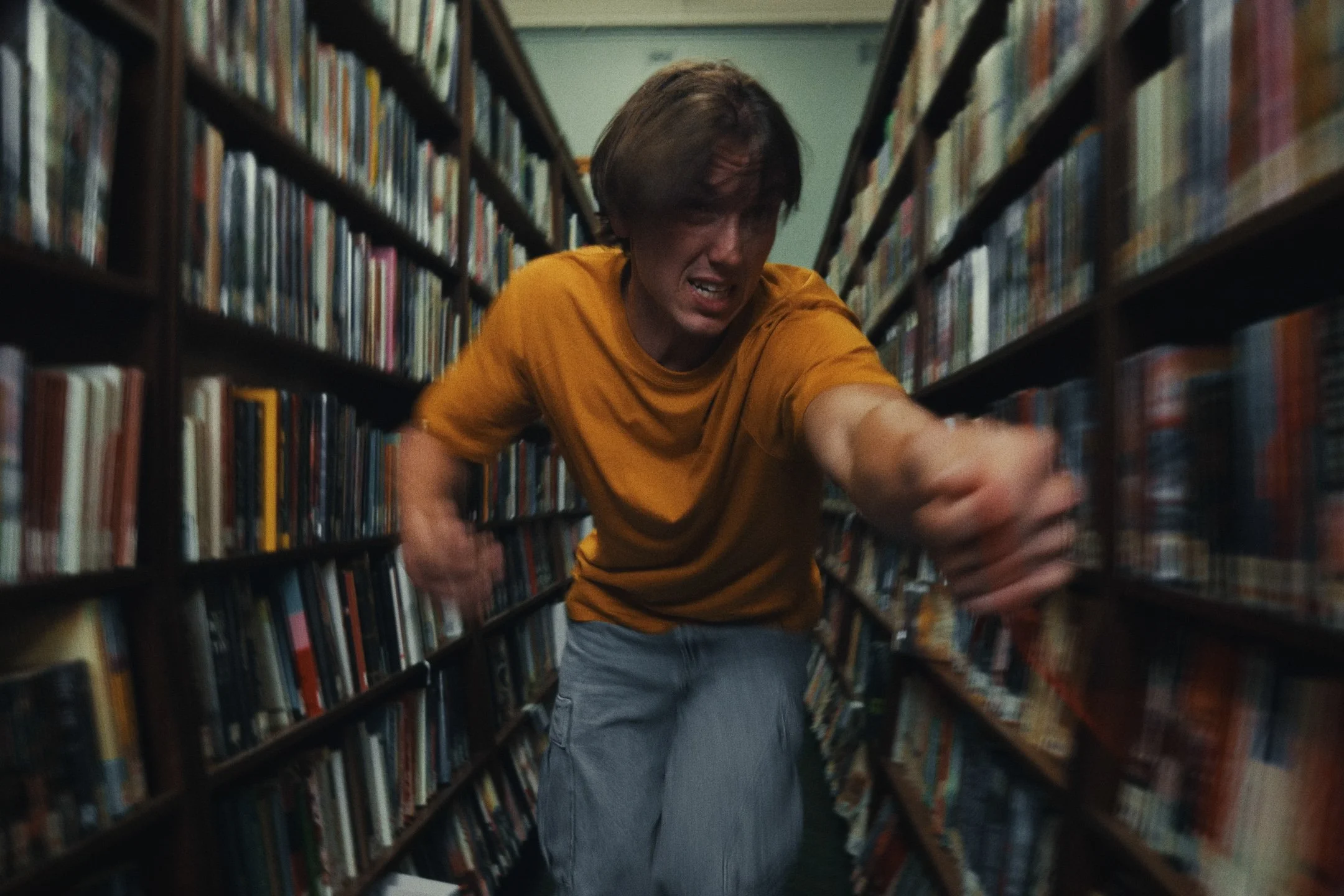
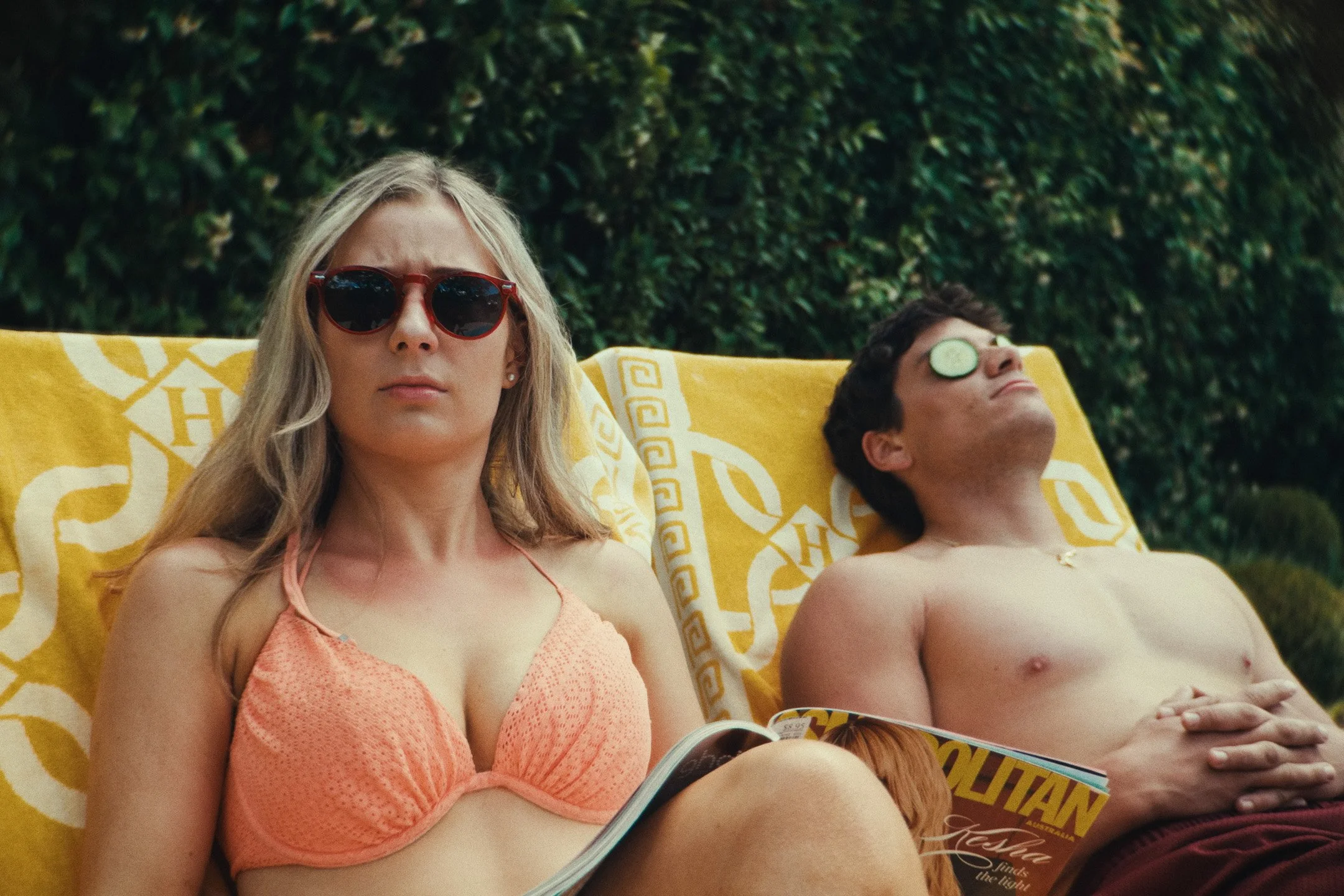
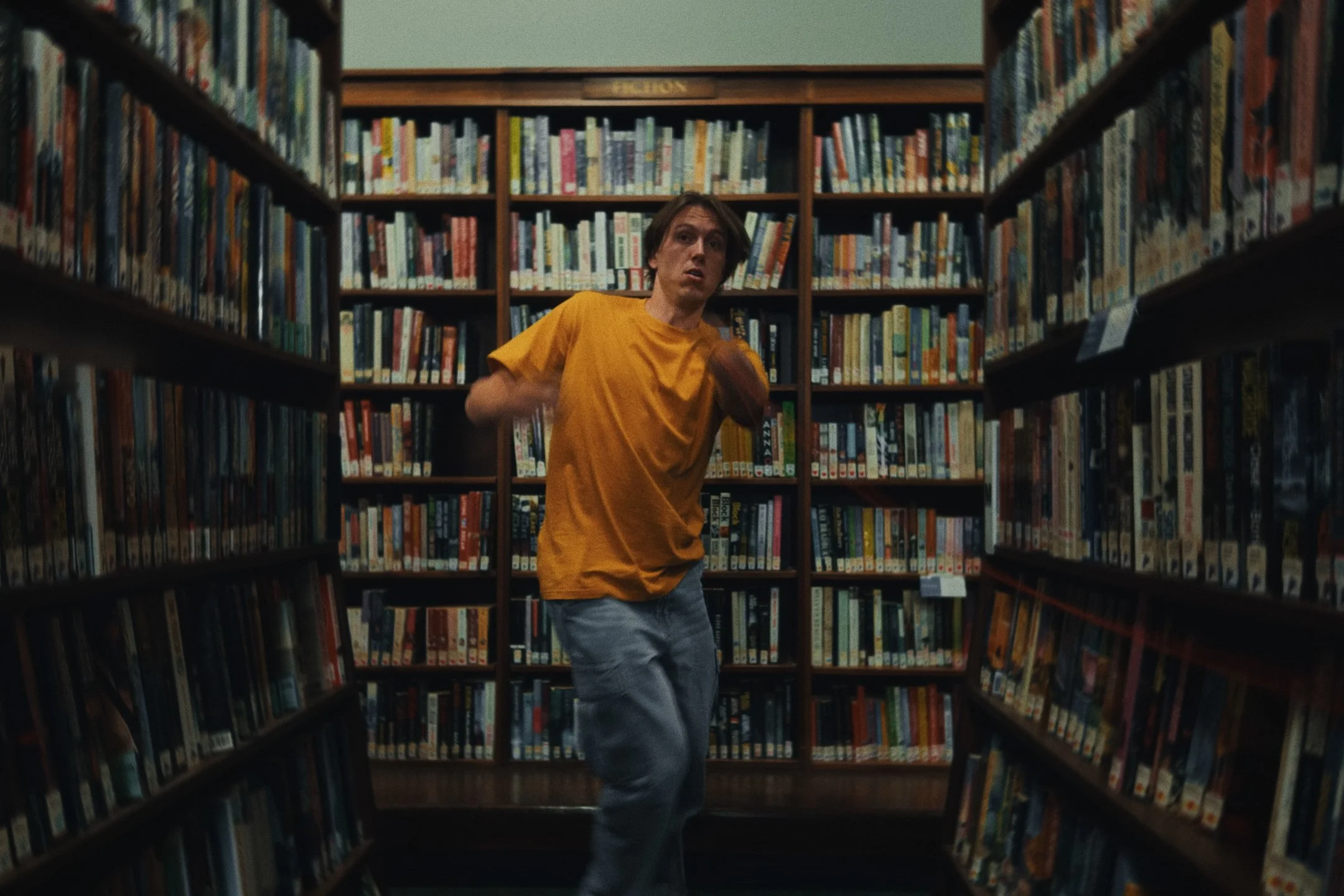
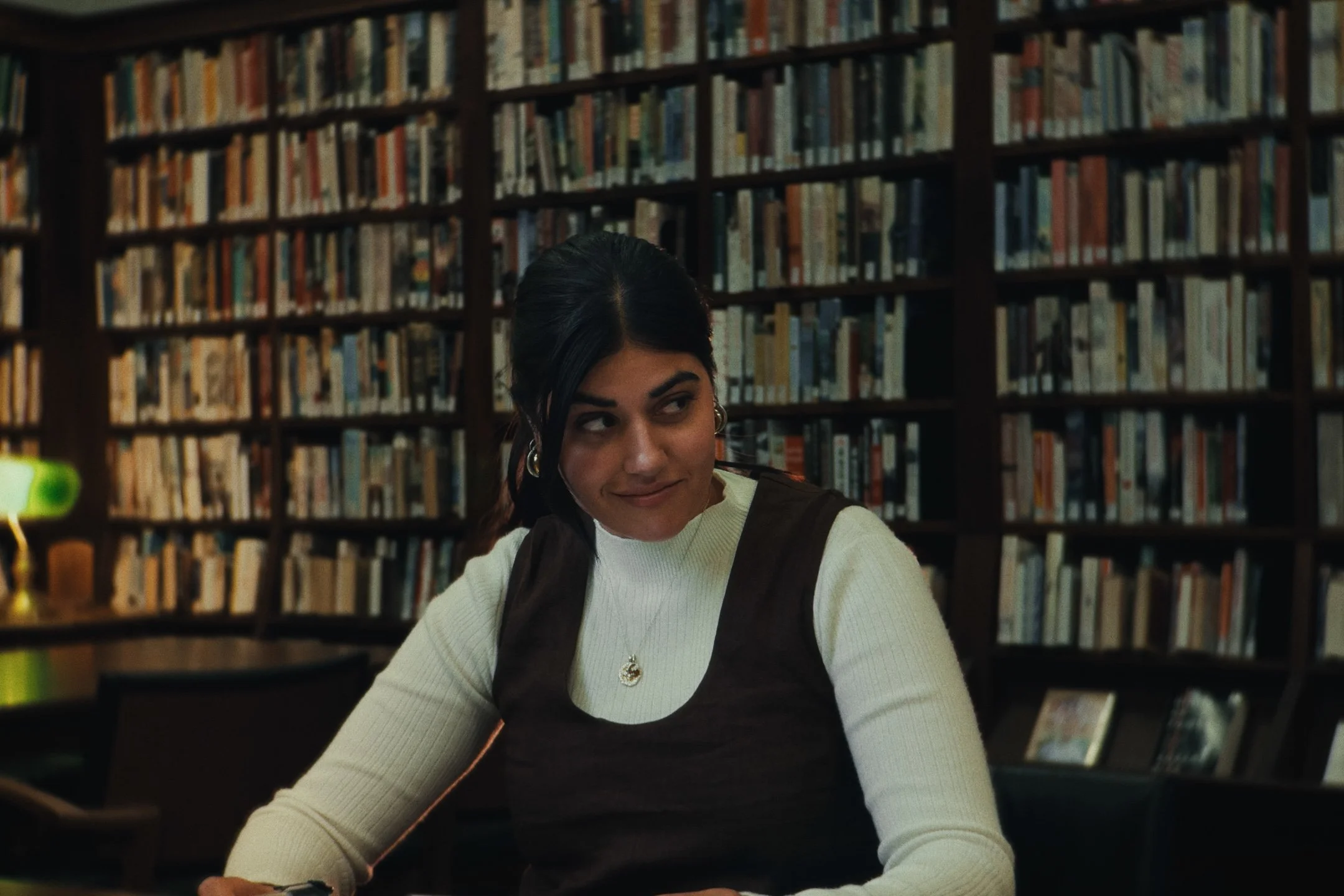
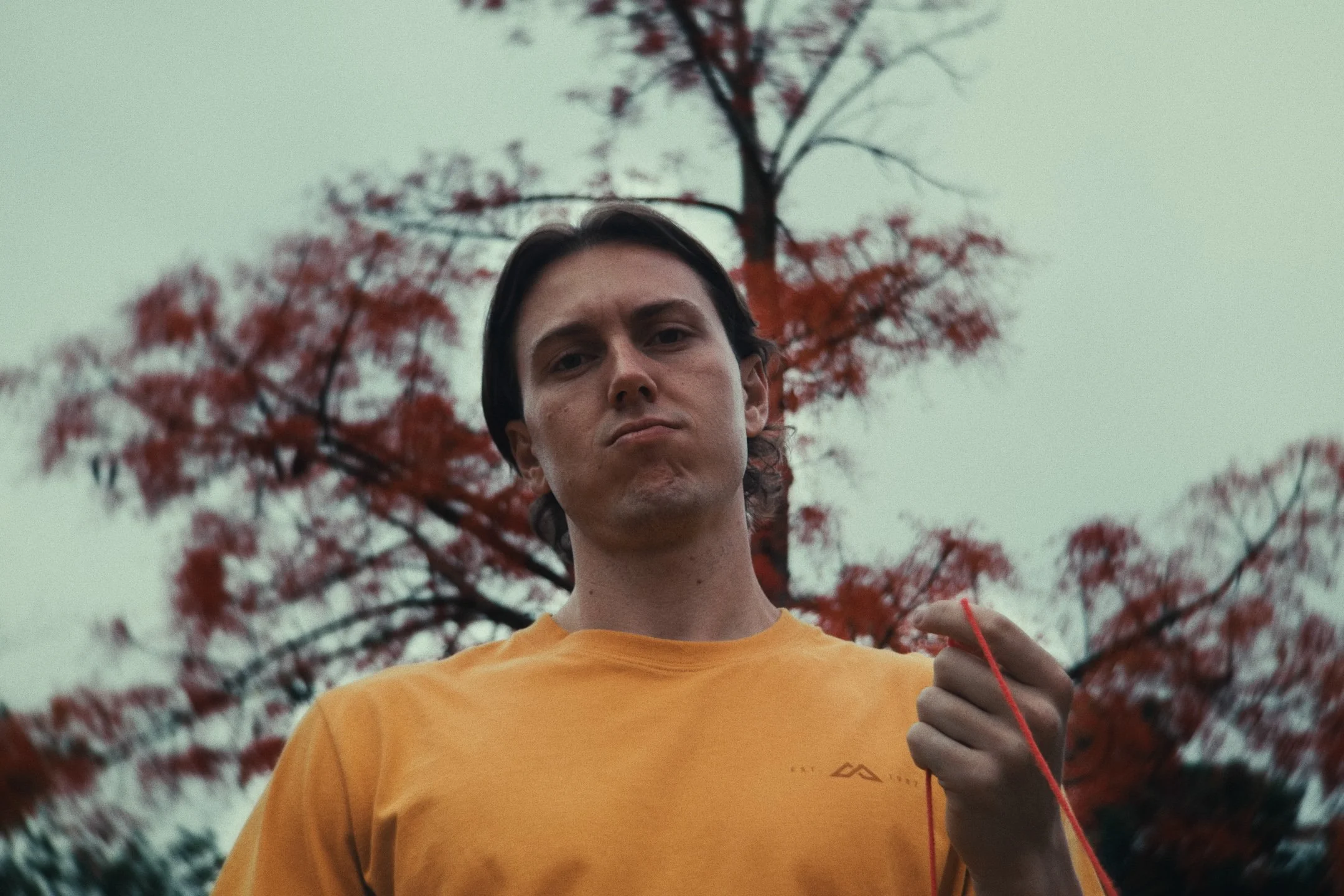
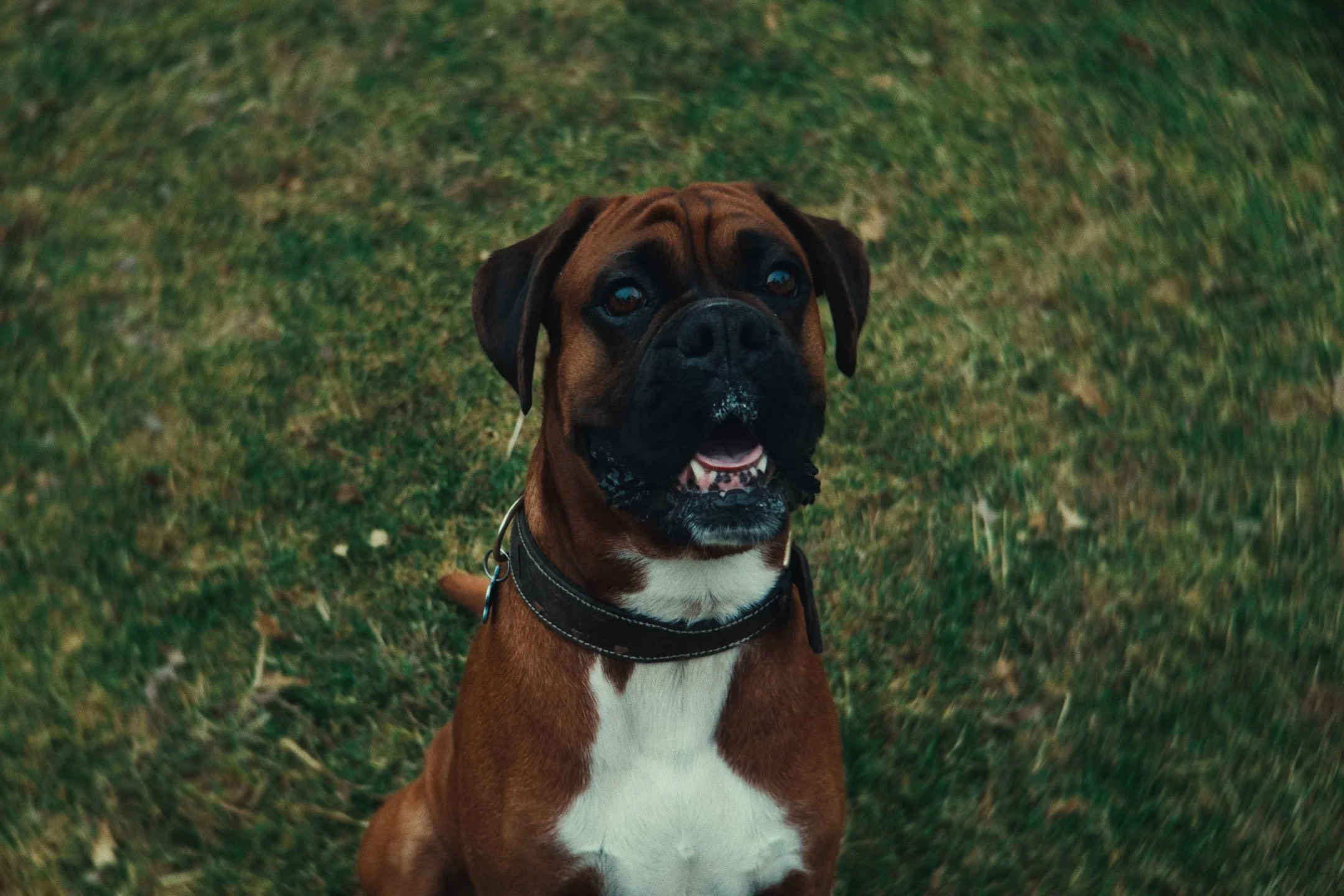
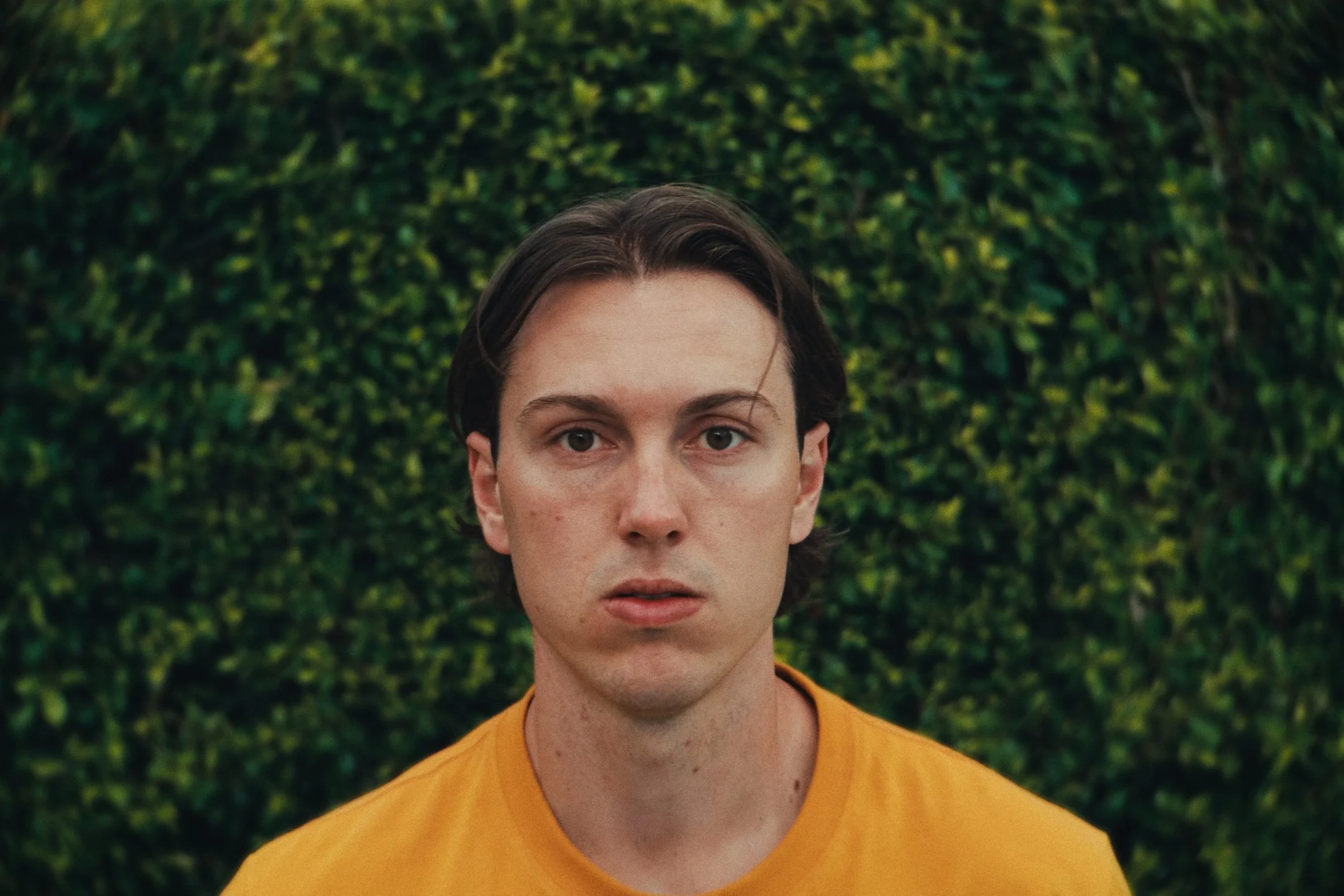
Full sensor Opengate readout captured in Apple Log 2 Pro Res Raw on the iPhone 17 Pro. (4224 × 3024).
[ Final film exported to 1.5:1 3240 x 2160 ]
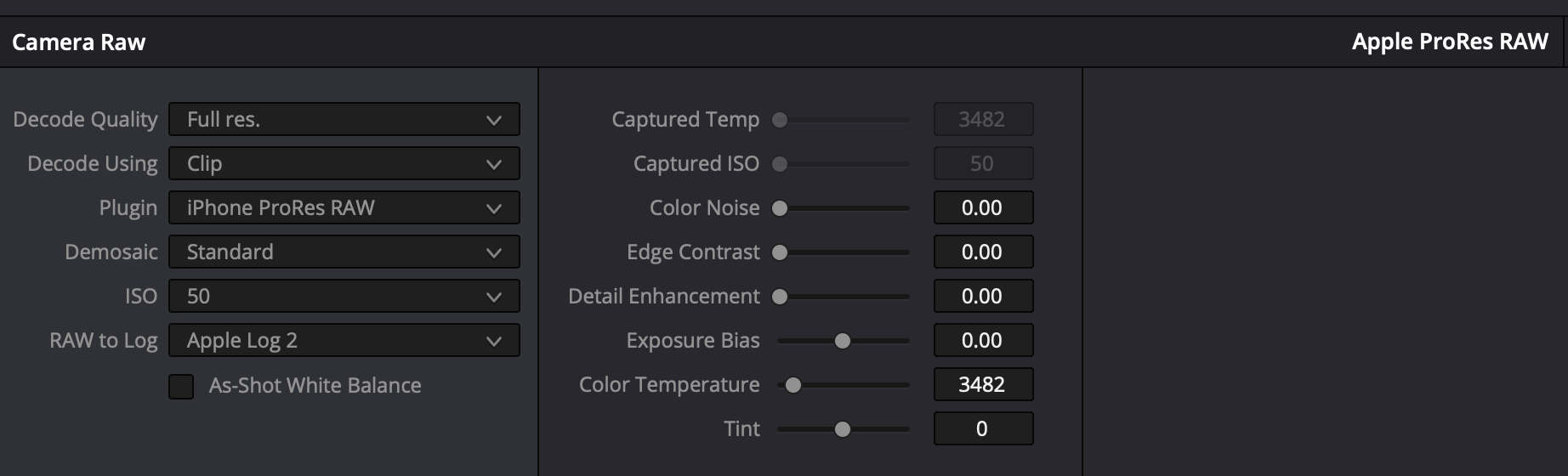
Editing Apple Log 2 Pro Res Raw settings captured in Davinci Resolve 20.
Additional Gear Used in this iPhone Short Film (with Links)
1.7x Telephoto Lens: https://amzn.to/484C7PY
2.5x Telephoto Lens: https://amzn.to/4r6Qmwk
Sandmarc Macro: https://bit.ly/4oSTYB9
ND Filter: https://amzn.to/43xCu47
Magnetic ND Filter Kit: https://amzn.to/49WzDWe
iPhone Camera Cage: https://amzn.to/49ZppV7
Freewell iPhone Case: https://amzn.to/3XXGsQl
Tripod: https://amzn.to/3JTAfBA
Tripod Attachment Clamp: https://amzn.to/41gV4vq
Gimbal: https://amzn.to/3HzfB8v
My Other Favorite iPhone Filmmaking Gear
Sandmarc Telephoto Lens: https://bit.ly/4lrEQc2
Sandmarc Wide Lens: https://bit.ly/4lpsilh
iPhone Case: https://bit.ly/4kRJdfB
Use code 'kirkmihelakos10' for 10% Off All Sandmarc Products
ND Filter: https://bit.ly/3RK6rHH
Cinema Haze Machine: https://bit.ly/4oCM7XZ
iPhone Filmmaking Cage: https://amzn.to/415WlWQ
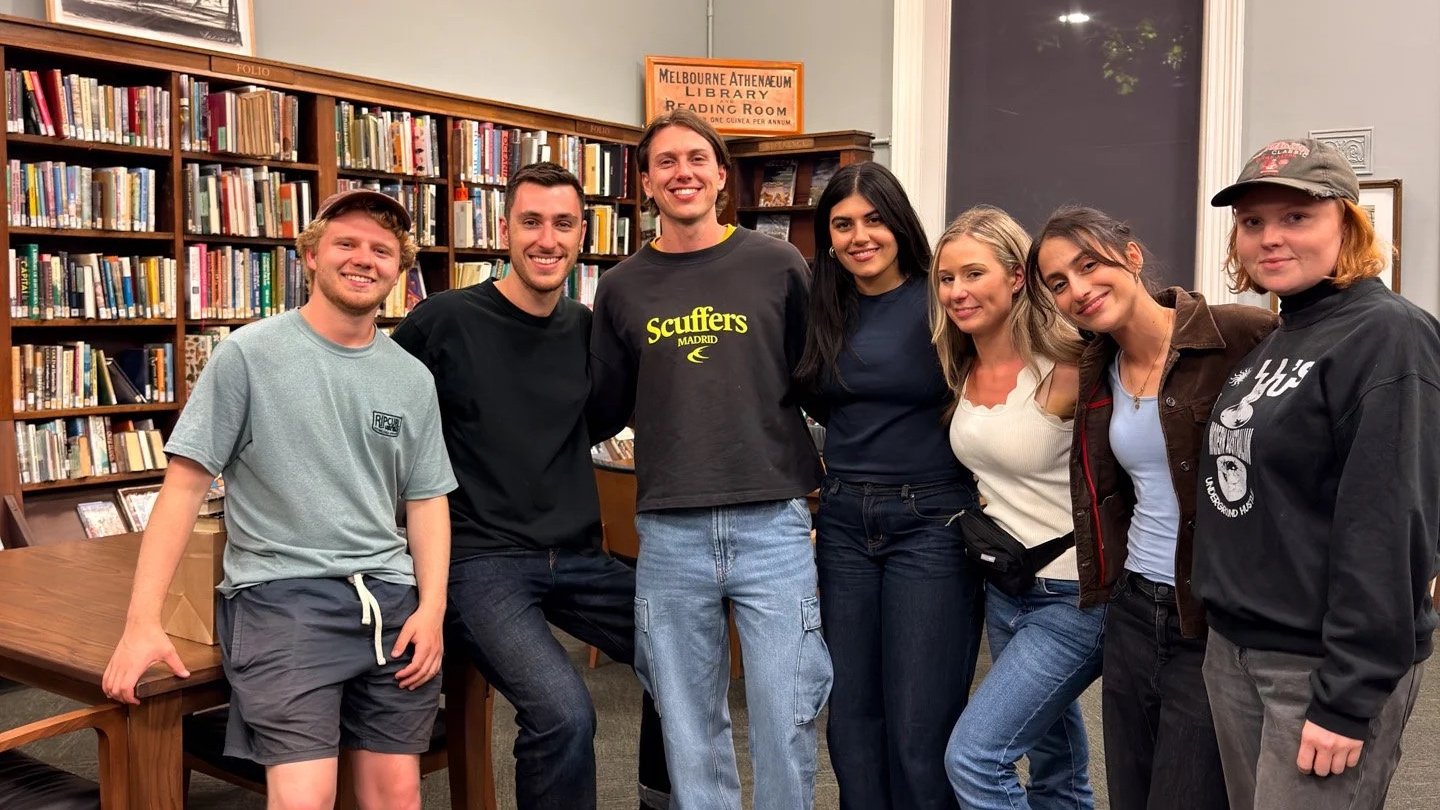
The Library crew on the final set of String Theory.
Frequently Asked Questions (FAQ)
-
iPhone 17 Pro Max 1TB. Utilsiing the Blackmagic camera app. Shot in Apple Log 2, Opengate using ProRes RAW for the codec.
-
Davinci Resolve 20
-
I follow a pretty standard process for all of my iPhone footage grades. Shoot in Apple Log in ProRes RAW for maximum color fidelity, and dynamic range + Bit-depth. Bring it into resolve, apply my Apple Log conversion LUT first, and work from there. I have a Powergrade template that I use in resolve to speed up the workflow too, which includes Davinci Resolves Film Look Creator.
-
Extremely straight forward setup, only really utilised my Amaran 200x and 100d for the library sequences.
-
It’s such a small versatile camera, that requires minimal crew and setup time. Allowing us to focus on what matters, filmmaking, storytelling, and just having fun doing it all.
-
I applied a Magic Mask and power window (depending on the shot) to the foreground subject, to mask it OUT, of a radial blur effect applied. A free, included effect available inside of Davinci Resolve 20.
Film Links
High Quality 4K ProRes Upload
Want to watch String Theory in an (almost) uncompressed format, check out this version below.
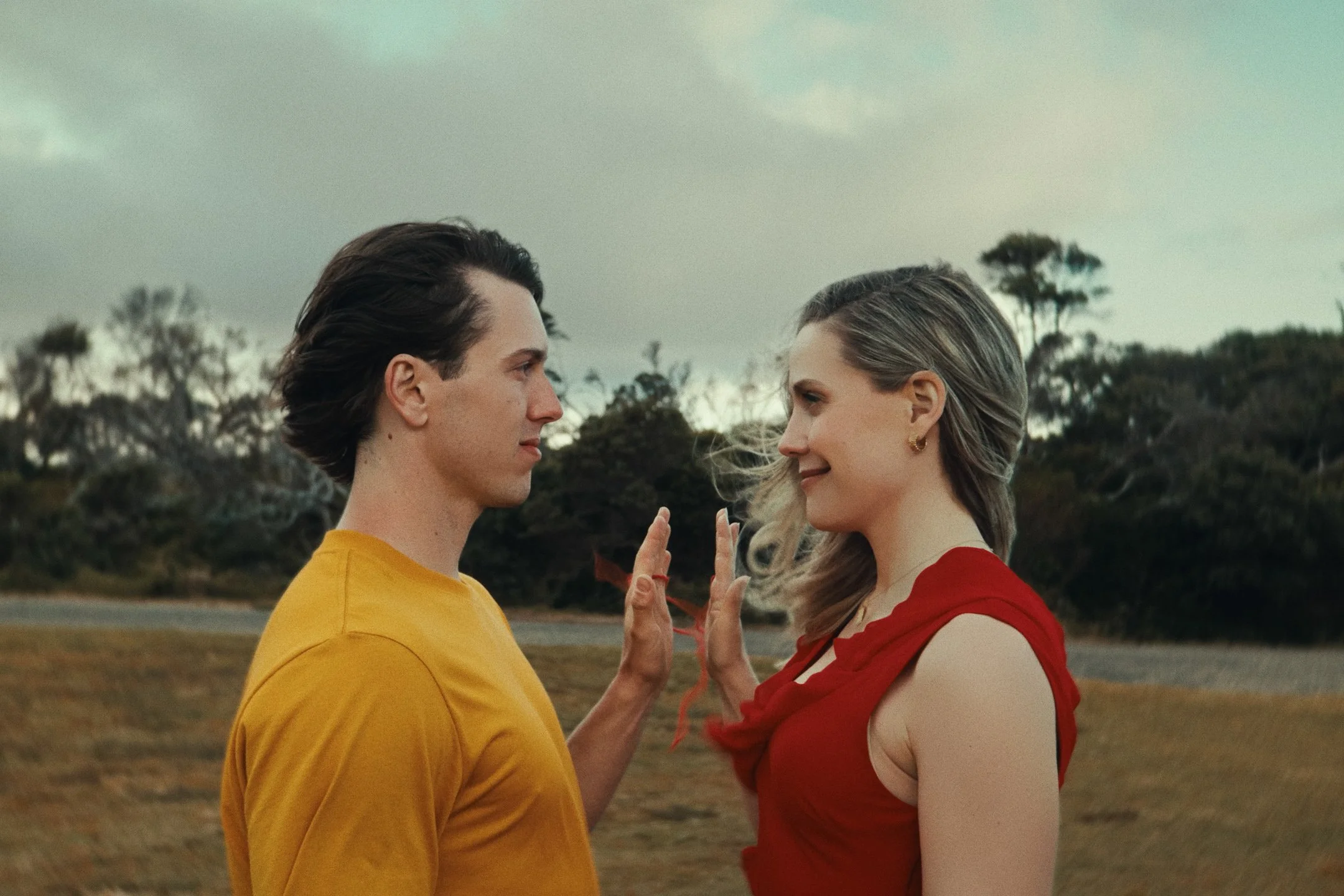
Review String Theory on Letterboxd
If you would like to leave your feedback on the short, or just show some more support, feel free to log or review here.
YouTube Upload
Support the channel and watch here. Plus watch our other iPhone short films and behind-the-scenes videos.
