
How we made it: Behind the Scenes of Singer
Low-light cinematography, re-shoots and vocals.
Breaking new ground on our sixth Shot on iPhone Short Film.
Written by Kirk Mihelakos | July 20, 2026
Singer. Directed by Kirk Mihelakos. Produced by Ali Wells and Kirk Mihelakos. Shot on iPhone 17 Pro.
There’s a lot of benefits that come alongside filmmaking on iPhone. From the speed and light weightless of the device itself, enabling faster setup times and more flexibility with shot selection. Codecs, Opengate and a myriad of other points i’ve discussed many times across all of our behind the scenes video and written pieces.
But honestly, none of that matters, in my eyes, if you’re not capturing a compelling story.
With Singer, from the get-go, we wanted to push the boundaries of the device we film our movies on, that also happens to fit in your pocket, but to also dive deeper into a collaborative narrative that at it’s depths, rattles the subconscious of many self-critical creatives.
Log Singer on Letterboxd
Watch Singer in Uncompressed 4K
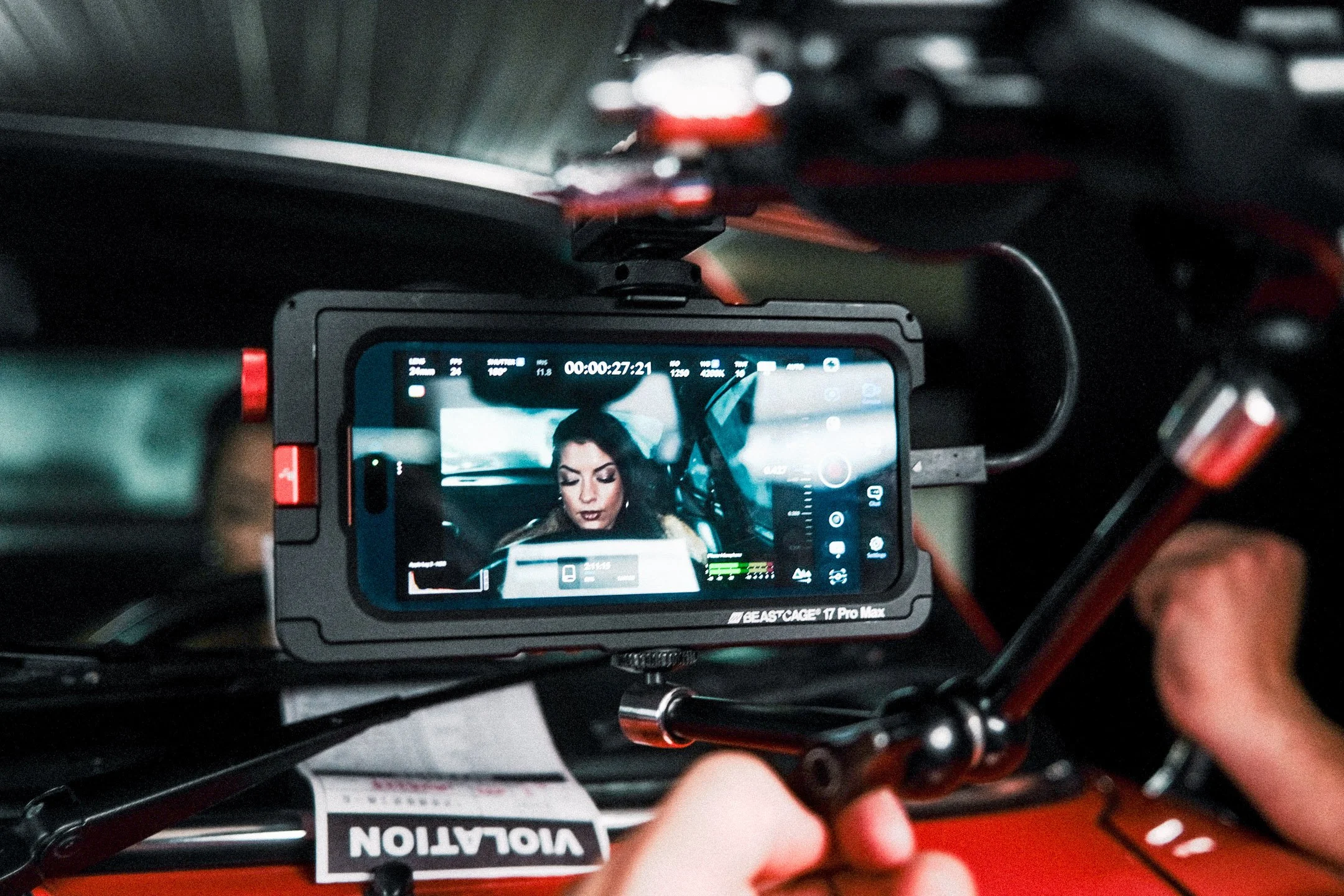
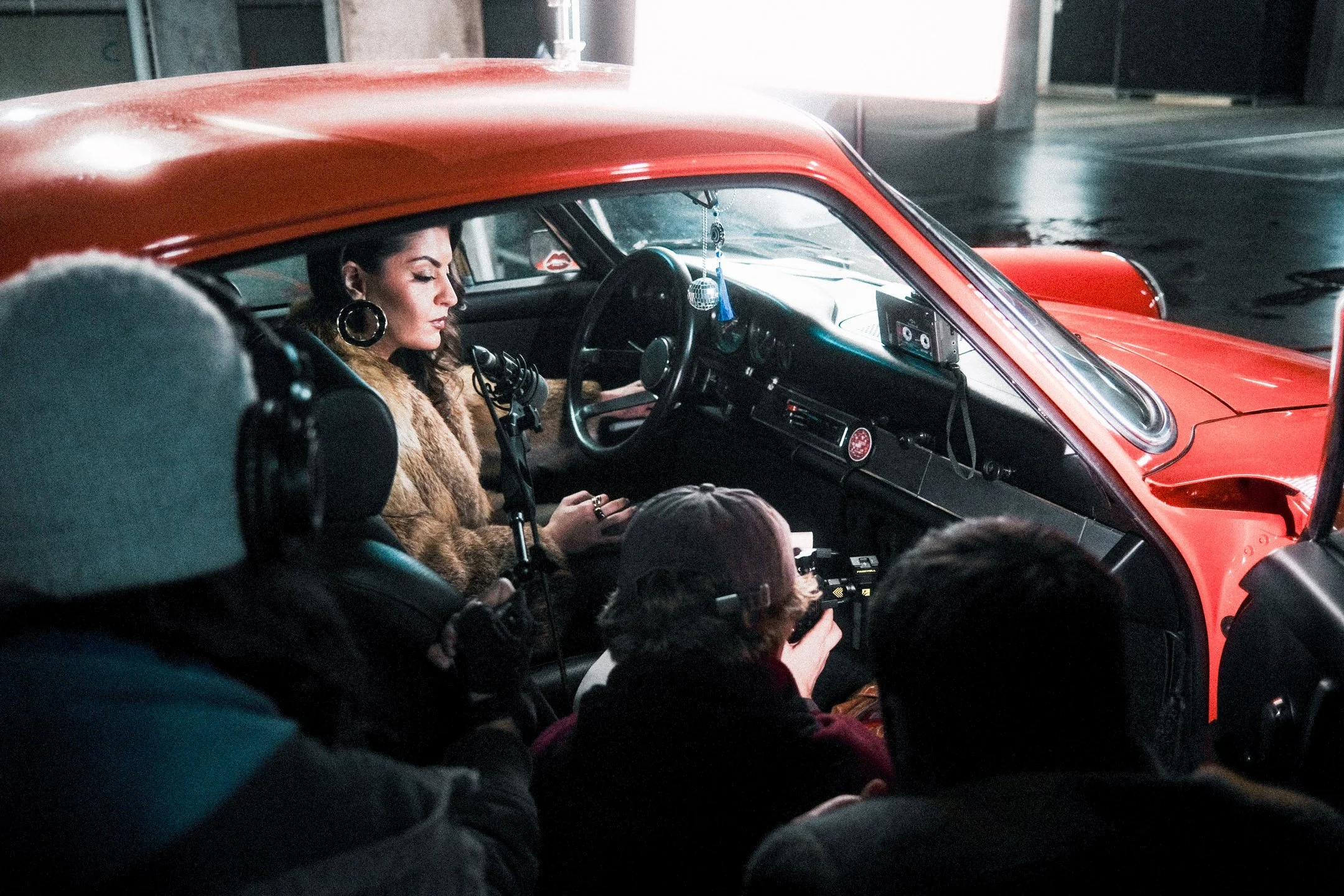
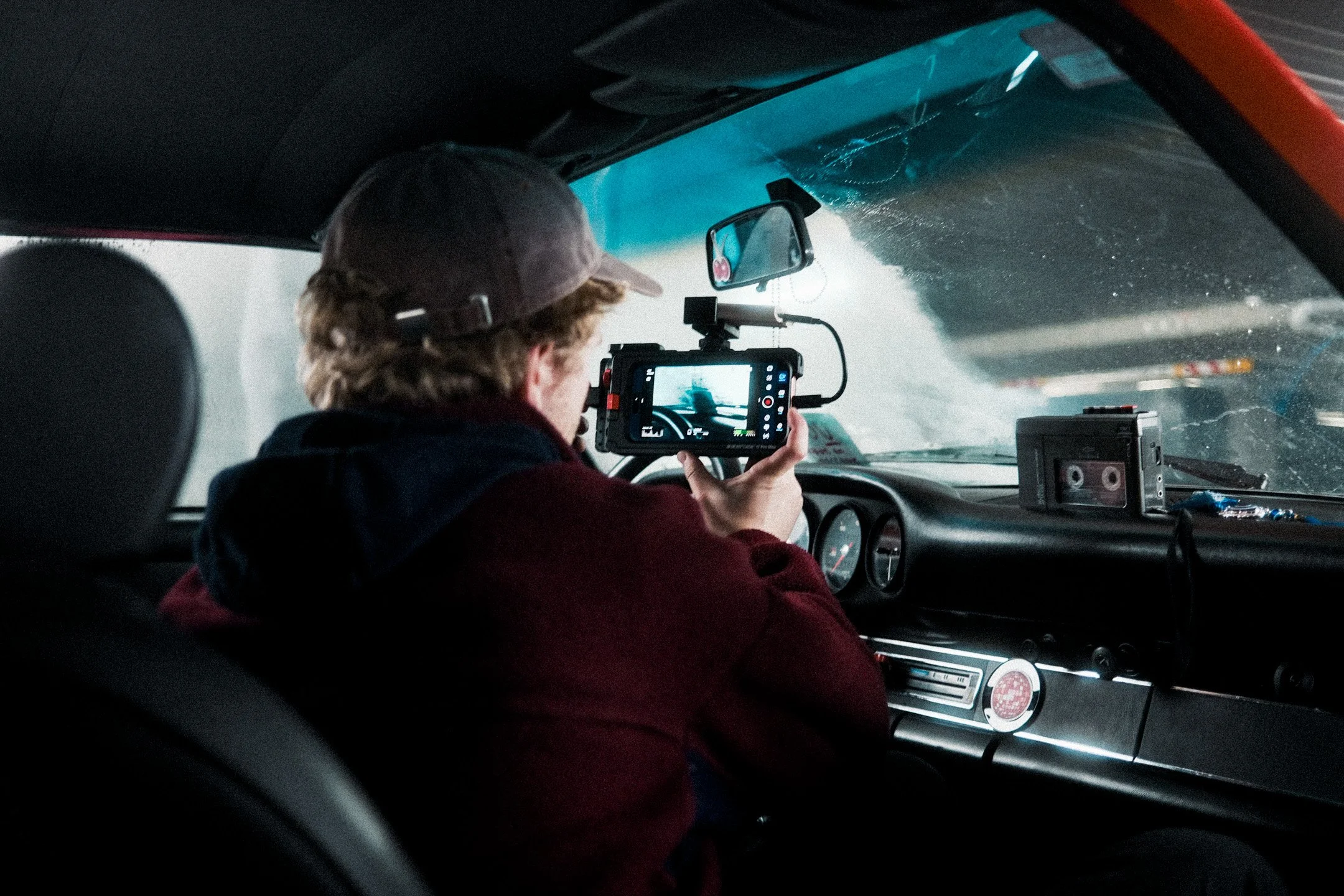
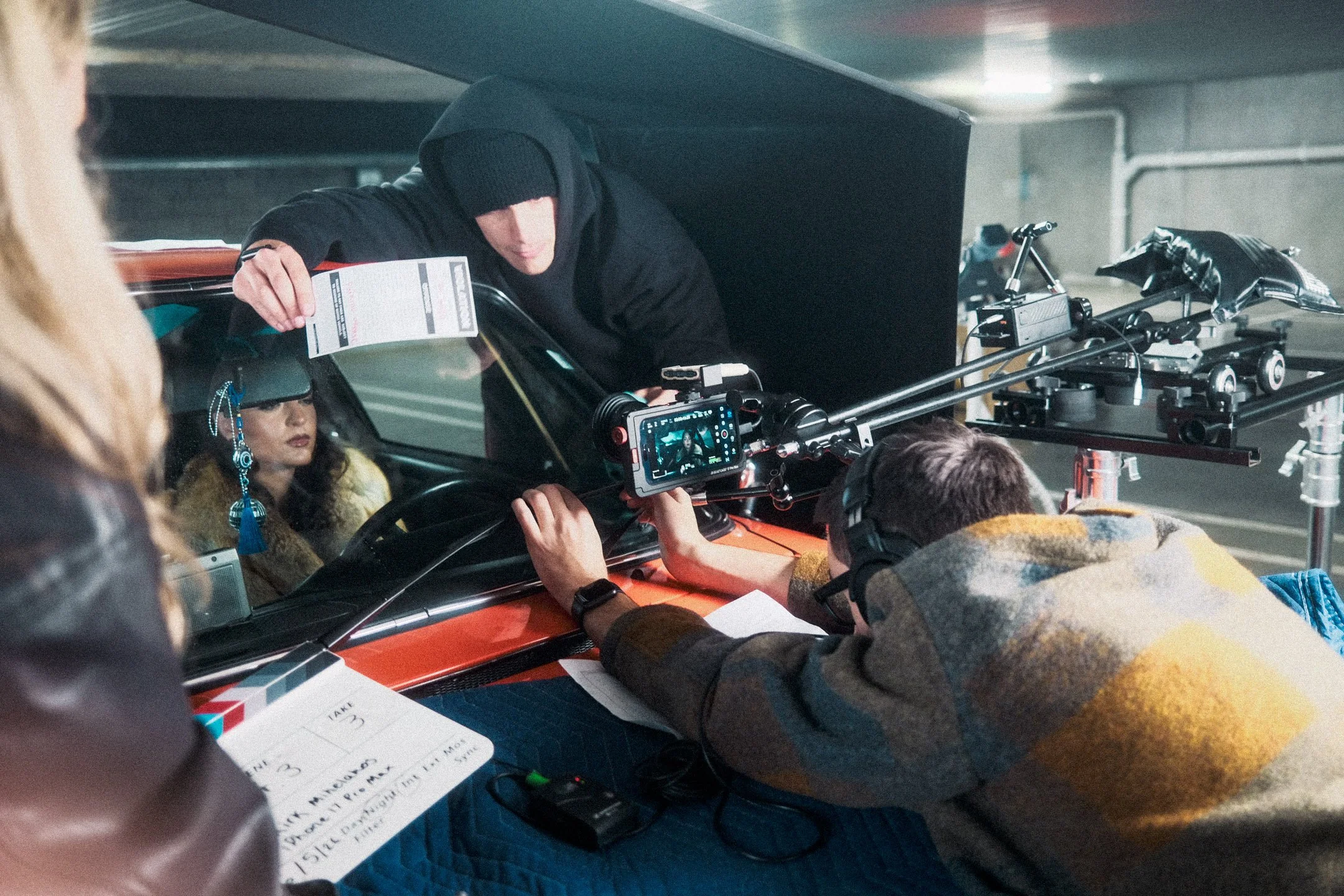
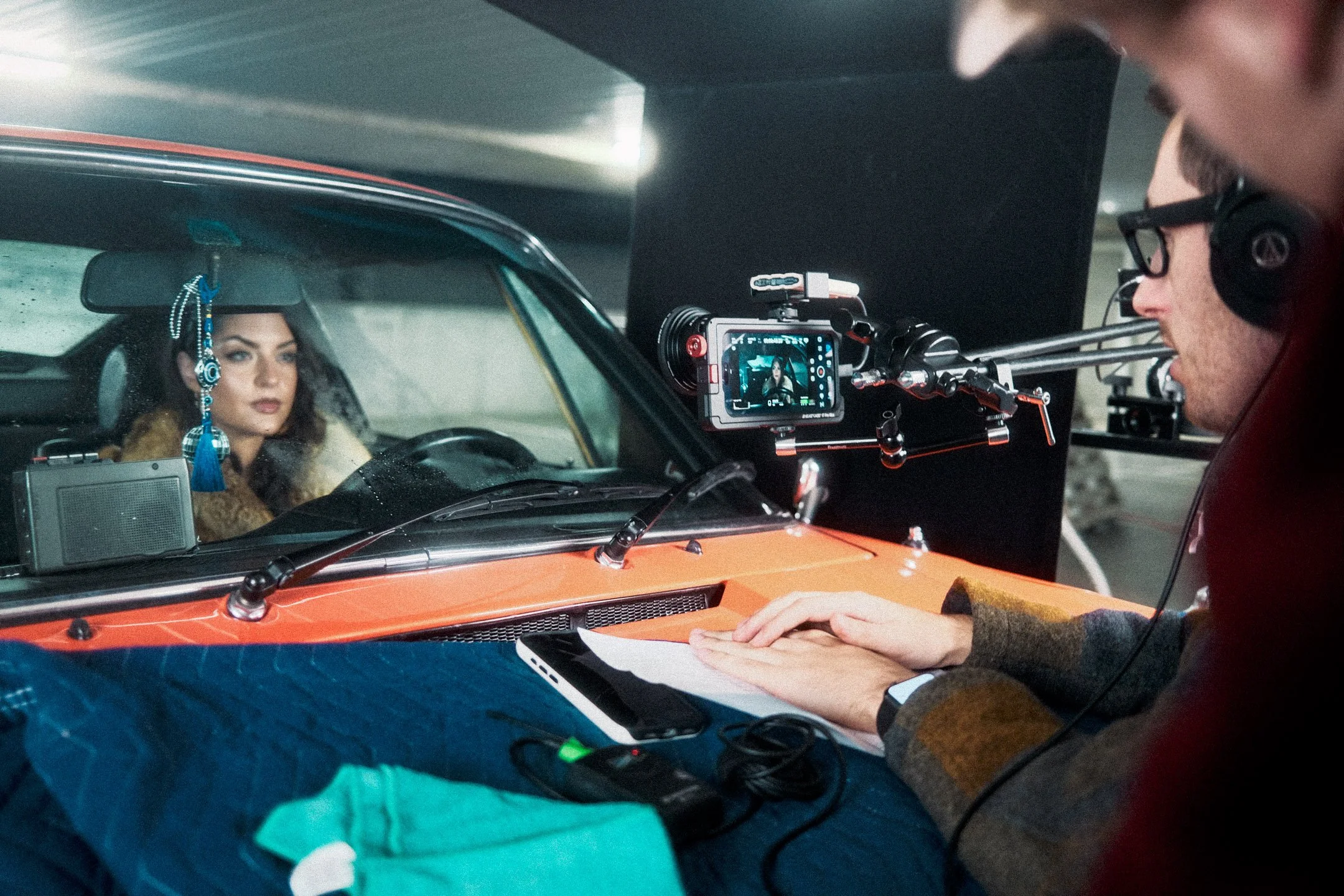
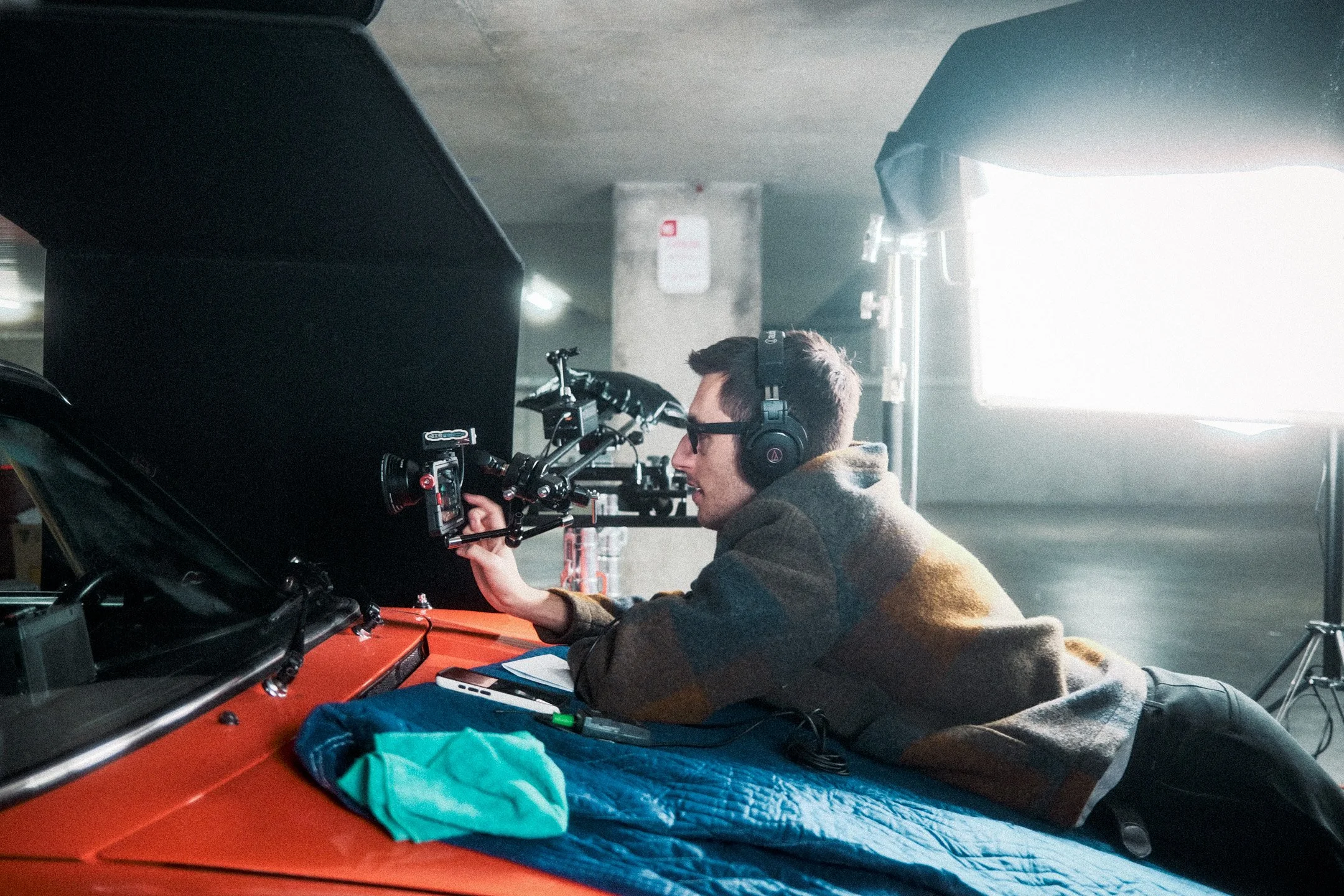
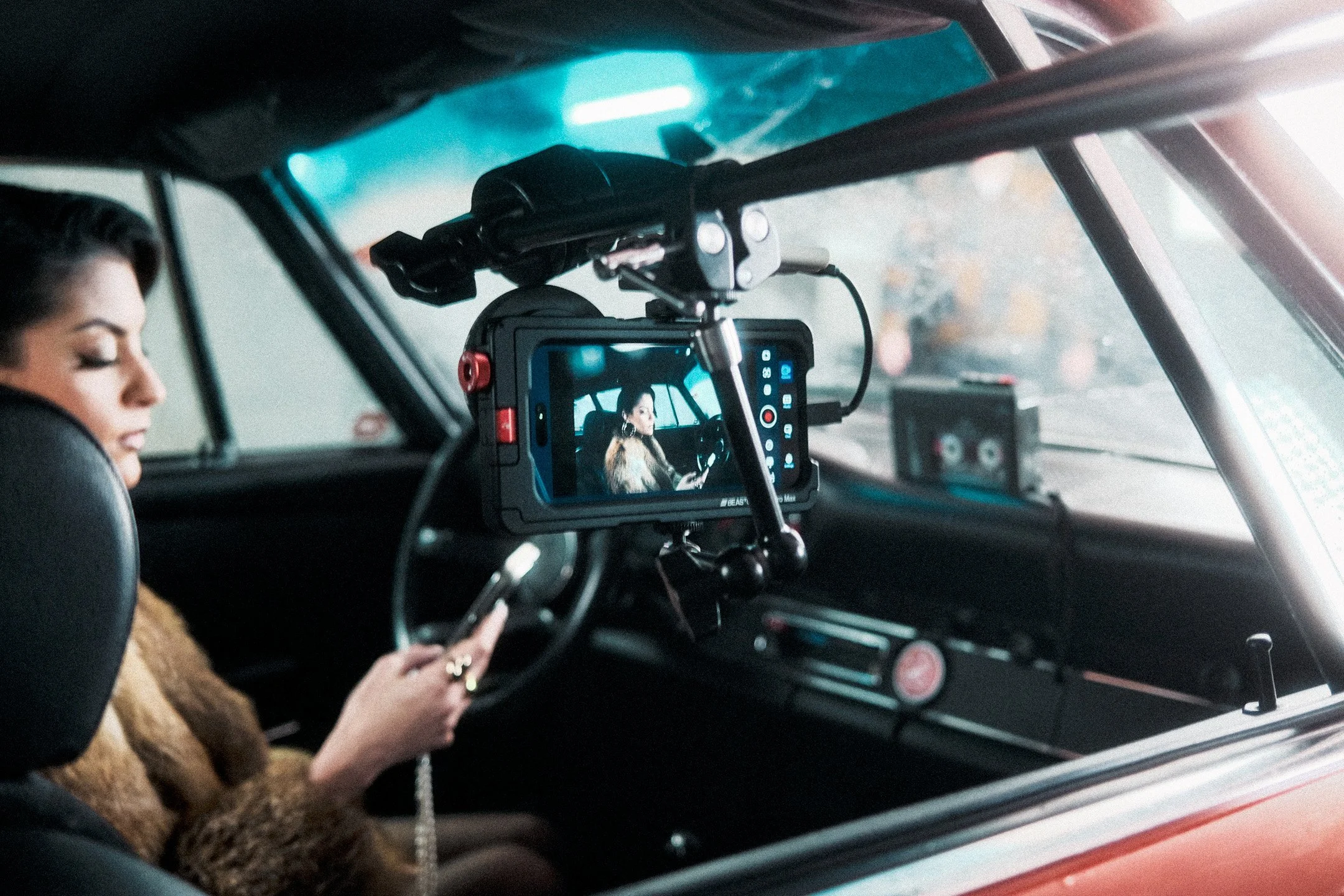
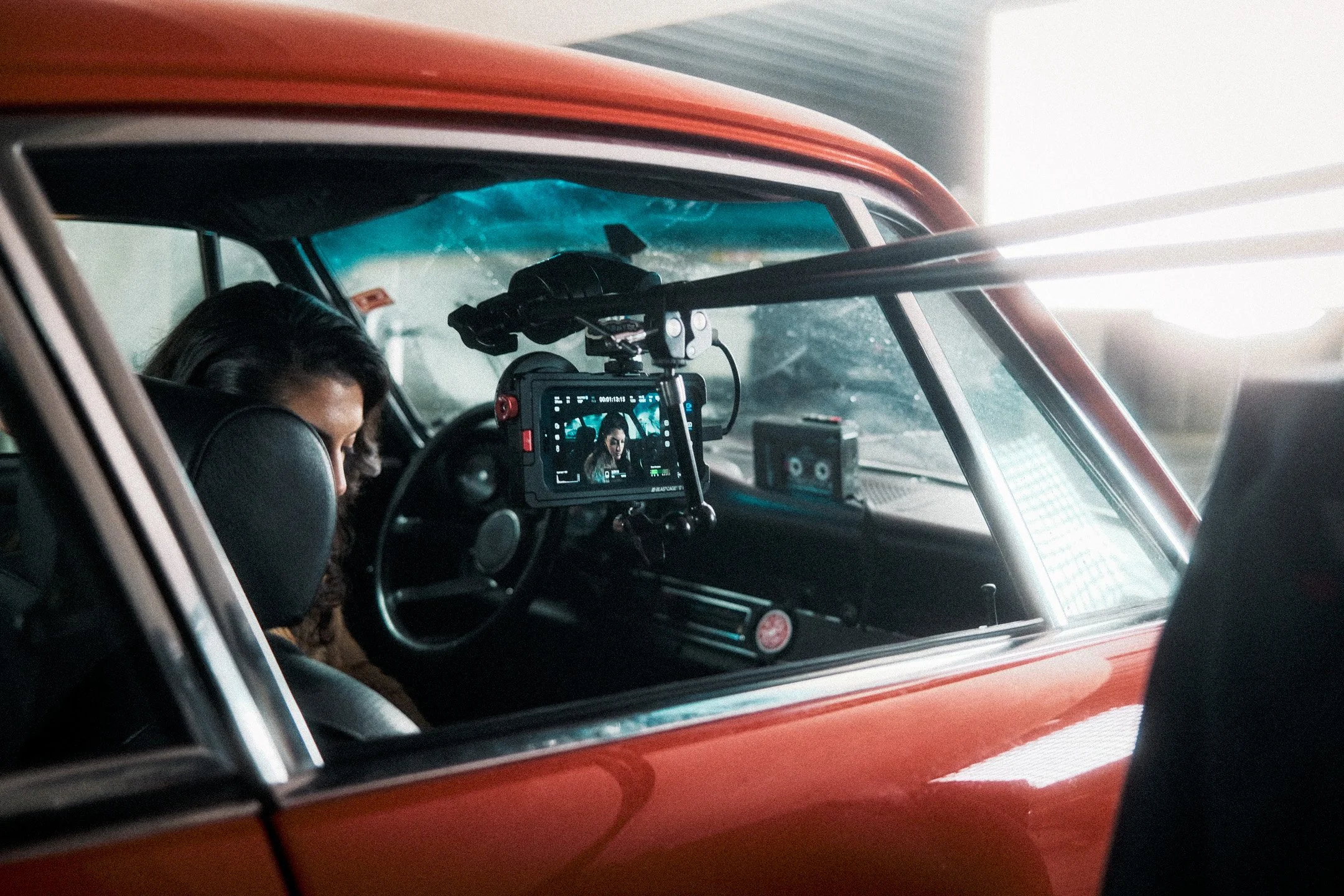
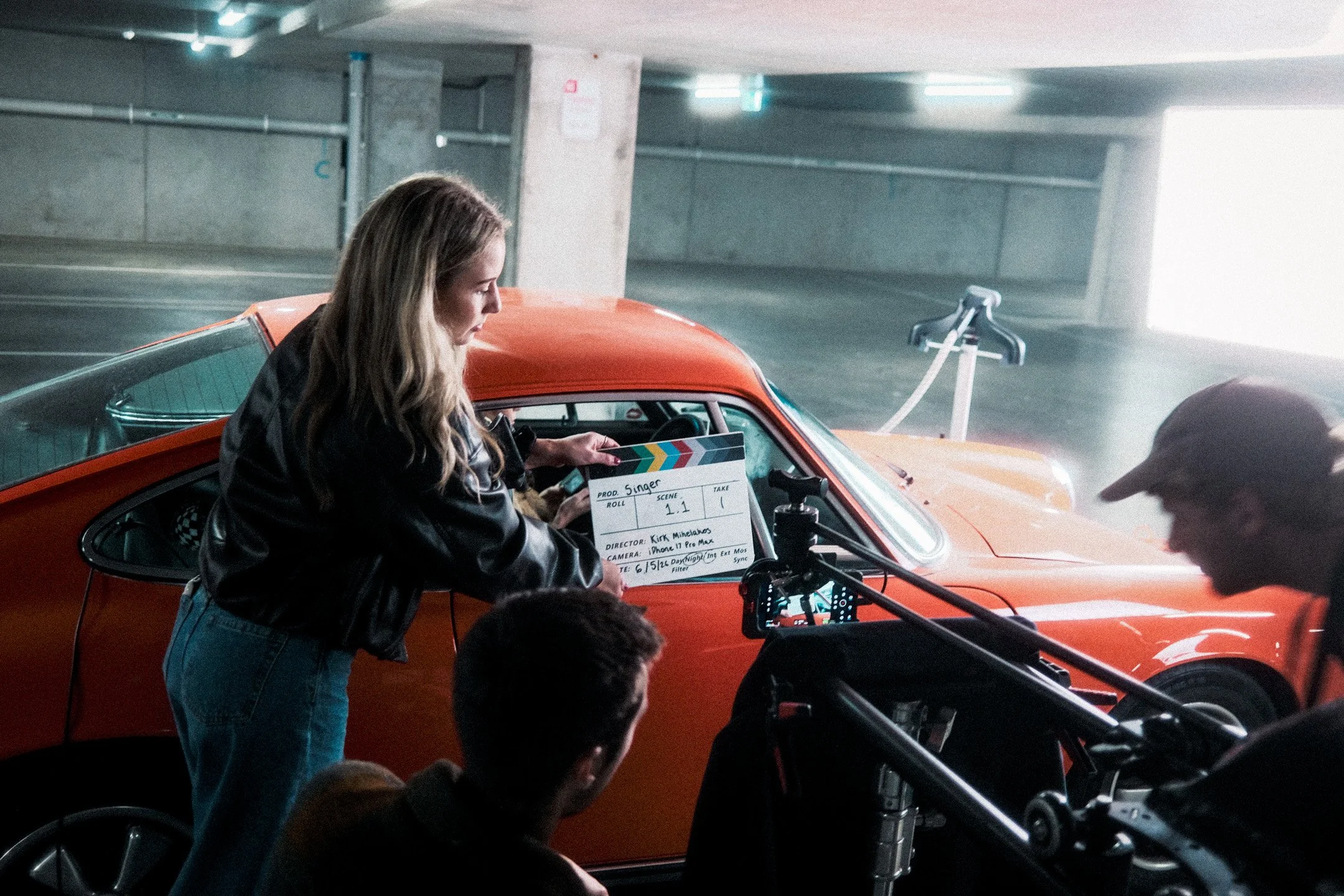
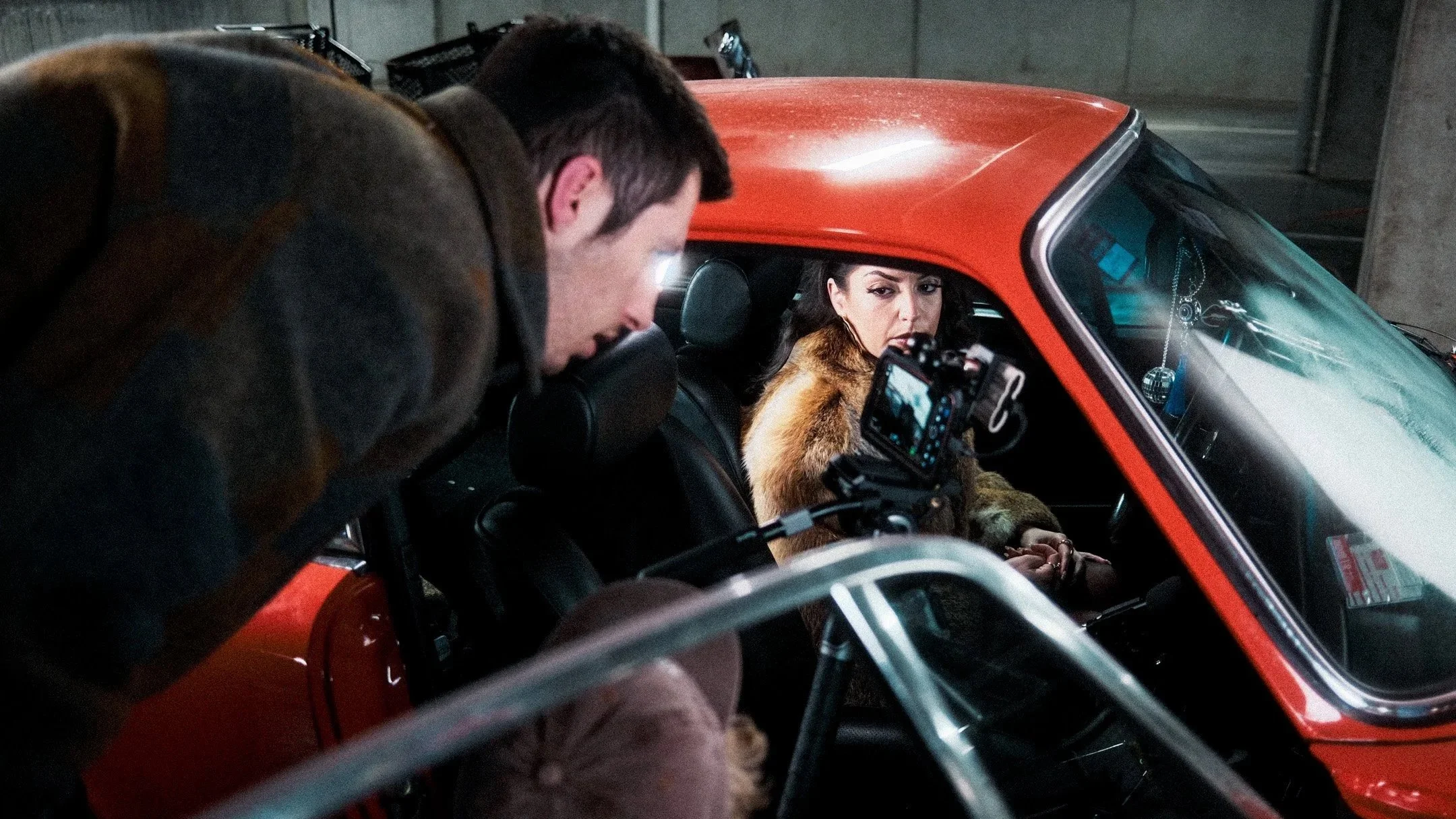
Stills captured on the second day of set of Singer. Photographed by Eva Hatzicostas.
Before continuing, I’d like to thank you for taking the time to watch our latest short film and for continuously supporting all of our indie filmmaking work.
I’d also like to dedicate this short film to Zach, the kindest, most generous friend, whose endless hours of chats about Apple and movies always fuelled my creativity and filmmaking. Without you, I never would have gone this deep into making movies with the phone in my pocket.
Miss you, mate.
Hills to climb, and challenges to overcome
Where do I begin here… Let’s start off with the truth, perhaps.
Out of all of our recent short films, this quickly evolved from a simple ‘one-location’ short into a complex challenge filled with hurdles to overcome. I’m truly fortunate to be able to call this line of work in filmmaking my full-time career, but it’s not without moments that test you. By its very nature, shooting a low-light film, on a small-sensor, with interlapping vocals and dialogue was newfound filmmaking territory for us. It wove a web of filmmaking troubleshooting that ultimately became quite entangling.
Most notably, on day one of shooting Singer, my producer, Ali Wells and I, wanted to shoot things a little differently. We were committed to ‘scaling up’ our production to compartmentalise roles, bringing on the best people to focus on their specific filmmaking skill sets and taking it from there. This meant removing many of the hats Ali and I had worn on previous shoots. In theory, this worked incredibly well, as it does for thousands of productions that happen daily around the world. However, in our world, it wasn’t quite something we had prepared for.
Although we were deeply grateful to everyone who helped on our set, the complexity of the script meant that the on-set crew size ballooned into something we probably weren’t ready for. As a result, we had a few misses on the first night. Between corrupt files, continuity problems, script uncertainty and other visual issues, we left the night with about 20% of the footage being ‘usable’ for the final edit. Much of said footage did make the final cut and was, hopefully, indistinguishable from the footage captured on the following day of shooting.
Personally, I found myself spending too much time figuring out new gear, meeting new people and trying to overcome challenges related to the phone’s low-light sensitivity, all whilst attempting to direct at the same time on the first day.
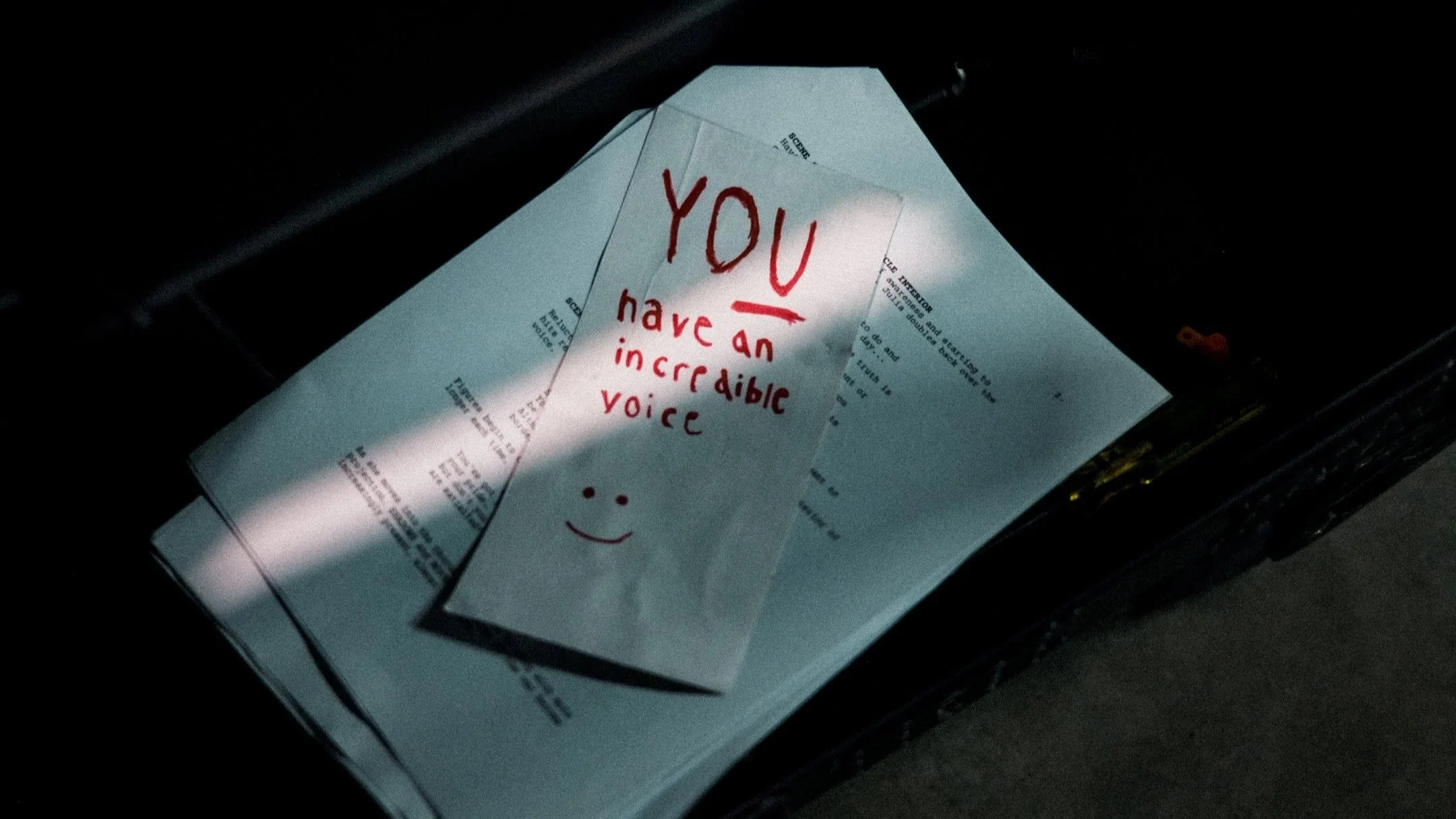
Our first shot on iPhone short film with dialogue, and plenty of props like the ticket pictured, that were key items identified in the script.
That being said, a few weeks later, we picked ourselves up, looked at what we had, dusted ourselves off, set a reshoot date and shot much of the final version of Singer, while also adding many new, narratively inspired shots. Overall, it was a great learning experience for us, particularly in understanding that crew size isn’t necessarily indicative of a more capable production. To put it simply, my finding was that my approach on the first day of shooting was “too professional to be a simple shot-on-iPhone indie short film shoot, but not professionally organised enough on my end, to be a ‘professional’ shoot.”
Our learnings from day one, directly contributed to the success of day two, and the completion of principal photography on Singer. Long story short, if you find yourself in a similar position and are considering a reshoot of your own work, don’t treat it as a setback, but rather as an opportunity to keep moving forward!
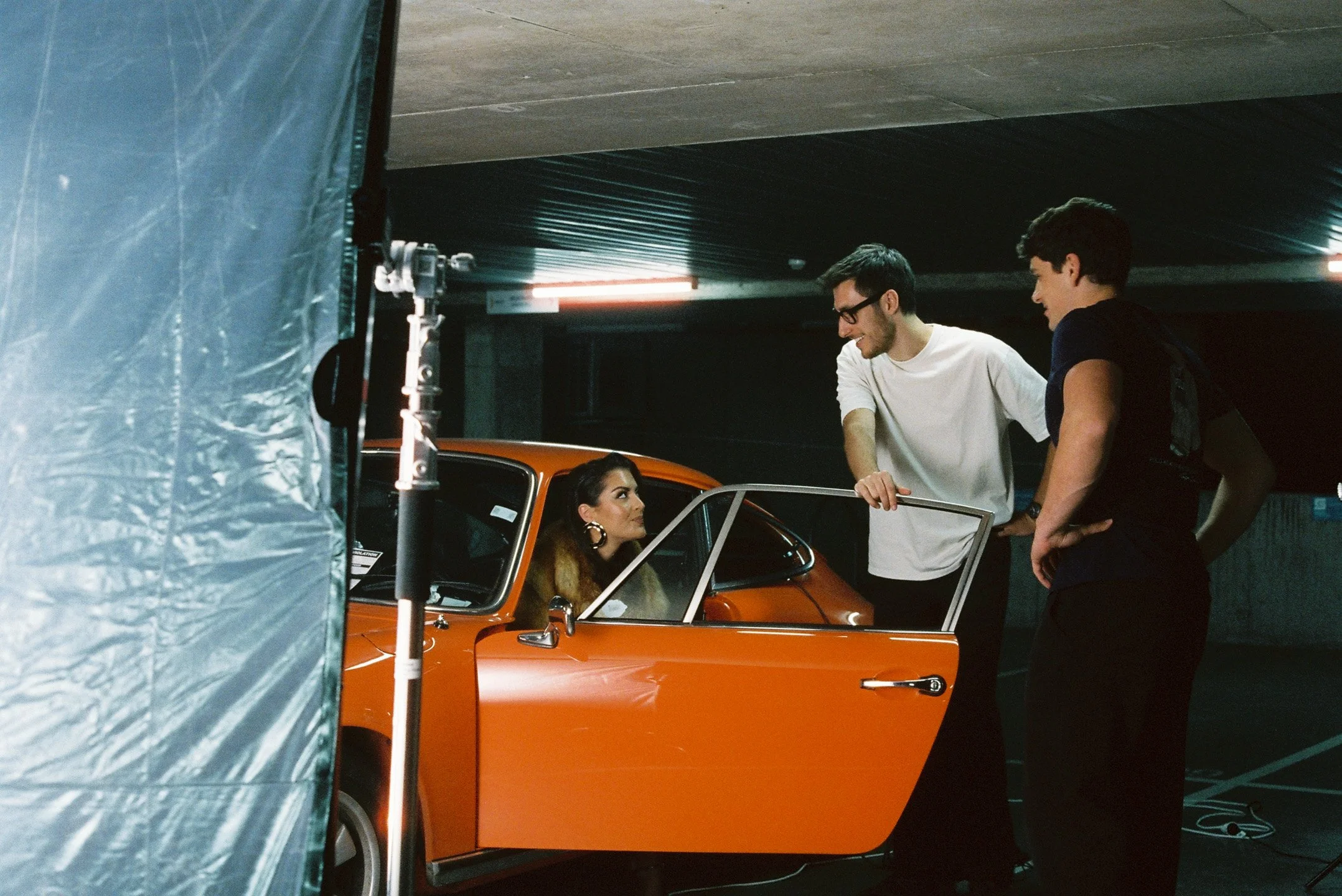
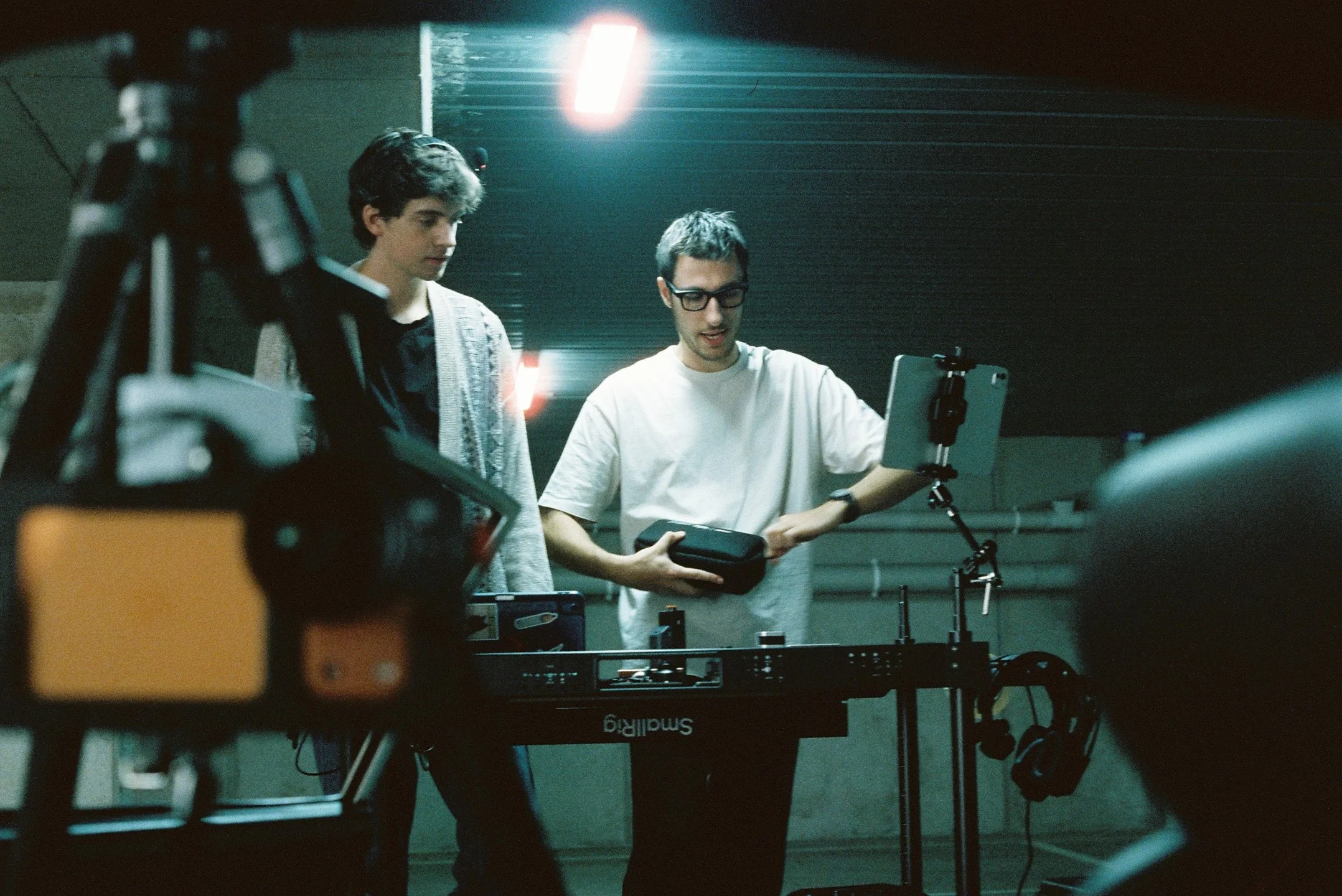
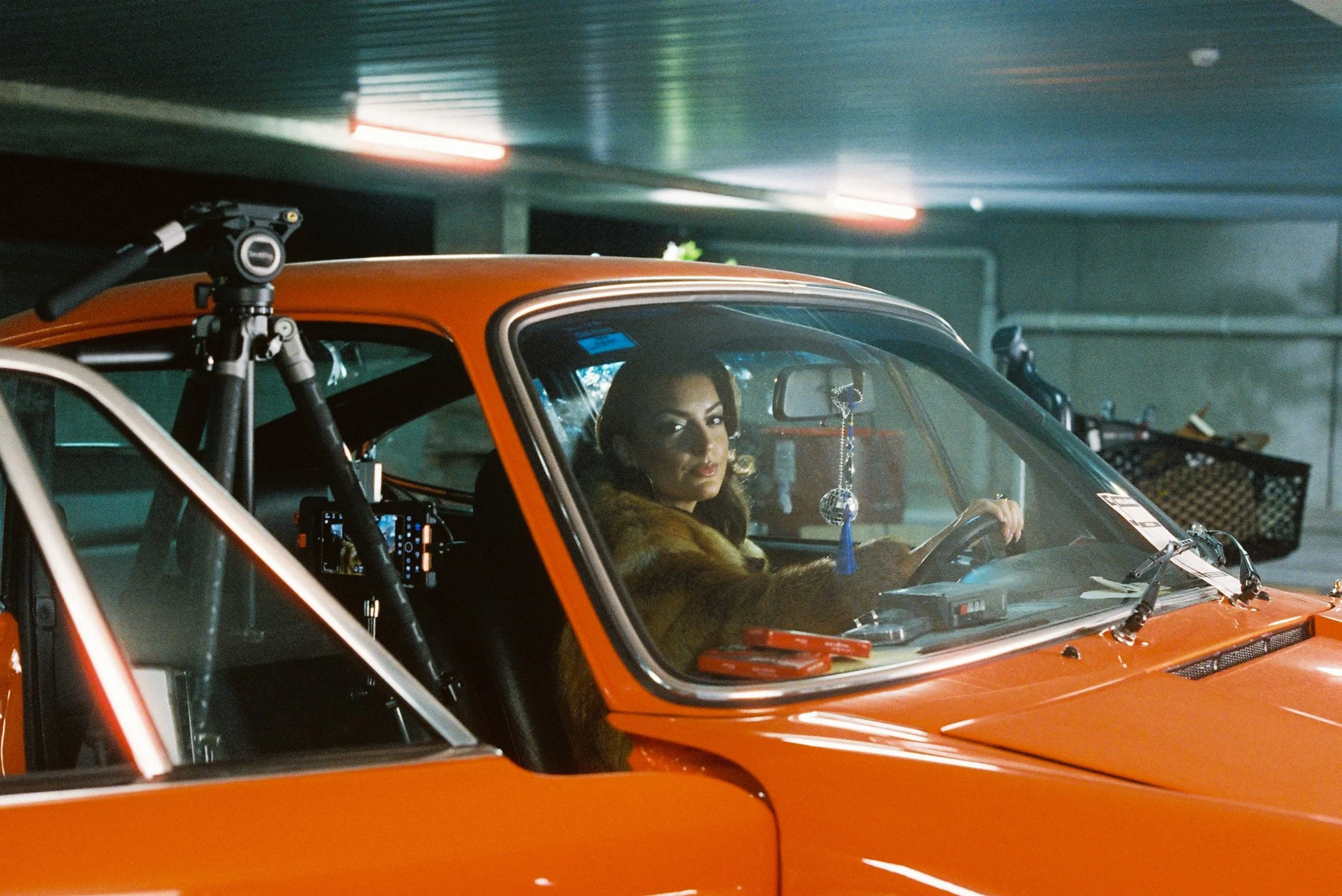
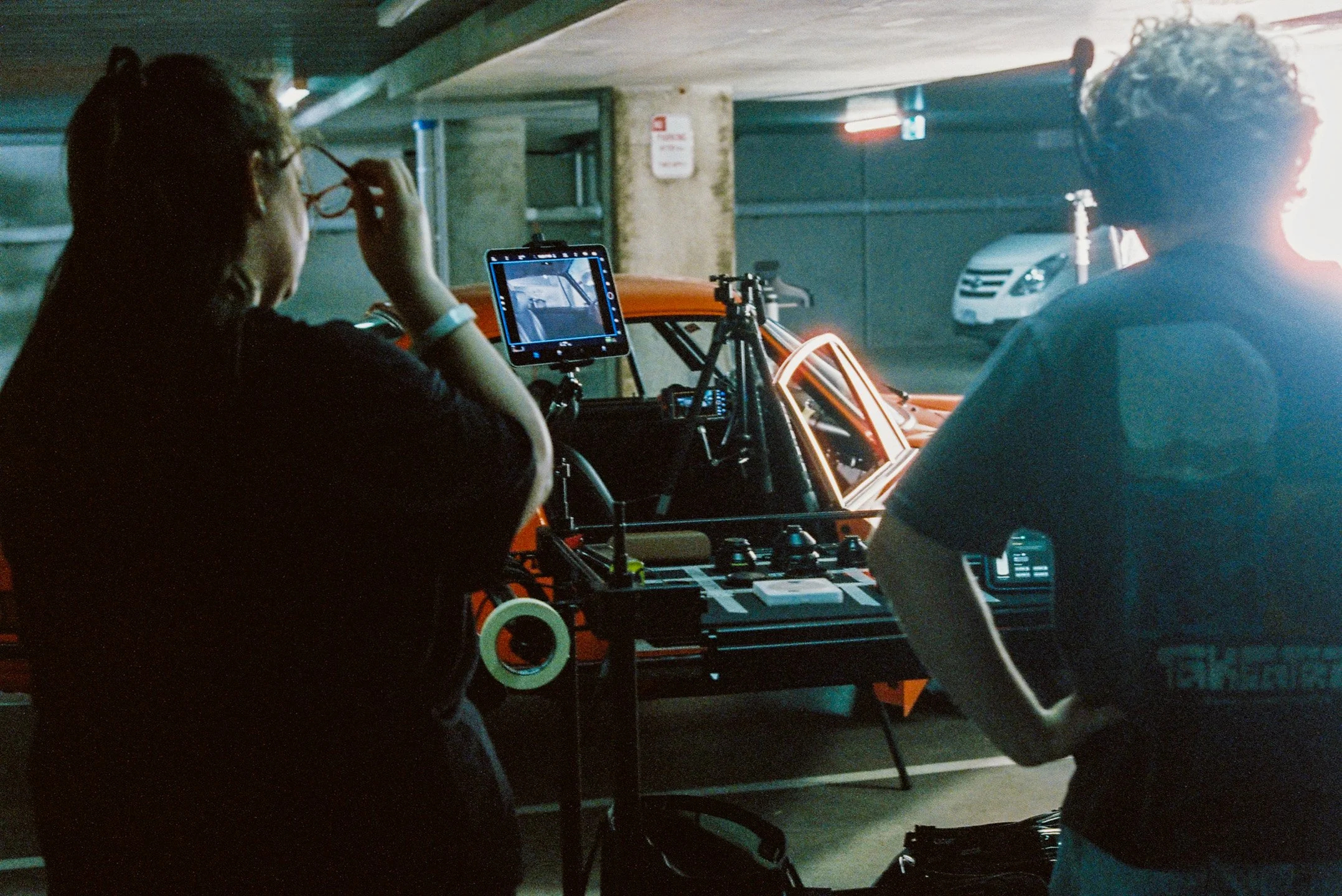
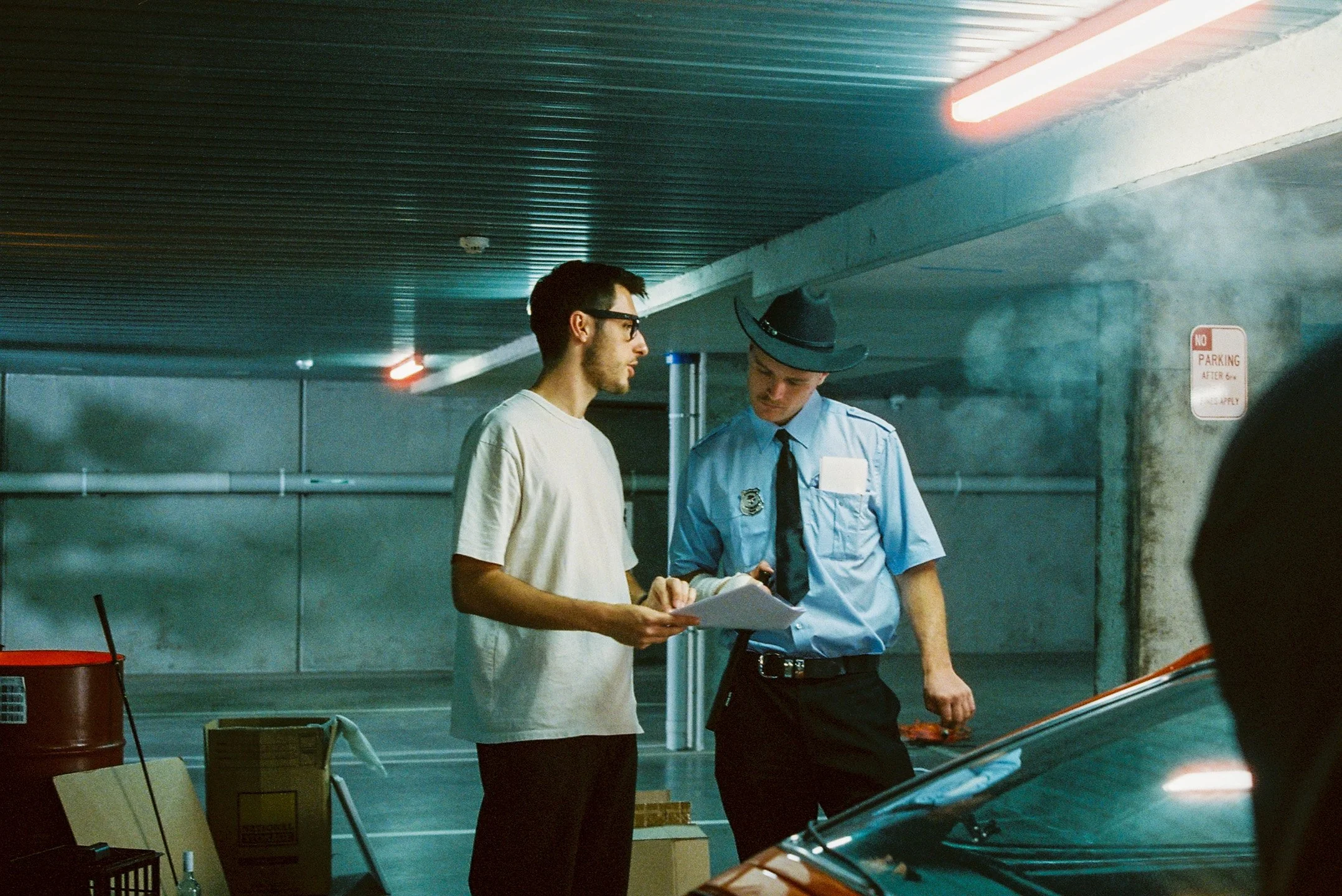
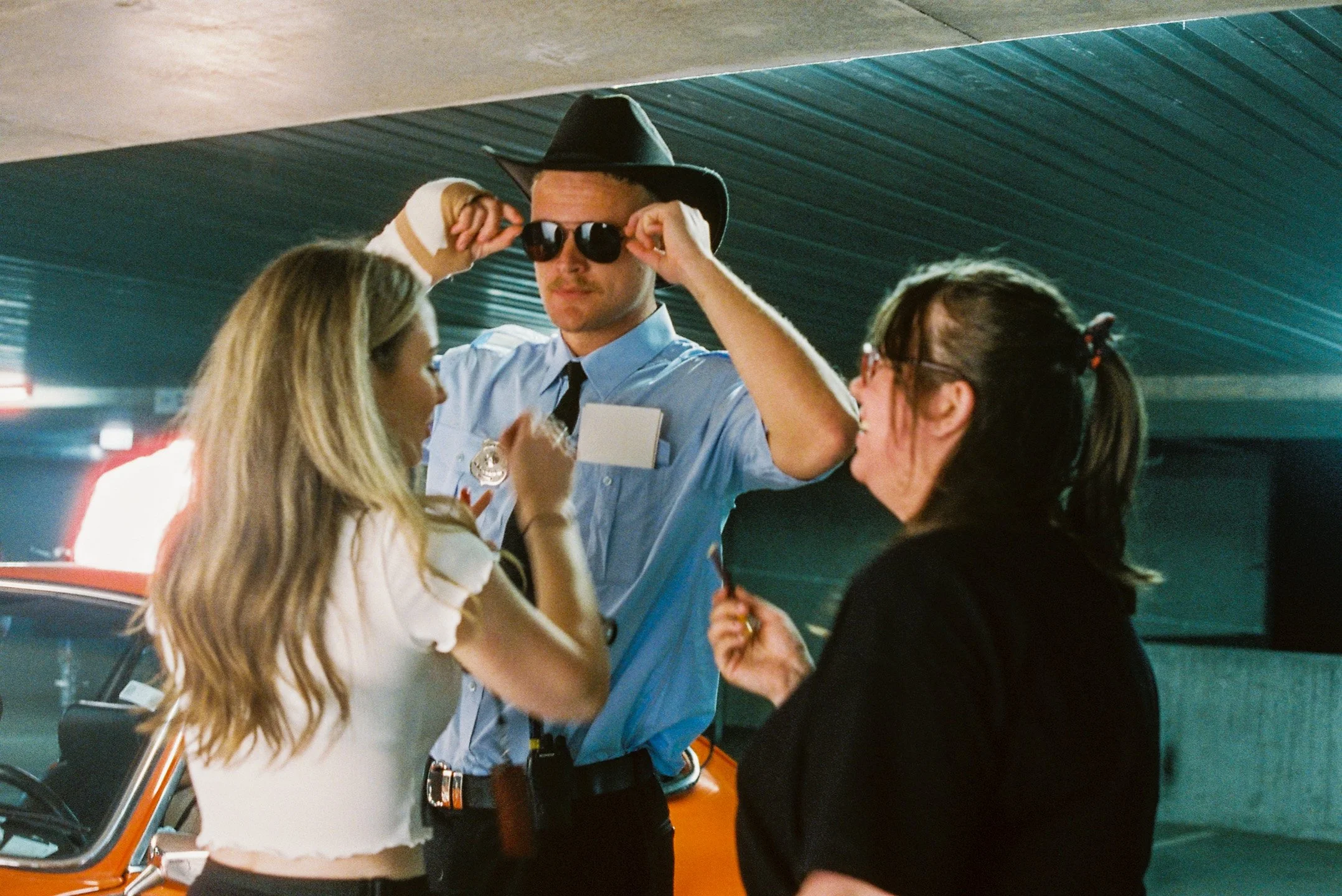
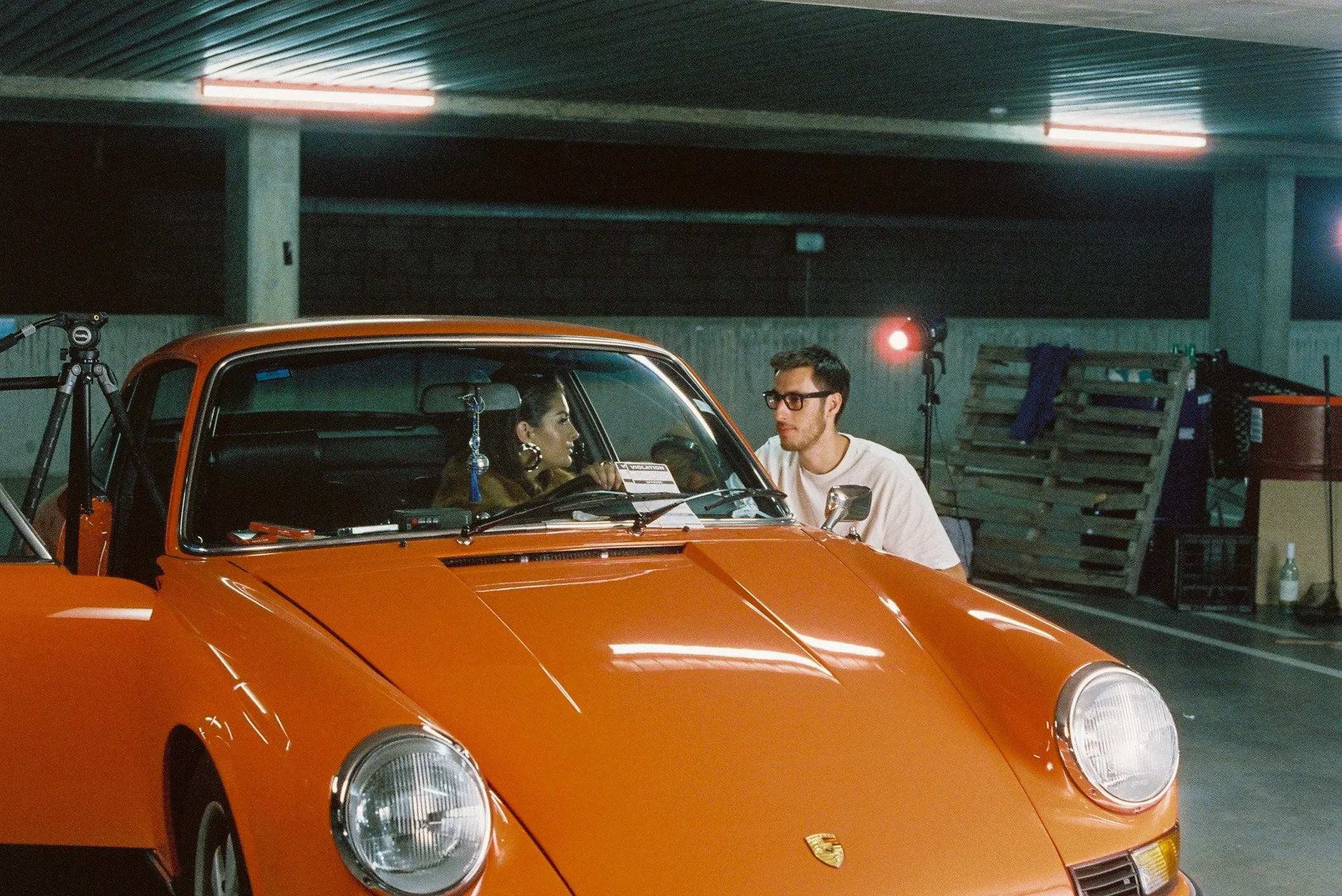
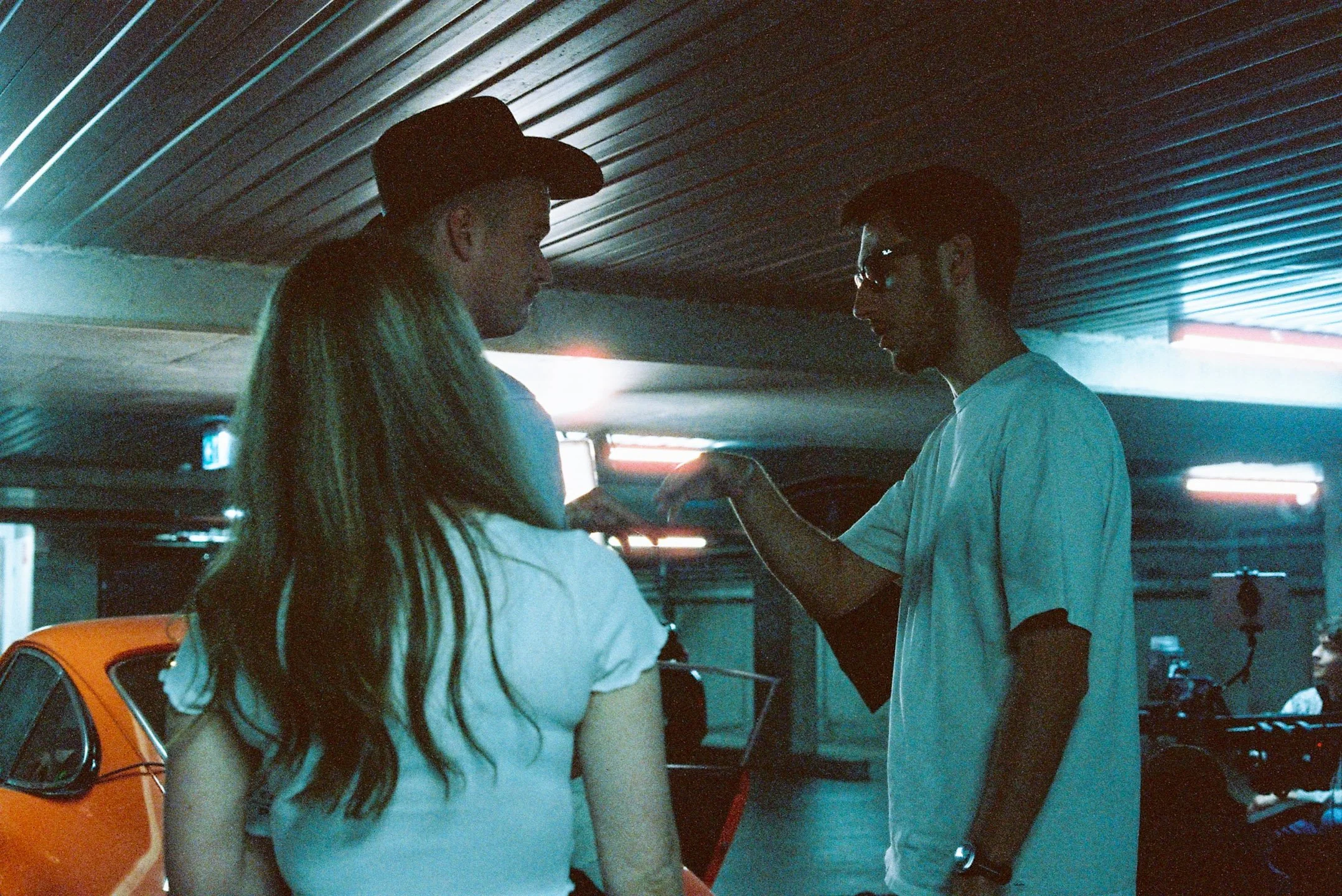
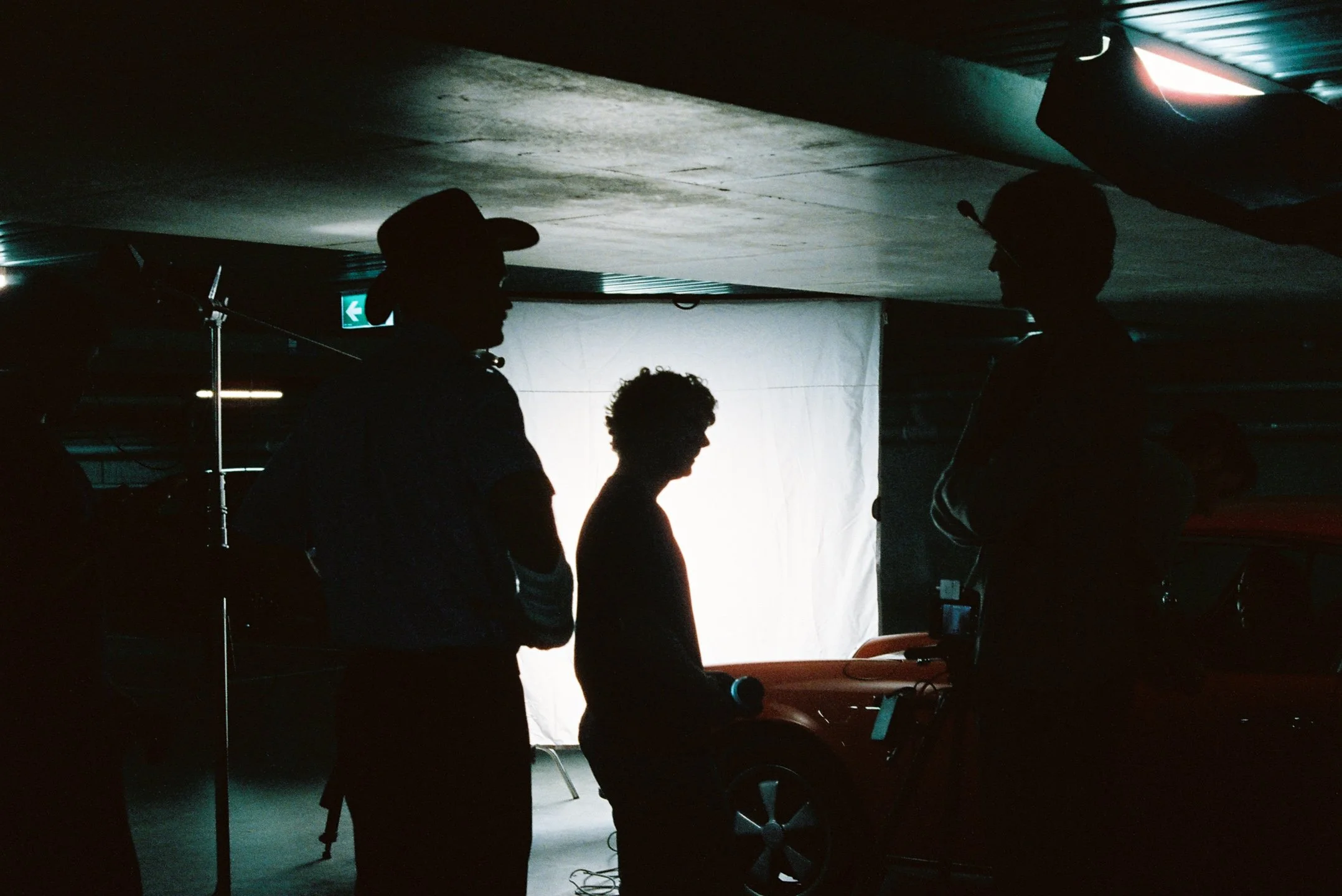
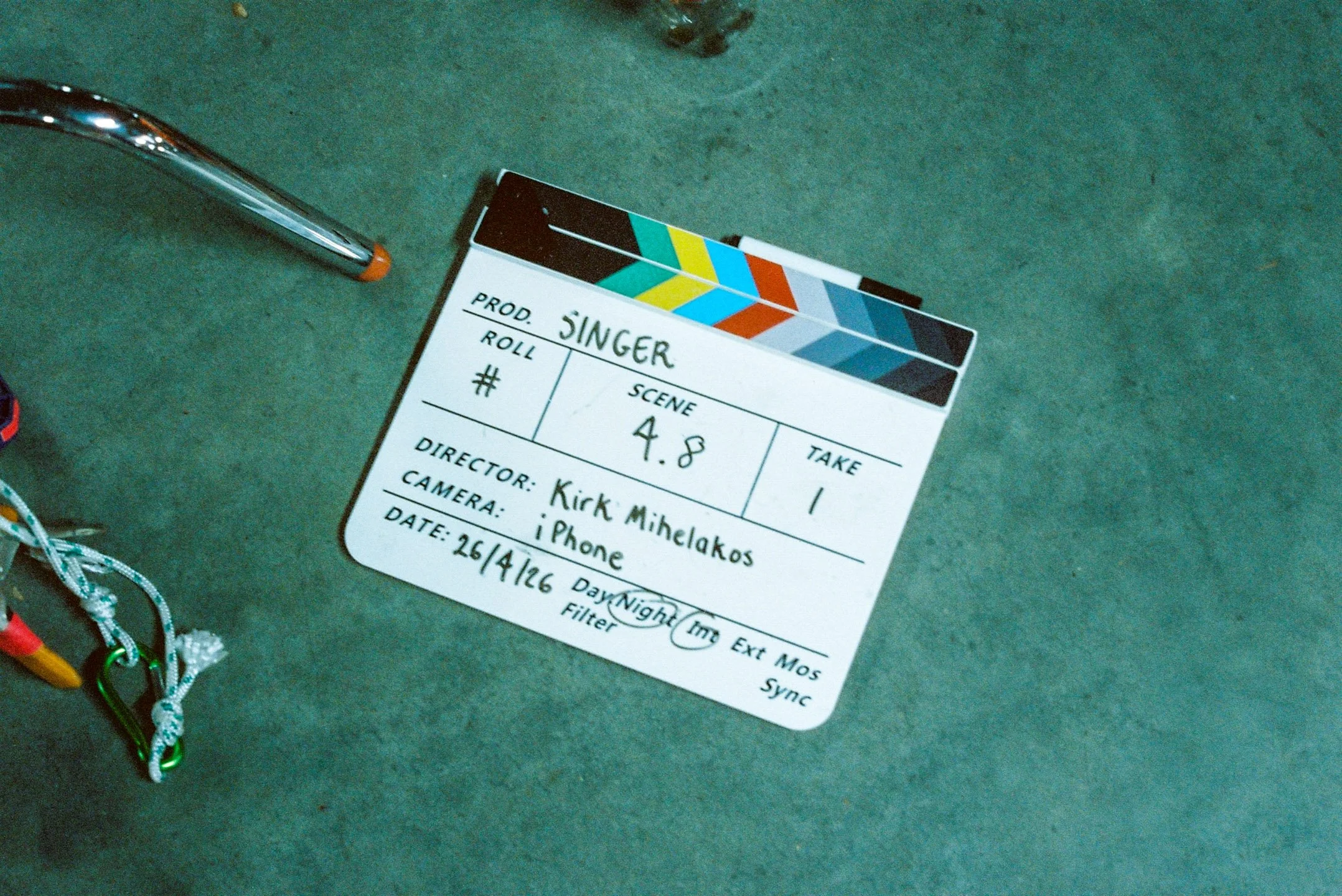
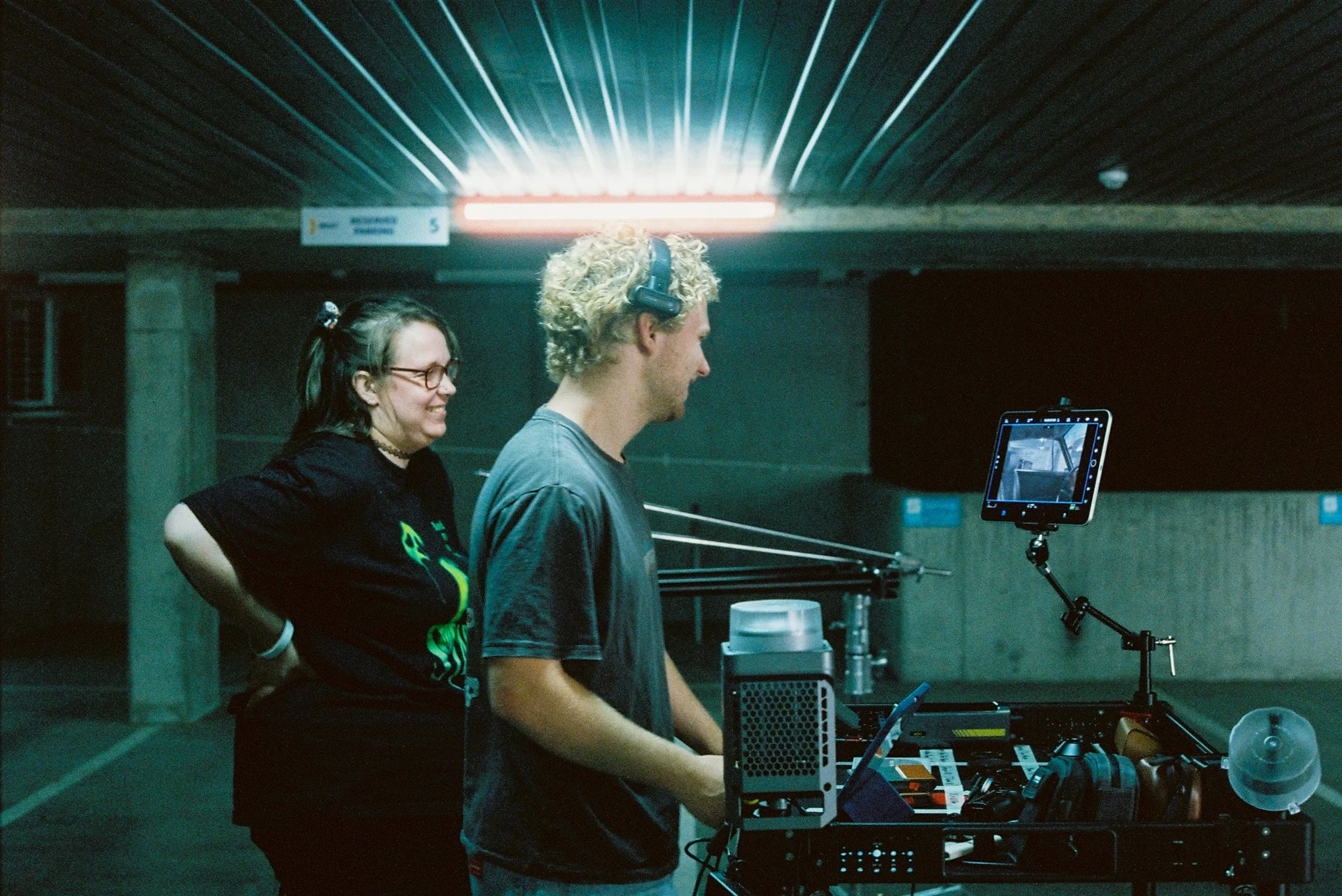
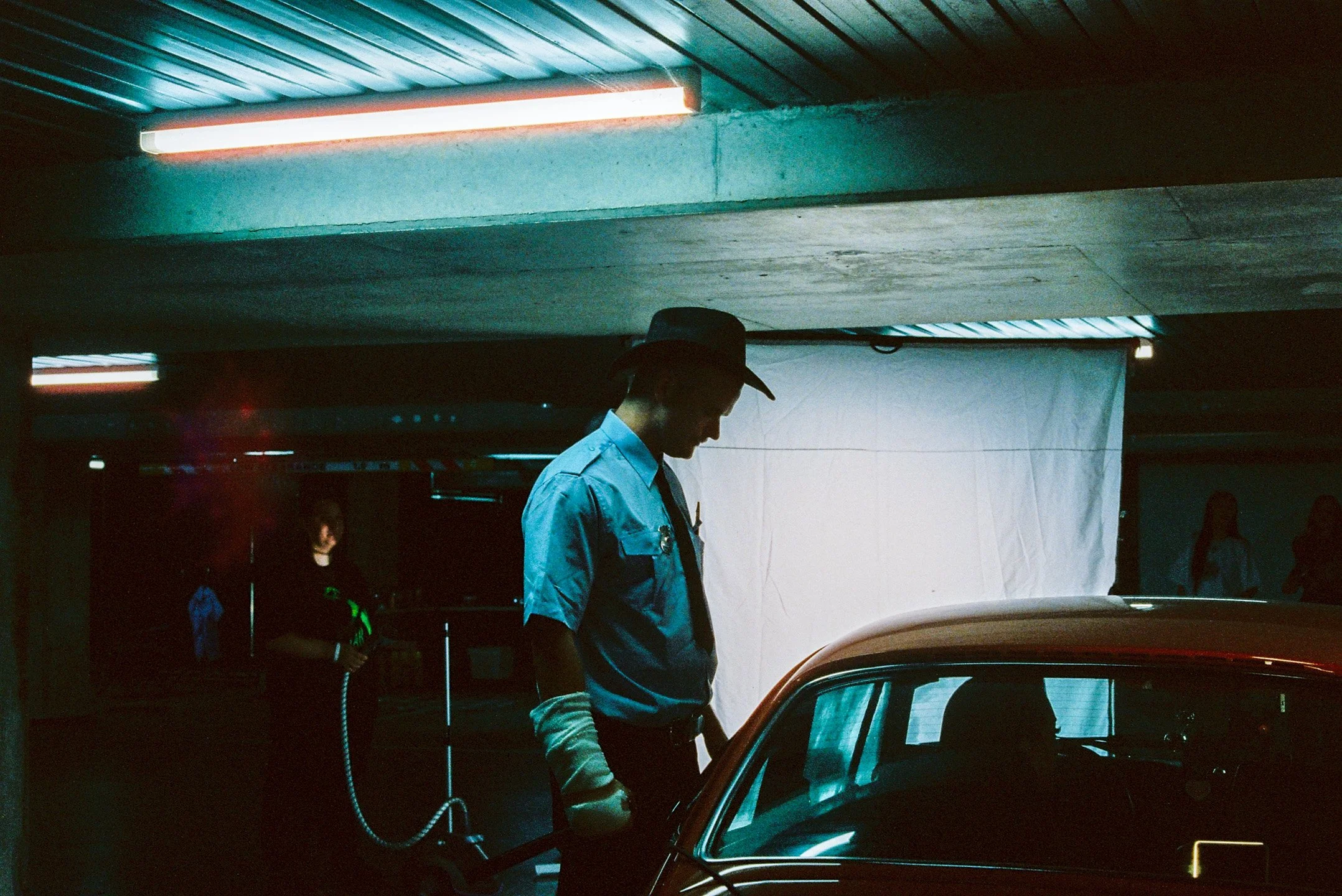
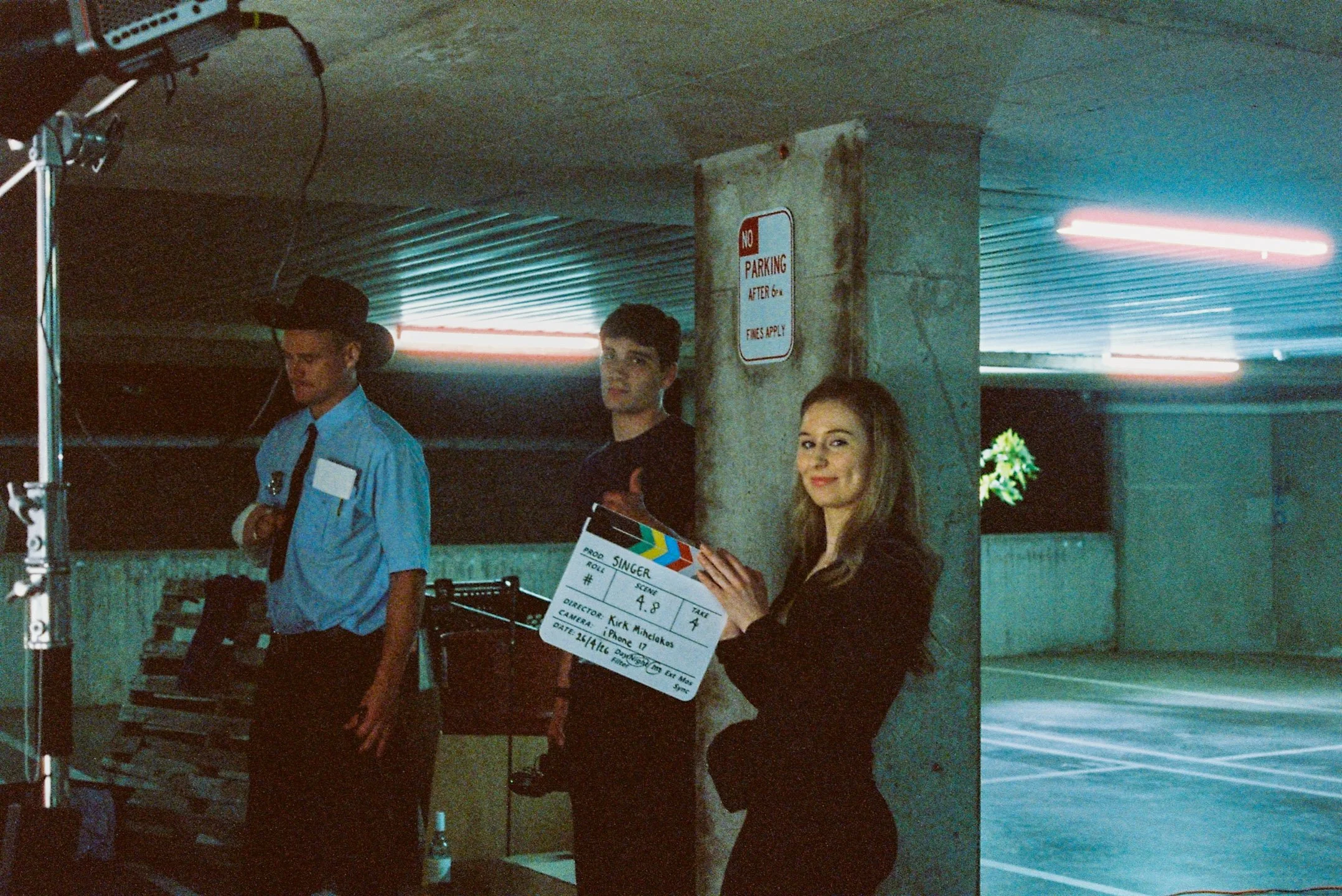
Collection of film stills from Day 1 of shooting on Singer.
iPhone Filmmaking Gear, Beastgrip & Lighting
Singer was shot on the iPhone 17 Pro with a collection of new rigging equipment, glass and other accessories. Most notably, despite Singer also being our longest iPhone short film, it also happens to have the higher proportion of imagery captured straight out of the iPhone glass, with no accessories added to the front elements. The main 24mm fusion camera, when exposed properly, has clean blacks, and nice highlight rolloff, and a great wide look in Opengate especially.
Beastgrip
Beastgrip were kind enough to send over their cage for my iPhone 17 Pro. A cage I recently covered in a mobile filmmaking cage comparison video you can see linked here.
Compared to any other filmmaking cage for mobile out there, the Beastgrip is undoubtely the most robust, and professional feeling cage. Albeit, a little bit slower to transition between different setups due to this robustness, a product and system I’m keen on using for many shoots to come. Especially when I want to be assured my iPhone and the accessories attached are secure.
The interchangeable lens plate modules, were especially a standout on the rig, alongside the quick to attach SSD mount made filming in Opengate ProRes Raw HQ incredibly straight forward to a T7 SSD. (An SSD I would typically avoid using due to it’s size, but learnt quickly from data issues on day one, that the speeds are required for prolonged filming at the aforementioned codecs.)
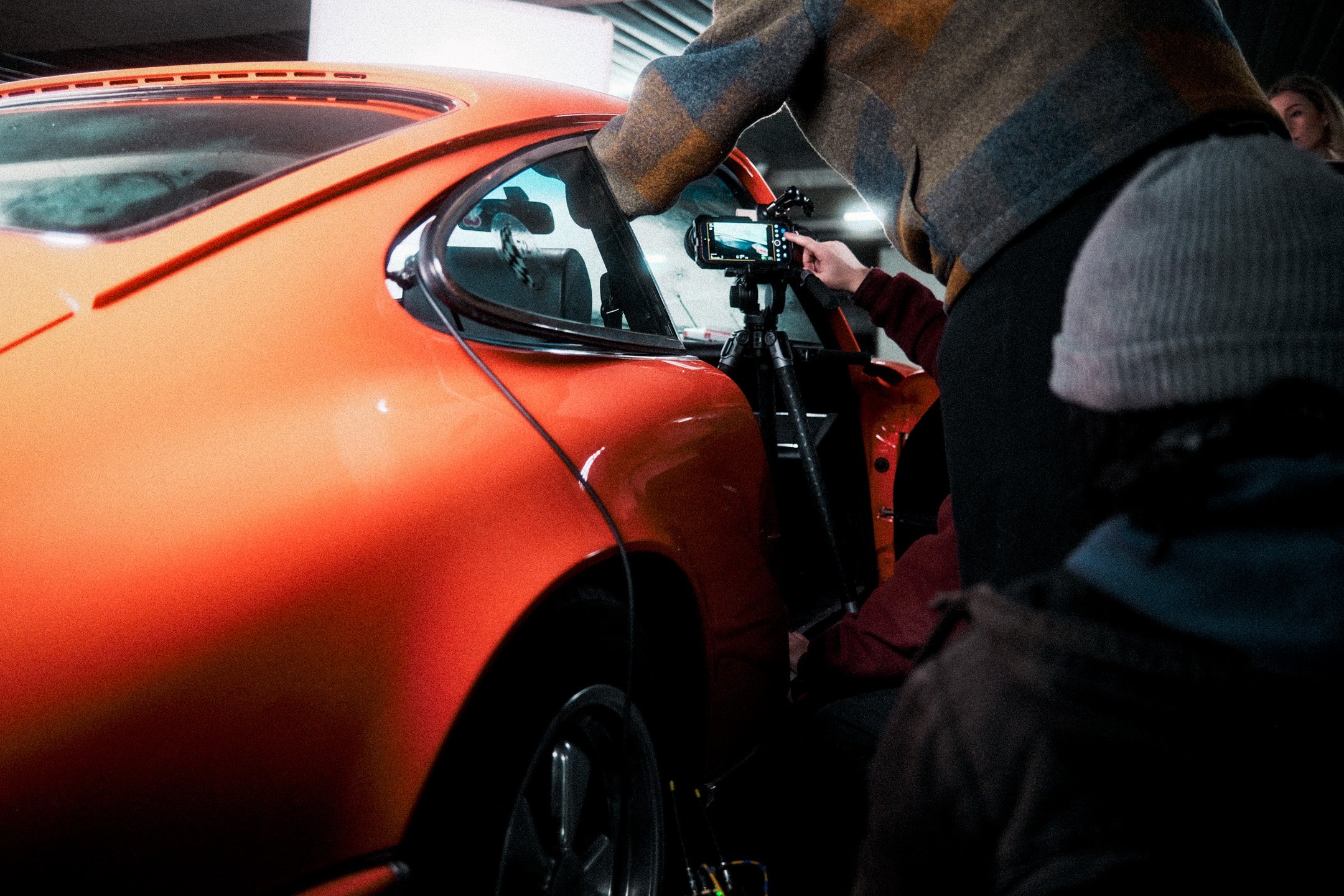
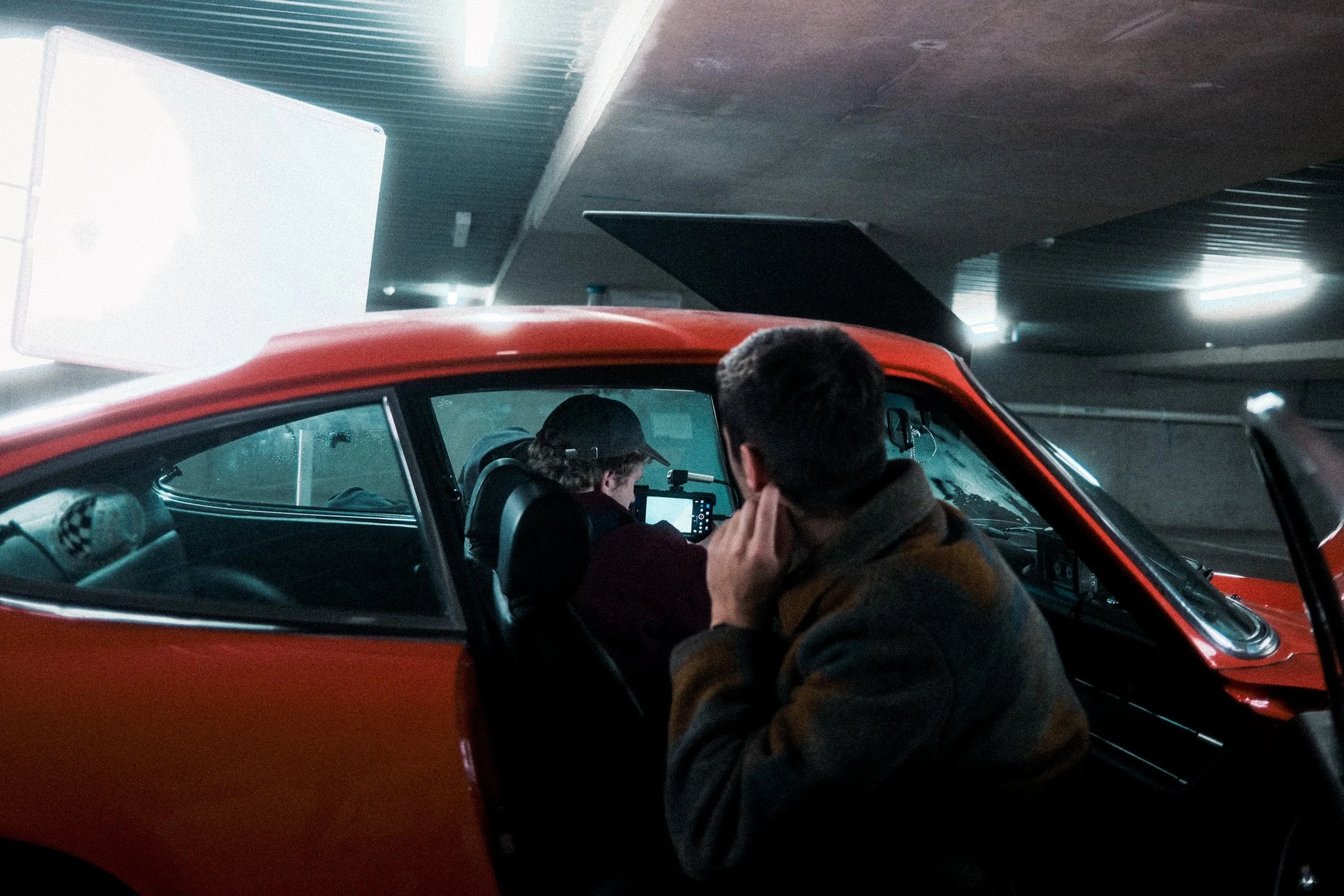
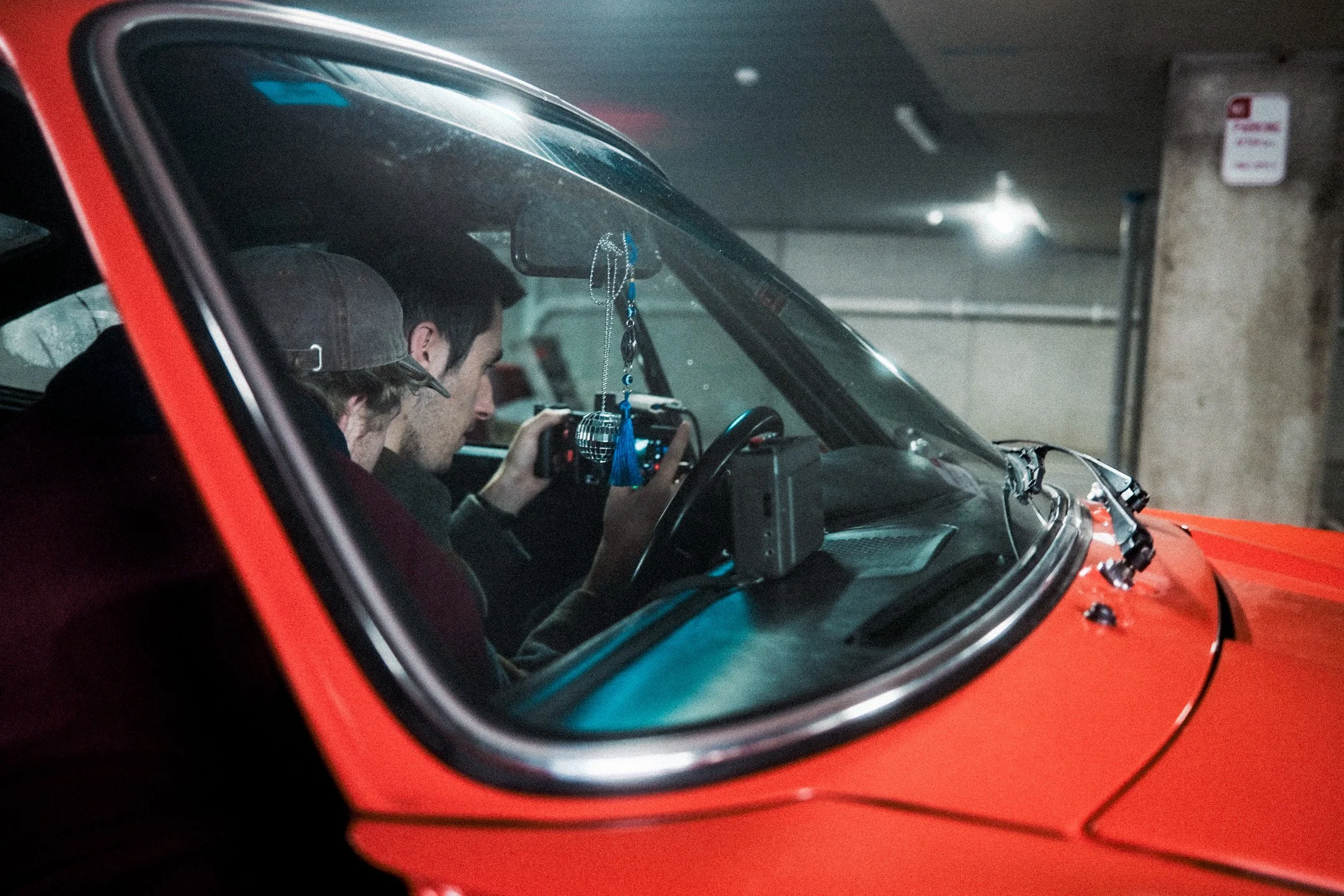
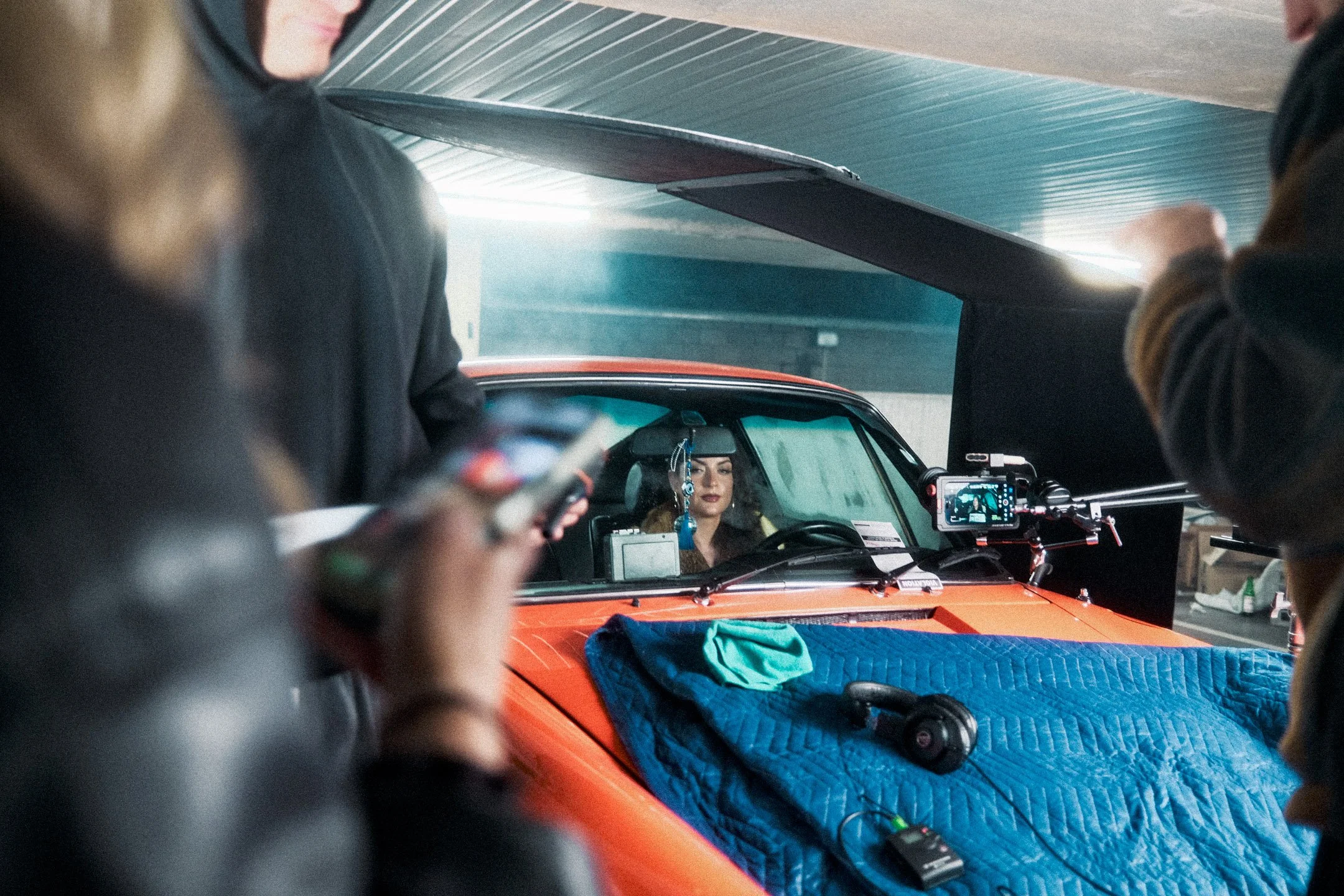
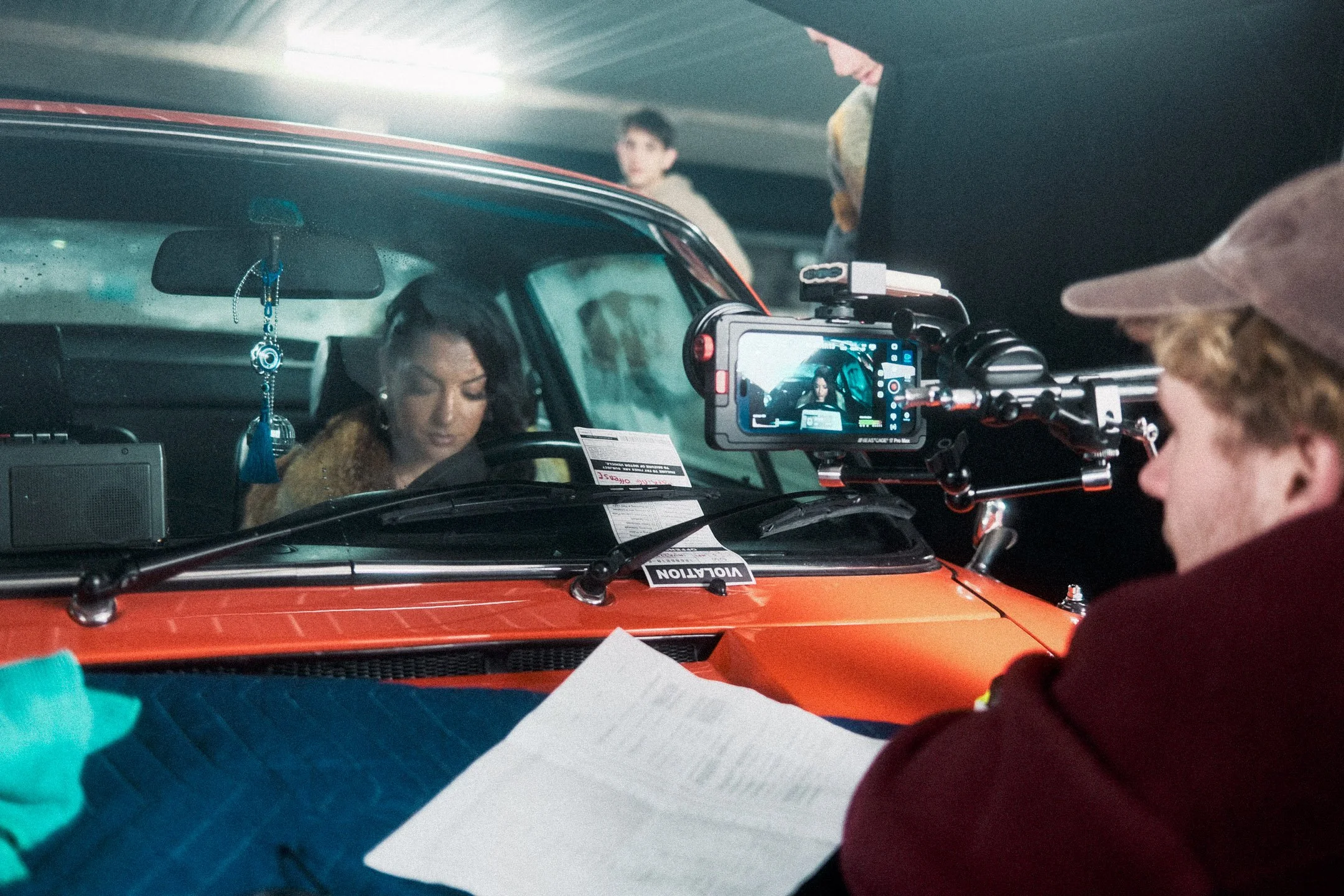
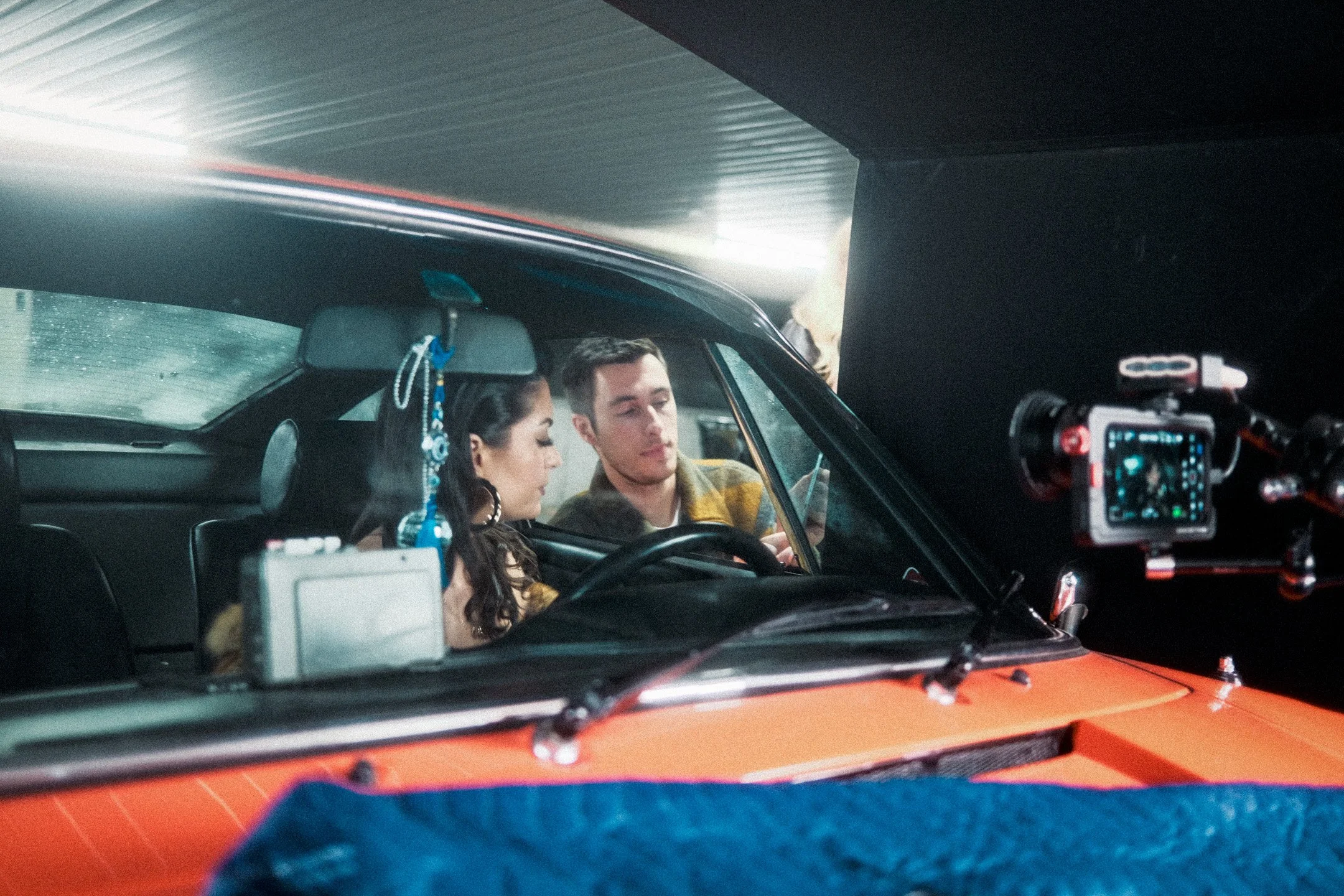
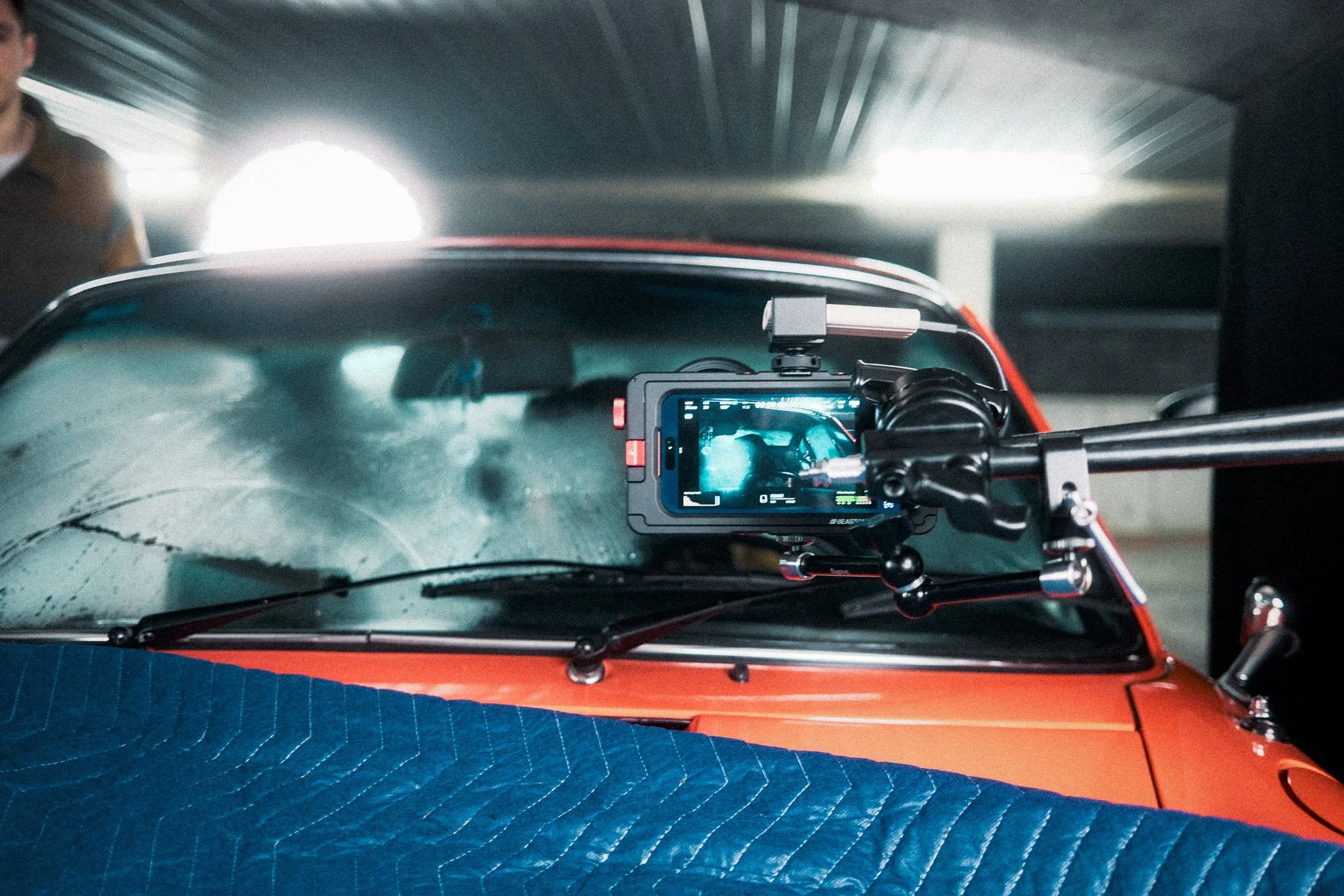
Beastgrip cage for iPhone 17 Pro was our main rigging solution.
In terms of glass, we utilised Beastgrip’s telephoto lens for many shots, which quickly become a favourite of mine, the optical quality is impeccable, and most importantly, there’s minimal vignetting with a filter in Opengate mode. The front filter thread diameter is wide enough compared to other lenses out there, which are often too small, causing notable lens distortion or vignetting in Opengate, which I wanted to avoid at all costs.
Alongside the Beastgrip lens and cage, notable other lenses included a Freewell 85mm for many shots, and Sandmarcs macro lenses for extreme closeups. Which are all easily interchangeable and swapped out thanks to the 17mm lens plates that come with the Beastgrip cage. Great universal support!
Lighting wise, we kept this super fluid and simple, a combination of an Amaran 200X, 100d, Apurture F22C and plenty of cutters to shape the practical lights in the car and carpark. I’ll be posting light diagrams soon if there’s interest.
Lighting the ‘Concert Sequence’
A late addition to Singer, was to show a brief premonition sequence of our protagonist envisioning the eventual success of her creative endeavours. The intention of picturing the moments before she would begin a performance in-front of an audience. To do this, we initially looked into leasing out a concert hall, filling seats in post, or as best as we could practically, yet for timing and budget reasons, this became unfeasible. So, location wise, we turned back to what we had access too. Like the main setting of singer…. a carpark. But turning that carpark into what was interpreted as a stage was the hurdle to overcome here.
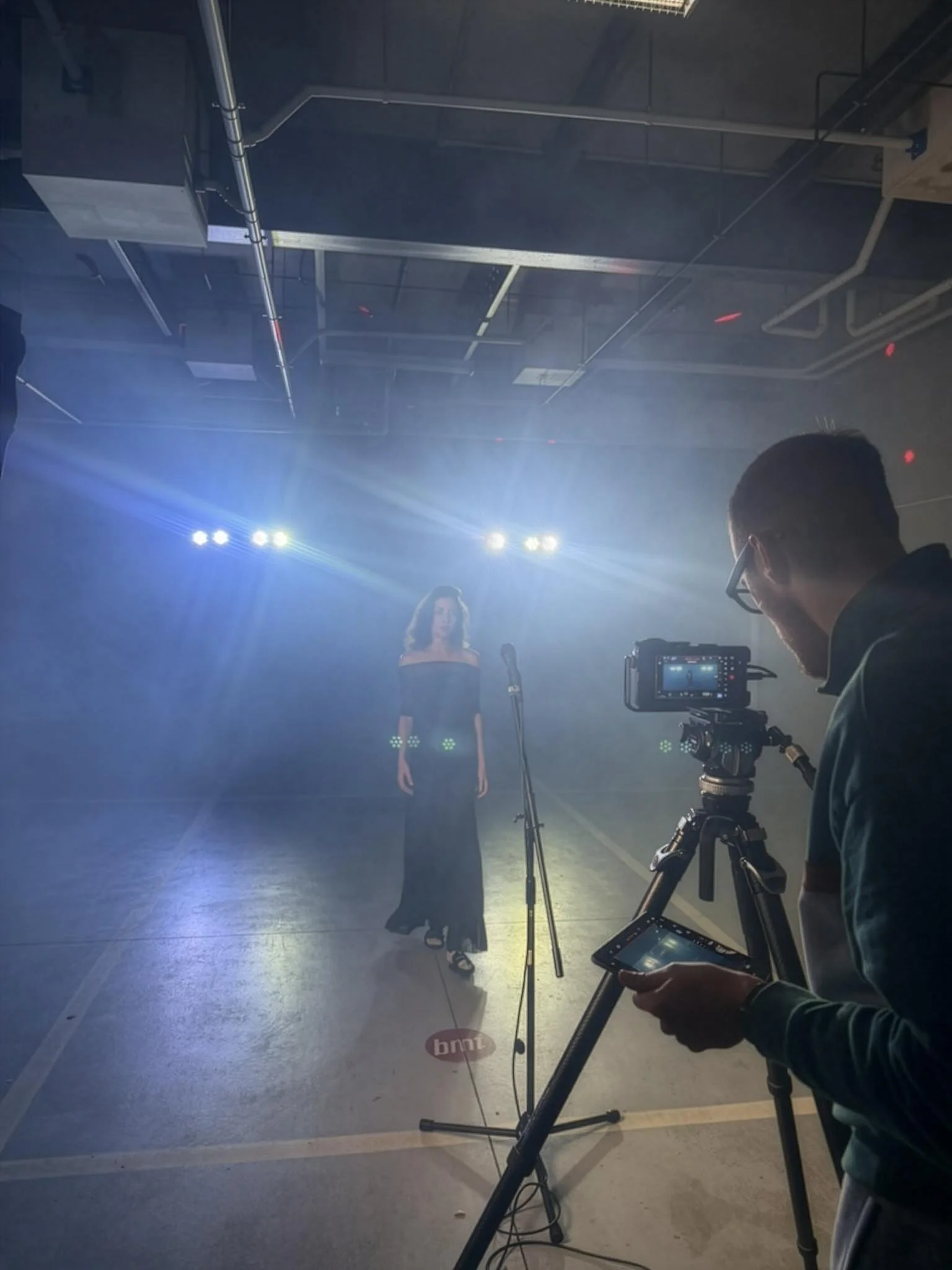
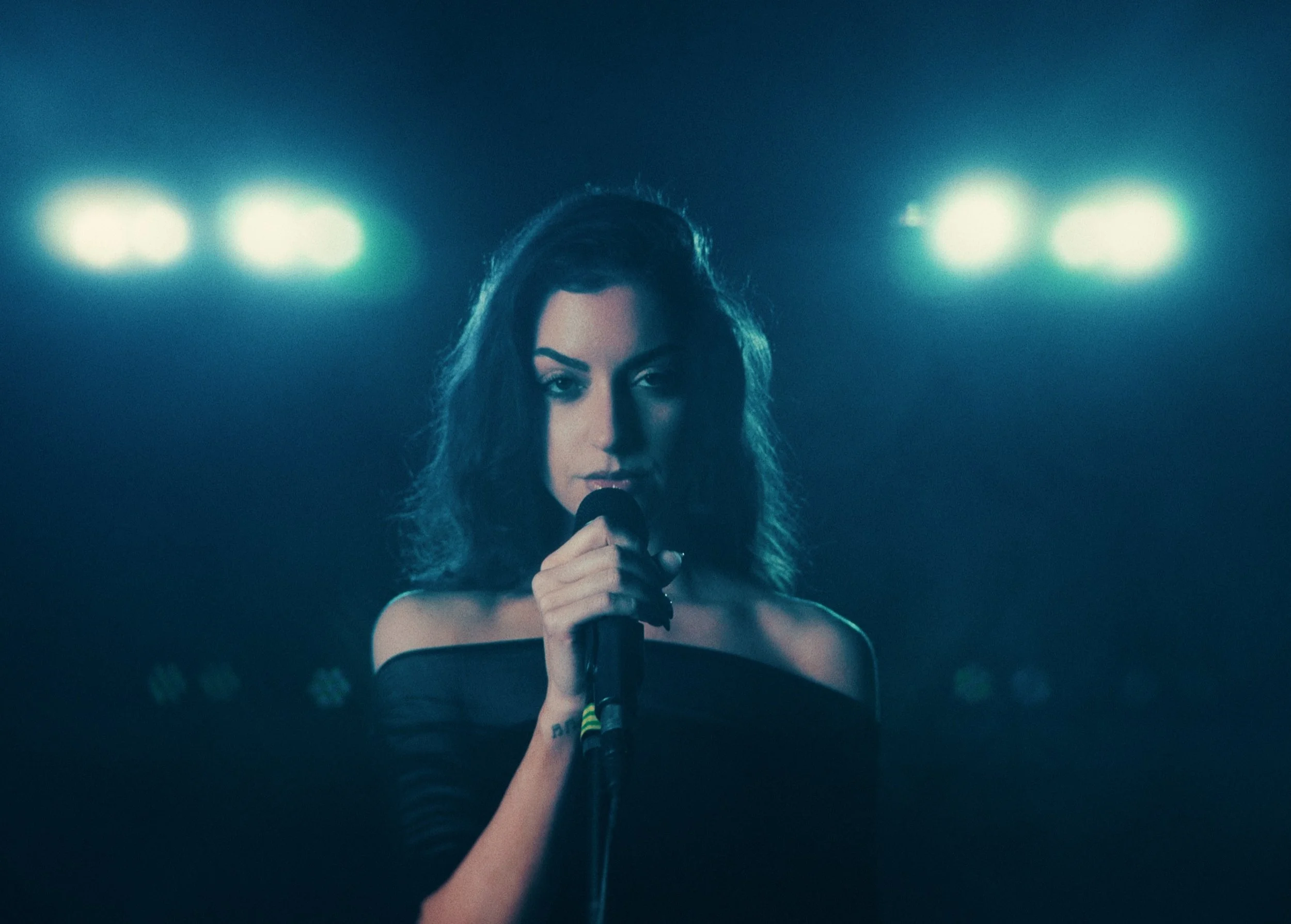
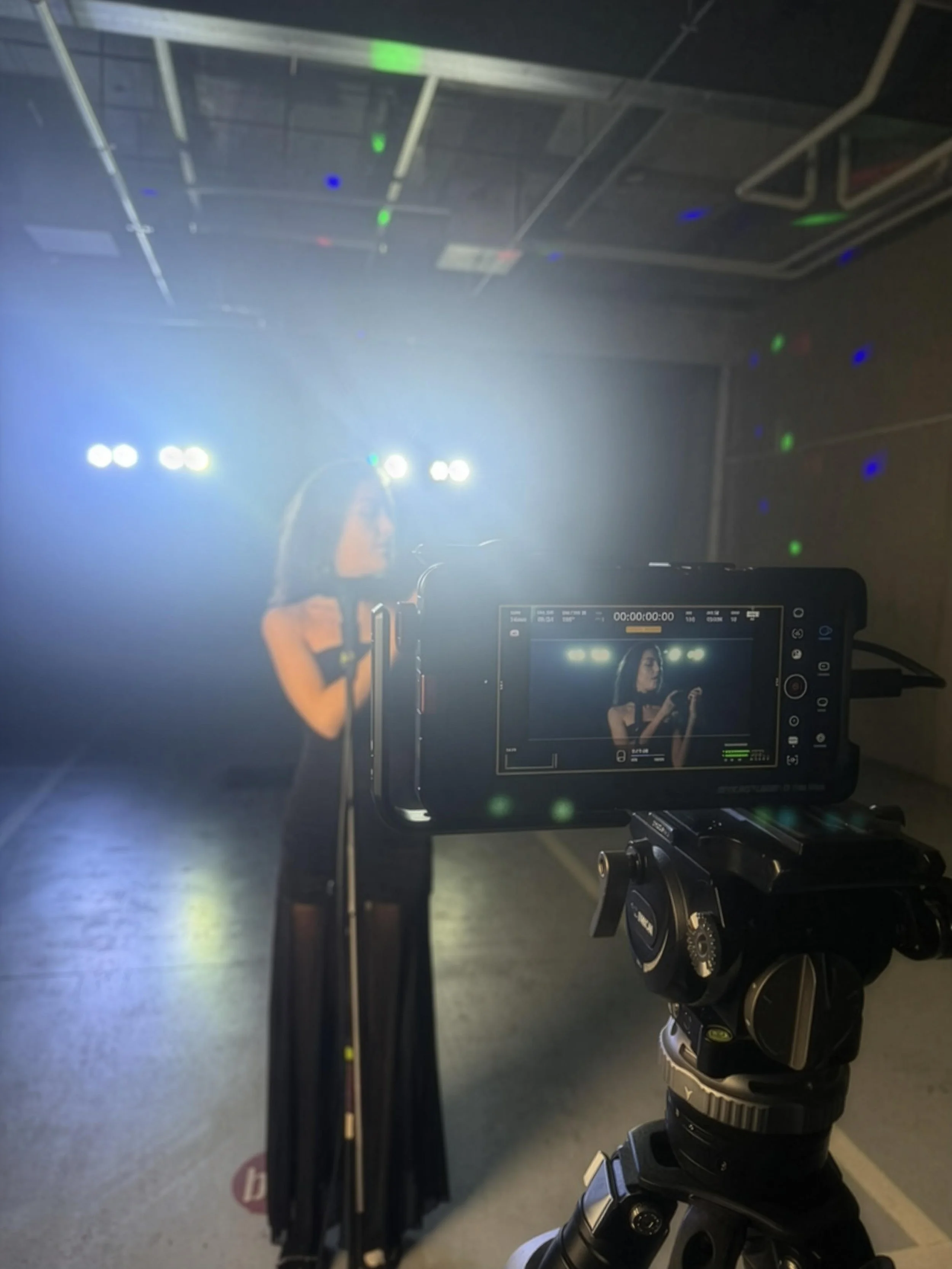
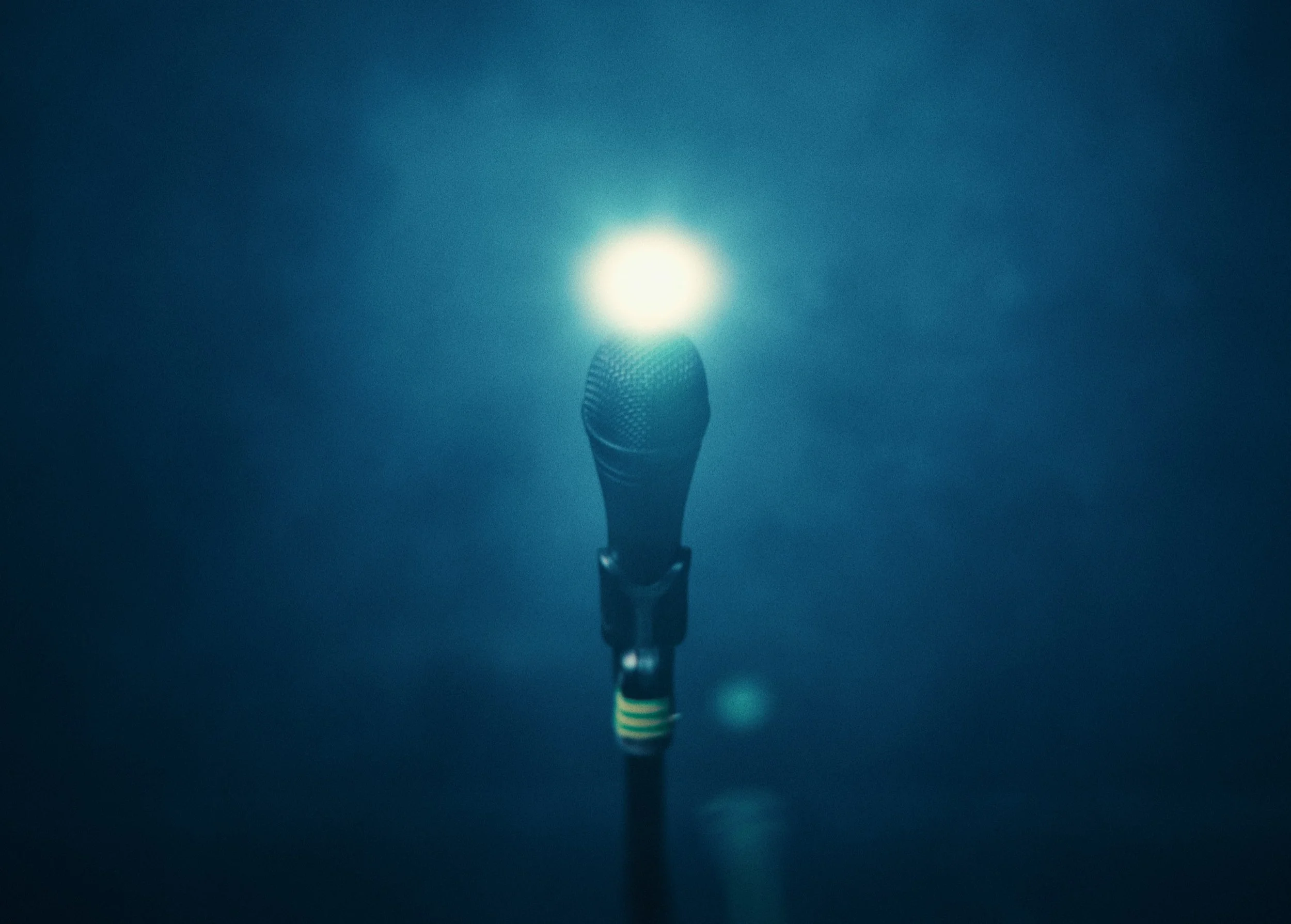
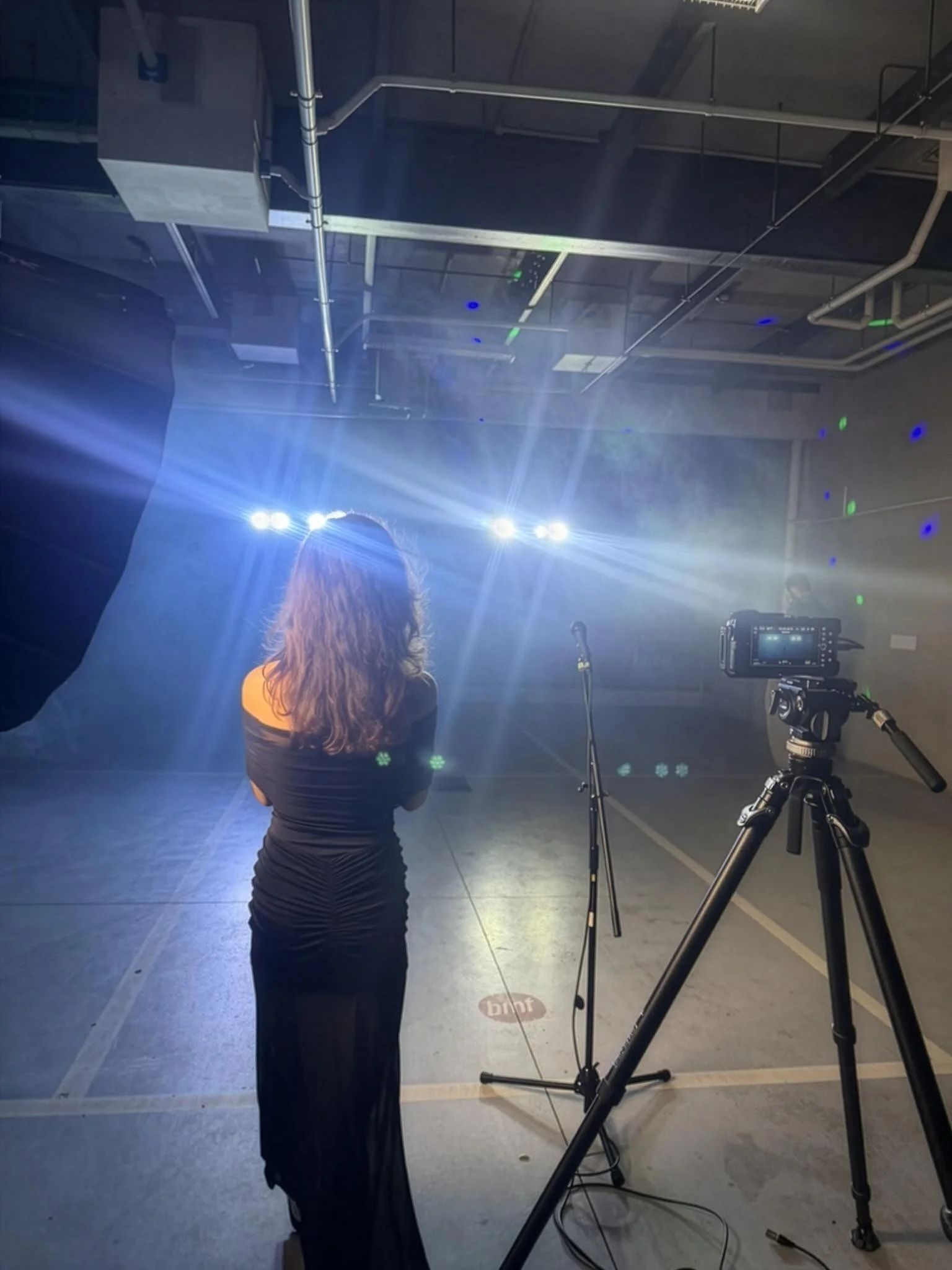
Pictured above, showcases how we setup the carpark, with stage / performance lights positioned at the back, plenty of added cinematic haze, and a simple key light to light our protagonist and her microphone. Allowing everything else to fade to black, hiding the carpark lines and concrete industrial cavern, the result given is a little more abstract than explicit, but suitably aligns with where our protagonist is at this point in the story.
Post-Production: Color Grade
Many viewers critical of our short films over the last year have been particularly vocal about their dissatisfaction with us labelling the films as shot on mobile when we also use external hardware. They claim it’s the glass that creates the look. And honestly, I’d love for that to be the case… It would save me a whole lot of time.
Truthfully, if it weren’t for the flexibility and depth of Apple Log 2, along with the hours spent working on individual shots in DaVinci Resolve, the ‘look’ simply wouldn’t be possible.
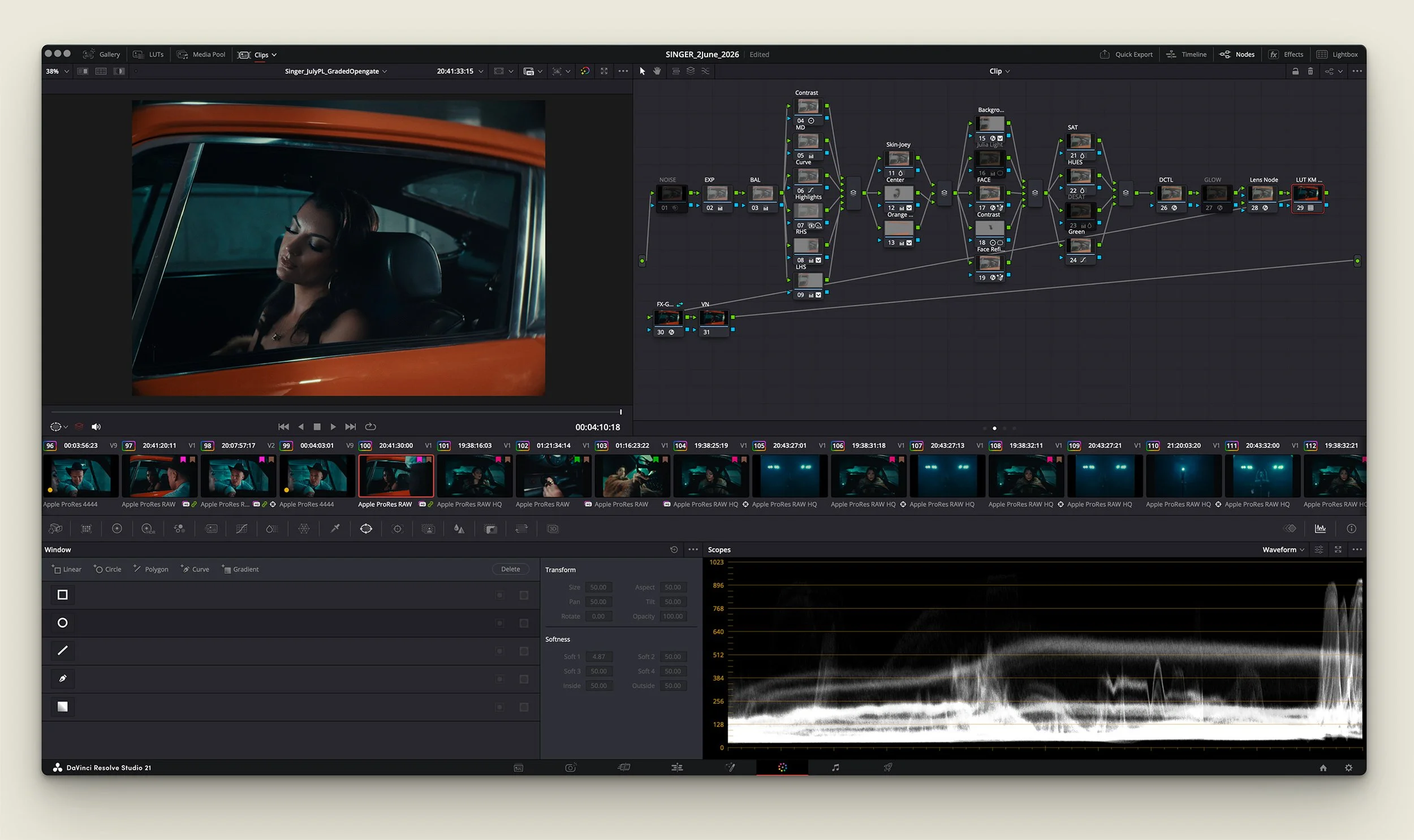
A screenshot of one of the ProRes RAW HQ Graded clips from Singer. Adjustment nodes, followed by masks, creative applications, all leading to Lens Node and my Apple Log transfer LUTS, the foundation of which built from my iPhone power-grades.
A lot of my colour grading process has remained the same throughout all of my short films. Notably, on This Close and Singer, I’ve utilised a lot of LensNode by Node Mill in my recent grades. Their vintage lens look applications are brilliant, and I love dialings in a lot of the look here. Similar to lighting, if there’s enough interest on specific tutorials for Singer and it’s color grade, I’ll provide more info and potentially make a video.
In the meantime, I recommend checking out my color grading video below, and if you’re keen on supporting my work, considering purchasing my power-grades for Apple Log as well.
Post-Production: VFX
Here’s a collection of VFX breakdowns provided by our visual effects artist Van Tran. Van does incredible work, this is the third film we’ve worked with him on. The most notable shot involved adding in a window for the second shot of the film, creating the glass pass-through effect. Alongside numerous amounts of fog atmospheric glass additions and materials cleanup. All pictured below.
Window addition, fog & atmospherics, dolly in and parralax effects extending
camera movement into interior cabin.
Background environment cleanup, sign removal, and smoke alarm sensor deletion.
Windscreen atmospheric fog enhancements, water droplet removal.
Object removal in background, plus additional window atmospheric fog enhancements.
Apple Pro Res RAW HQ
My codec workflow was very similar as to all my other projects. Not much really changed here. We shot in ProRes Raw HQ Opengate utilising the Blackmagic Camera App on my iPhone 17 Pro. All the footage was graded in Davinci Resolve 21, utilising my Apple Log LUTS and power-grades which you can find here.
ProRes Raw enables changing camera settings in post such as ISO, white balance and other captured material, which is incredibly handy (albeit very taxiing on file sizes - total size for this project was 1.5TB+). Opengate, enables full sensor readout, providing our look to feel a lot more expansive, capturing images at a large 4224 x 3024.
Exposure wise, ISO was usually set at 1250 with an ND being applied, or sticking below ISO 400 without any filtration. Personally, I prefer sticking to the lower ISO’s where you can, to minimise noise and banding.
Giving our frames a bigger format look out of camera, with plenty of optional abilities to crop in post, without losing quality).
Full sensor Opengate readout captured in Apple Log 2 Pro Res Raw on the iPhone 17 Pro. (4224 × 3024).
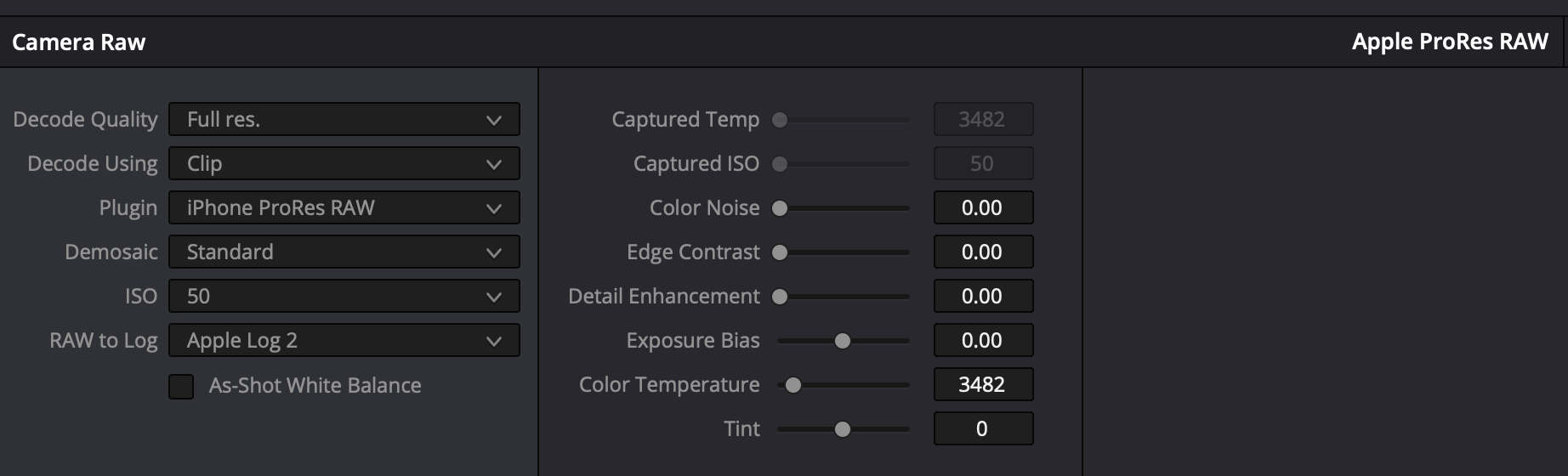
Editing Apple Log 2 Pro Res Raw settings captured in Davinci Resolve 21.
Want something covered? Let me know in the comments below.
Additional Gear Used in this iPhone Short Film (with Links)
Beastgrip Cage: https://beastgrip.kckb.st/f9f7eaff
Beastgrip Lens: https://beastgrip.kckb.st/a9c0eb22
Beastgrip (General): https://beastgrip.kckb.st/023387a1
1.7x Telephoto Lens: https://amzn.to/484C7PY
2.5x Telephoto Lens: https://amzn.to/4r6Qmwk
Sandmarc Macro: https://bit.ly/4oSTYB9
ND Filter: https://amzn.to/43xCu47
Magnetic ND Filter Kit: https://amzn.to/49WzDWe
iPhone Camera Cage: https://amzn.to/49ZppV7
Freewell iPhone Case: https://amzn.to/3XXGsQl
Tripod: https://amzn.to/3JTAfBA
Tripod Attachment Clamp: https://amzn.to/41gV4vq
Gimbal: https://amzn.to/3HzfB8v
My Other Favorite iPhone Filmmaking Gear
Sandmarc Telephoto Lens: https://bit.ly/4lrEQc2
Sandmarc Wide Lens: https://bit.ly/4lpsilh
iPhone Case: https://bit.ly/4kRJdfB
Use code 'kirkmihelakos10' for 10% Off All Sandmarc Products
ND Filter: https://bit.ly/3RK6rHH
Cinema Haze Machine: https://bit.ly/4oCM7XZ
iPhone Filmmaking Cage: https://amzn.to/415WlWQ
Frequently Asked iPhone Filmmaking Questions:
-
iPhone 17 Pro Max 1TB. Utilsiing the Blackmagic camera app. Shot in Apple Log 2, Opengate using ProRes RAW for the codec.
-
Davinci Resolve 20
-
I follow a pretty standard process for all of my iPhone footage grades. Shoot in Apple Log in ProRes RAW for maximum color fidelity, and dynamic range + Bit-depth. Bring it into resolve, apply my Apple Log conversion LUT first, and work from there. I have a Powergrade template that I use in resolve to speed up the workflow too, which includes Davinci Resolves Film Look Creator.
-
Extremely straight forward setup, only really utilised my Amaran 200x and 100d for the library sequences.
-
It’s such a small versatile camera, that requires minimal crew and setup time. Allowing us to focus on what matters, filmmaking, storytelling, and just having fun doing it all.
-
I applied a Magic Mask and power window (depending on the shot) to the foreground subject, to mask it OUT, of a radial blur effect applied. A free, included effect available inside of Davinci Resolve 20.
Film Links
High Quality 4K ProRes Upload
Want to watch String Theory in an (almost) uncompressed format, check out this version below.
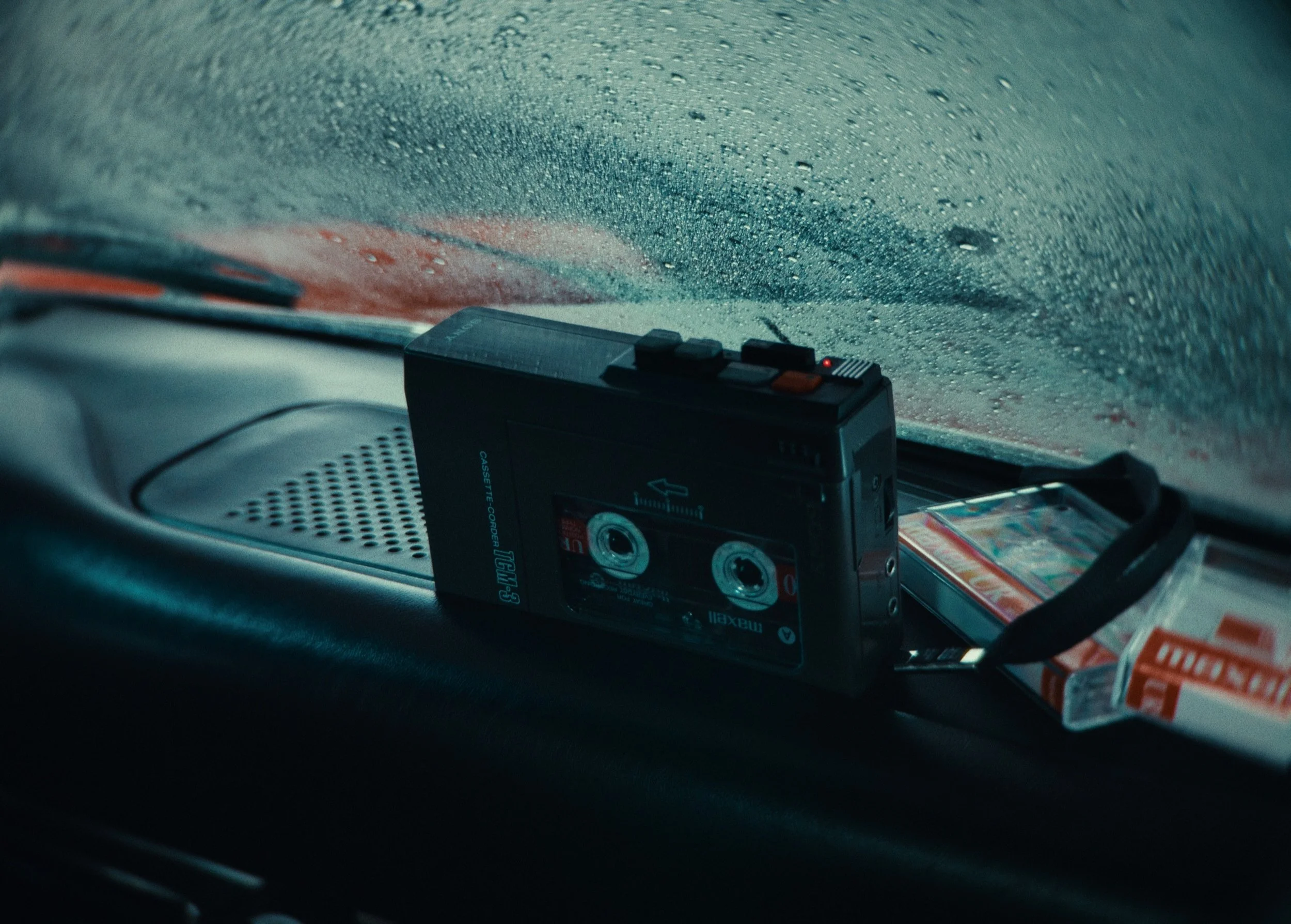
Review Singer on Letterboxd
If you would like to leave your feedback on the short, or just show some more support, feel free to log or review here.
YouTube Upload
Support the channel and watch here. Plus watch our other iPhone short films and behind-the-scenes videos.
Some links in this article may be affiliate activated.
